
Last updated 09-01-2026
Category:
Reviews:
Join thousands of AI enthusiasts in the World of AI!
Ghostwrite AI
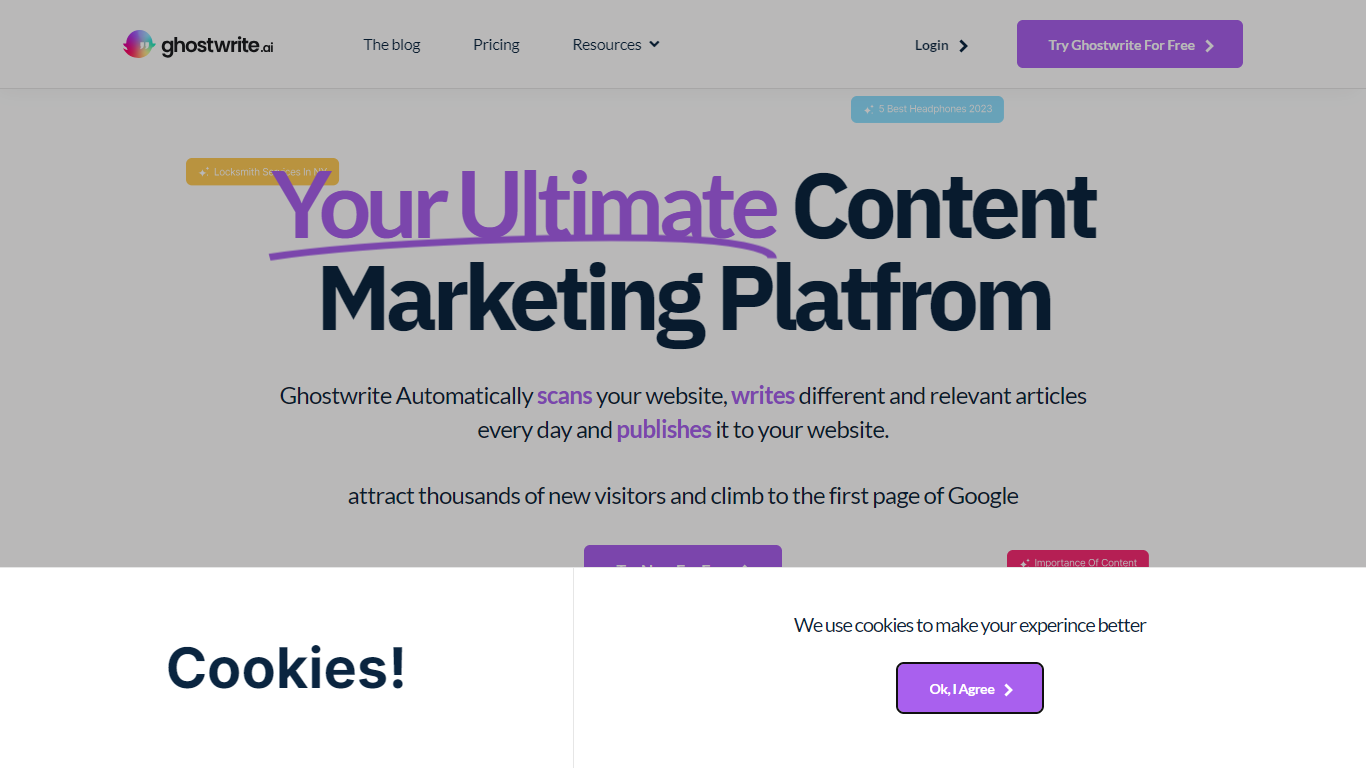
Ghostwrite AI automates blog production for your website by scanning your existing pages, profiling your brand voice, and publishing fresh articles on a recurring schedule. It targets teams that want more organic search traffic without hiring writers for every post. The homepage says it can scan, write, and publish in about three seconds once configured.
Most AI writing tools stop at draft generation. Ghostwrite AI closes the loop with brand profiling from your blog and keywords, automatic internal linking between related posts, and scheduled publishing to WordPress, Wix, Shopify, Webflow, or custom sites. Pricing also highlights a fine-tuned GPT-4 Turbo engine plus a proprietary SEO layer built for recurring blog output rather than one-off copy.
Content marketers, solo creators, and small marketing teams can invite teammates with Admin, Editor, and Viewer permissions. The platform writes in 25+ languages and lists a no-credit-card free trial on the Starter Pack.
Scans your website and drafts blog posts on a recurring schedule
Fine-tuned GPT-4 Turbo engine with a proprietary SEO model on paid plans
Publishes to WordPress, Wix, Shopify, Webflow, or custom websites
Connects new posts with automatic internal linking across your library
50+ templates for SEO, conversion, engagement, and tone goals
Writes in 25+ languages including English, Spanish, German, and Arabic
Team permissions with Admin, Editor, and Viewer roles for collaborators
Automates scanning, writing, and publishing in one workflow tied to your CMS.
Supports major CMS platforms plus custom websites from a single dashboard.
Free trial is advertised with no credit card required on the Starter Pack.
Keyword and tone controls include 50+ templates for different content goals.
Higher-volume plans jump quickly from $69 to $179 per month for teams.
Bulk plan pricing on the comparison table shows conflicting lifetime and monthly labels.
Demo and sales contact for larger teams routes through a form rather than instant checkout.
Does Ghostwrite AI offer a free trial?
Yes. Ghostwrite AI advertises a free trial on its pricing page with no credit card required for the Starter Pack. You can also sign up at app.ghostwrites.ai to try the platform.
Which CMS platforms does Ghostwrite AI integrate with?
Ghostwrite AI integrates with WordPress, Wix, Shopify, Webflow, and custom websites. Its FAQ page also lists custom code websites as supported publishing targets.
Can I control keywords and article tone in Ghostwrite AI?
Yes. Ghostwrite AI lets you add your own target keywords alongside its suggestions. The FAQ page also states you can manage tone and style using more than 50 templates for goals like SEO, conversion, and engagement.
How much does Ghostwrite AI cost?
Ghostwrite AI lists Starter Pack at $14.90 per month for up to 5 blog posts, Creators at $69 per month for up to 25 posts, Teams at $179 per month for up to 70 posts, and a Bulk lifetime option starting at $50.
Is AI-generated content allowed by Google according to Ghostwrite AI?
Ghostwrite AI states that AI-generated content is allowed by Google when it meets quality guidelines. The company says its output is designed to align with Google policies.
How can I contact Ghostwrite AI support?
You can email [email protected] or use the contact form at ghostwrites.ai/contact-us. The site also hosts a knowledge base at learn.ghostwrites.ai.