
Last updated 07-02-2026
Category:
Reviews:
Join thousands of AI enthusiasts in the World of AI!
Ginger Software
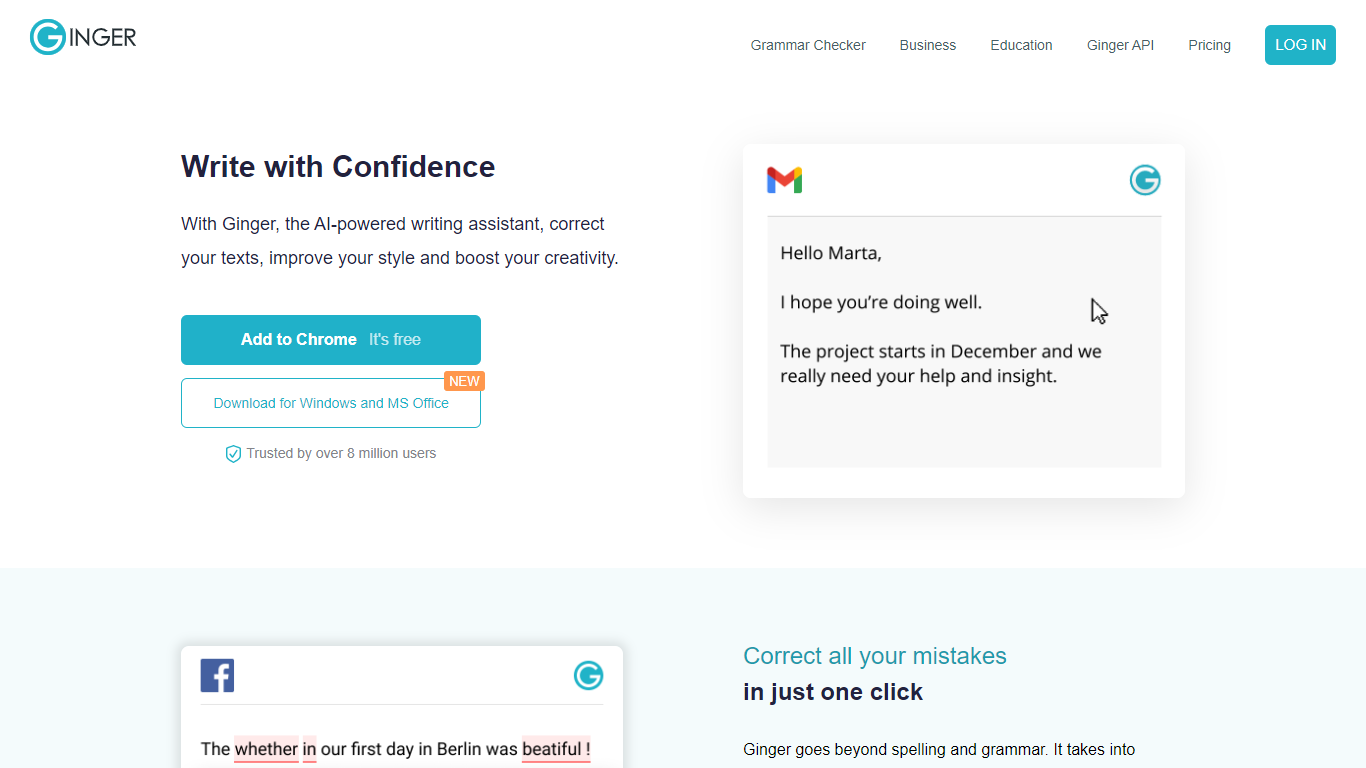
Ginger Software is a writing assistant that checks grammar, spelling, and punctuation across full sentences rather than word by word. It suggests context-based corrections in one click, rephrases sentences with alternative wording, and offers synonyms on demand. The tool runs in browser extensions for Chrome and Edge, desktop apps for Windows and Mac, a Microsoft Word add-in, and mobile apps for iOS and Android.
Beyond basic proofreading, Ginger includes Sentence Rephrase for rewriting whole passages, translation into 40+ languages, and a Personal Trainer that builds lessons from your own writing mistakes. Premium adds unlimited rephrasing, tone adjustments, and native integrations with Microsoft Office and Google Docs. Ginger also sells team plans for businesses and discounted subscriptions for students and educators.
Developers can integrate Ginger's grammar engine through the Ginger API for document proofreading, LMS platforms, and internal QA workflows. The company has been operating since 2010 and reports over 1 million weekly active users and more than 1 billion sentences corrected.
Corrects full sentences in context with one-click fixes for grammar, spelling, and punctuation
Rephrases sentences with multiple AI suggestions for tone, clarity, and vocabulary
Works in Chrome, Edge, Windows, Mac, Microsoft Word, Google Docs, iOS, and Android
Translates text into 40+ languages without leaving your document
Personal Trainer builds English lessons from your own recurring writing mistakes
Corrects entire sentences in one click instead of fixing errors one at a time.
Available across browsers, desktop, Word, Google Docs, and mobile without copy-pasting.
Personal Trainer turns your own mistakes into targeted English lessons.
Business and education plans with centralized billing and institutional discounts.
No free trial for Premium; you rely on the free tier or a 7-day money-back guarantee.
Microsoft Office add-in is Windows only.
API access requires contacting sales rather than self-serve signup.
Is Ginger Software free to use?
Yes. Ginger offers a free account with essential grammar and spelling checks. Premium plans unlock unlimited rephrasing, full-sentence corrections, translation, and advanced integrations.
Does Ginger Software offer a free trial?
No. Ginger does not currently offer a free trial for Premium. You can use the free version to test core features, and Premium includes a 7-day money-back guarantee.
What platforms does Ginger Software support?
Ginger runs as browser extensions for Chrome and Edge, desktop apps for Windows and Mac, a Microsoft Word add-in, and mobile apps for iOS and Android. Premium also integrates with Google Docs.
Does Ginger Software work for teams and schools?
Yes. Ginger Business offers centralized billing and team management for up to 100,000 members. Ginger Education provides discounted Premium access for eligible students and teachers, plus institutional pricing through sales.
Can developers integrate Ginger into their own apps?
Yes. The Ginger Grammar API lets you proofread documents, texts, or HTML pages with full-document correction, mistake explanations, and optional synonyms and rephrasing. Contact sales for API access.