
Last updated 08-30-2026
Category:
Reviews:
Join thousands of AI enthusiasts in the World of AI!
GPT Image 1.5
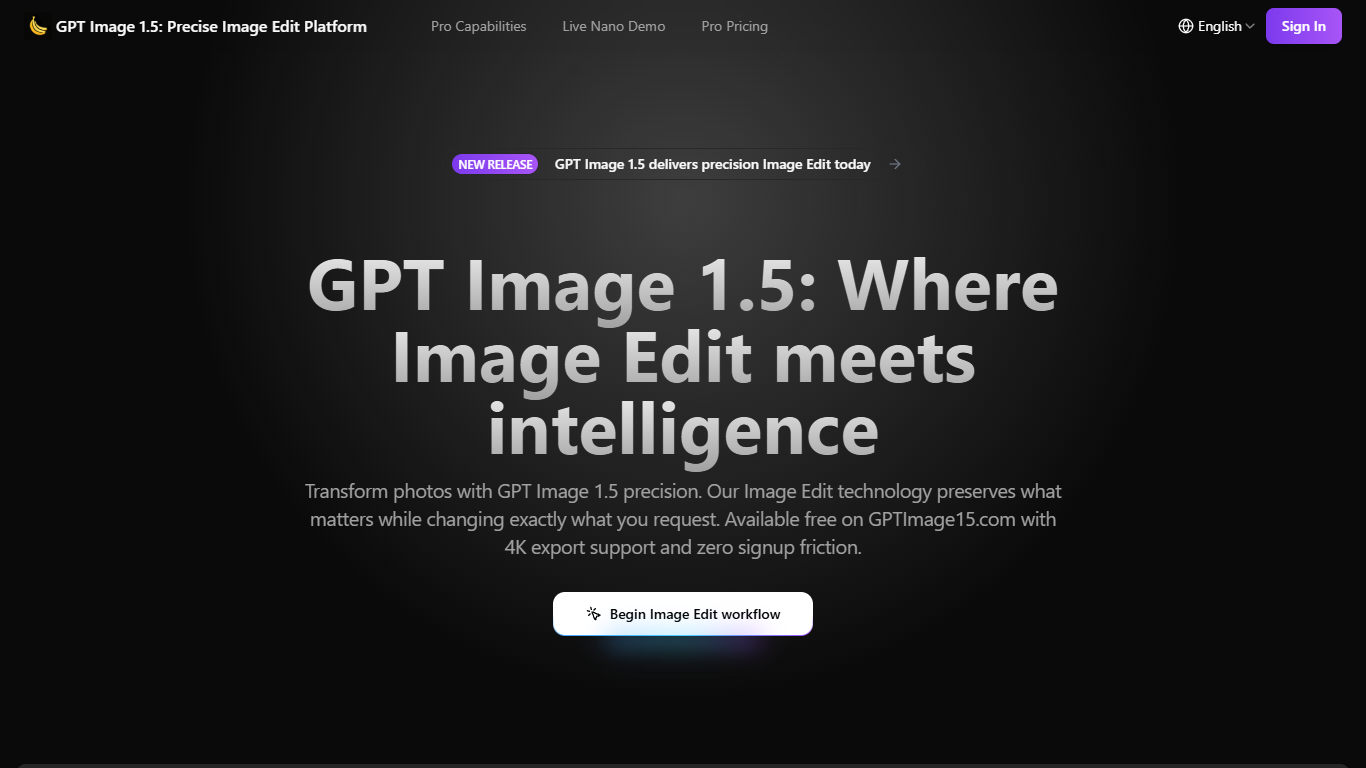
GPT Image 1.5 is a browser-based visual workspace on GPTImage15.com for editing, generating, and animating images from text prompts. Upload a photo, describe the change you want, and the platform applies targeted edits while keeping faces, lighting, and composition intact. It also supports text-to-image creation and several video workflows, including text-to-video, image-to-video, video editing, and Wan Animate.
The editor runs on the Nano Banana Pro model and accepts detailed natural-language instructions about placement, quantities, and attributes. You can add or remove objects, swap backgrounds, change wardrobe, render readable text on curved surfaces, and build multi-frame series where characters stay consistent across outputs.
The site is aimed at content creators, marketing teams, and media producers who need fast visual iterations for social posts, ads, storyboards, and presentation graphics. You can start with complimentary credits on the homepage demo, then sign in for history, saved preferences, and paid credit plans.
Upload a photo and describe edits in plain language while faces and lighting stay consistent
Switch between image edit, text-to-image, text-to-video, image-to-video, and video edit modes
Run Wan Animate to add motion to still images with physics-aware movement
Render readable text on curved surfaces, dense layouts, and multiple languages
Lock character appearance across a series so props and environments stay aligned
Export PNG, JPEG, WebP, or TIFF outputs with 2K standard resolution and optional 4K enhancement
Combines image edit, generation, and video modes in one browser workspace.
Complimentary credits let you test the editor before buying more credits.
Detailed prompts support spatial relationships, counts, and attribute changes.
Failed generations refund credits automatically on GPTImage15.com.
Public pricing pages describe credit plans but do not list dollar amounts for paid tiers.
Typical generations consume credits quickly, with the demo showing 110 credits per image edit run.
Account registration is required to access history, saved preferences, and collaboration tools.
Is GPT Image 1.5 free to use?
GPT Image 1.5 offers complimentary credits so you can try image edit and generation on GPTImage15.com without entering payment details first. Paid subscription and one-time credit purchases are available when you need more volume.
How does the GPT Image 1.5 credit system work?
GPT Image 1.5 uses credits for each generation, with usage varying by feature complexity. Subscription credits reset on a monthly or annual cycle, one-time purchase credits do not expire, and credits are refunded automatically when a generation fails due to system errors.
What file formats does GPT Image 1.5 support?
GPT Image 1.5 accepts PNG, JPEG, WebP, and TIFF uploads for image editing. Outputs are available in the same formats, with transparency supported where the selected format allows it.
Does GPT Image 1.5 support video generation?
Yes. GPT Image 1.5 includes text-to-video, image-to-video, video edit, and Wan Animate modes alongside its image editing and text-to-image tools in the same workspace.
What resolution outputs does GPT Image 1.5 provide?
GPT Image 1.5 delivers standard outputs up to 2K resolution, with optional 4K enhancement available for higher-detail exports.
Do I need an account to use GPT Image 1.5?
You can start editing and generating on GPTImage15.com with complimentary credits before creating an account. Signing in unlocks history, saved preferences, and collaboration tools, with registration available by email or social authentication.
What languages does GPT Image 1.5 support?
The GPTImage15.com interface is available in English, Chinese, and Japanese, and the editor supports multi-language text rendering within generated images.