
Last updated 08-21-2026
Category:
Reviews:
Join thousands of AI enthusiasts in the World of AI!
Makify AI (formerly GPT Image 2 by AI GPT Image)
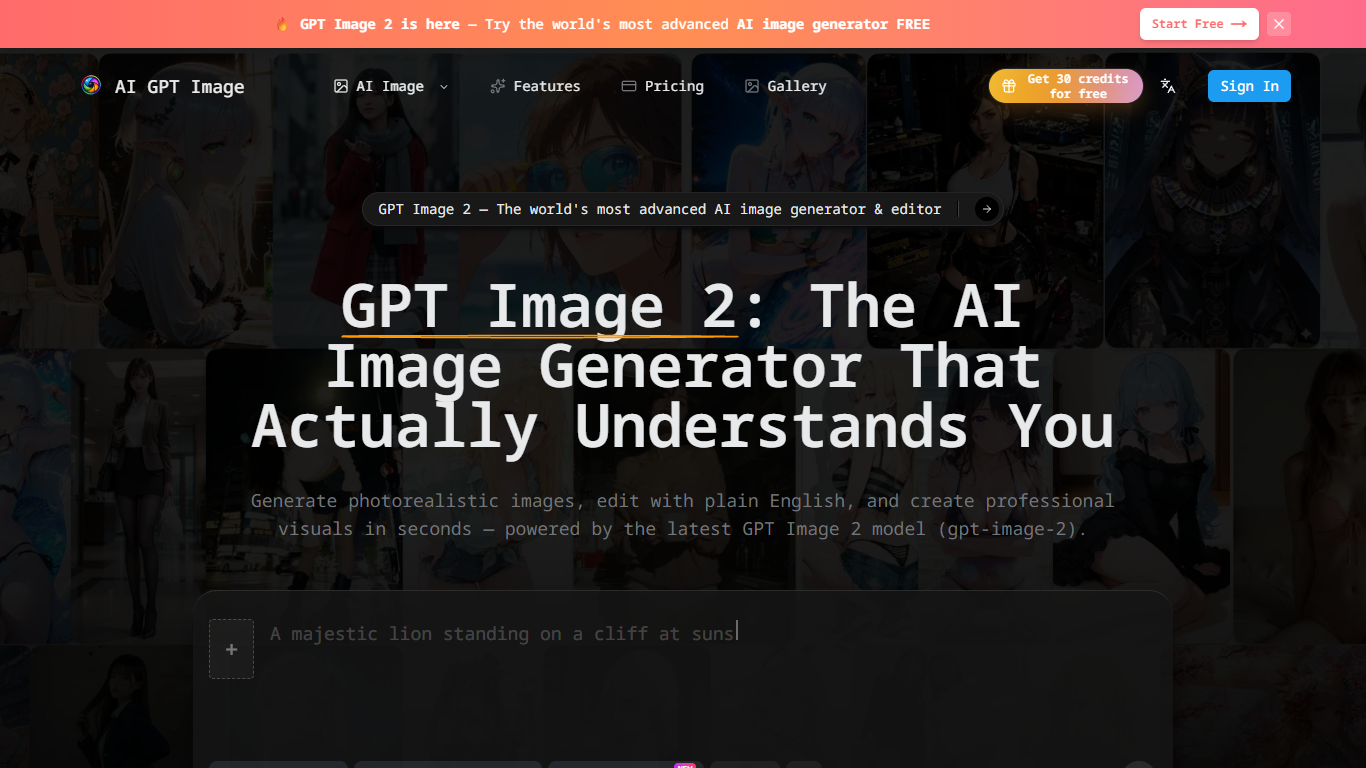
Makify AI, formerly AI GPT Image, is an image generation and editing platform built around GPT Image 2. You describe what you want in plain English, generate photorealistic visuals, and refine them in follow-up prompts without opening a design tool. The site offers 30 free credits to start with no credit card required.
Most AI image tools struggle with readable text in posters, UI mockups, and packaging. Makify AI centers on GPT Image 2 for sharp text rendering, multi-turn conversational edits, and commercial licensing on paid plans, plus a broader tool library for upscaling, background removal, and product photography.
Creators, marketers, e-commerce sellers, and developers use Makify AI for ad creatives, product shots, app mockups, and API-driven batch generation. Annual plans start at $9.90 per month on Basic with 1,800 credits per year, and exports include PNG, JPEG, and WebP with optional transparent backgrounds.
GPT Image 2 renders dense text, UI labels, and non-Latin scripts in generated images
Multi-turn editing updates backgrounds, outfits, or objects from plain-English follow-ups
Exports PNG, JPEG, and WebP with optional transparent backgrounds
Commercial license included on paid plans with no-watermark outputs
Annual Basic plan includes 1,800 credits per year at $9.90 per month billed yearly
Developer API supports batch generation and custom quality settings
Tool library adds upscaling, background removal, and AI product photography
GPT Image 2 focuses on readable text inside generated images, not just scenery.
30 free credits let you test generation before buying a plan.
Paid plans include commercial licensing and no-watermark exports.
Multi-turn plain-English editing avoids restarting from scratch each change.
Broader Makify AI tool library covers upscaling, backgrounds, and product shots.
The platform rebranded from AI GPT Image to Makify AI, which can confuse older links.
Credit-based pricing spans multiple models beyond GPT Image 2 alone.
Heavy users need Pro annual billing to get the lowest per-credit cost.
Is Makify AI free to start?
Yes. Makify AI offers 30 free credits when you sign up with no credit card required. Paid annual plans start at $9.90 per month on Basic with 1,800 credits per year.
What happened to AI GPT Image?
AI GPT Image rebranded to Makify AI. The site banner states the same account and credits carry over, and GPT Image 2 remains the flagship image model on makifyai.com.
Does Makify AI include a commercial license?
Yes. Makify AI paid plans include a commercial license, no-watermark outputs, private visibility, and copy protection according to the pricing page feature lists.
How accurate is text rendering in GPT Image 2?
Makify AI says GPT Image 2 renders dense text, UI labels, poster copy, and non-Latin scripts with sharp accuracy, which the site highlights as a key upgrade over earlier GPT Image versions.
Can I integrate Makify AI via API?
Yes. Makify AI documents a developer-ready GPT Image 2 API that supports PNG, JPEG, WebP, transparent backgrounds, batch generation, and custom quality settings.
What image formats does Makify AI export?
Makify AI exports GPT Image 2 creations as PNG, JPEG, or WebP. The site also supports transparent PNG and WebP backgrounds for product and design workflows.
How does Makify AI handle image editing?
Makify AI uses conversational multi-turn editing on GPT Image 2. You describe changes such as darkening a background or removing an object, and the model updates the image without breaking the rest of the scene.