
Last updated 08-22-2026
Category:
Reviews:
Join thousands of AI enthusiasts in the World of AI!
GPT Image 2 by Fooocus
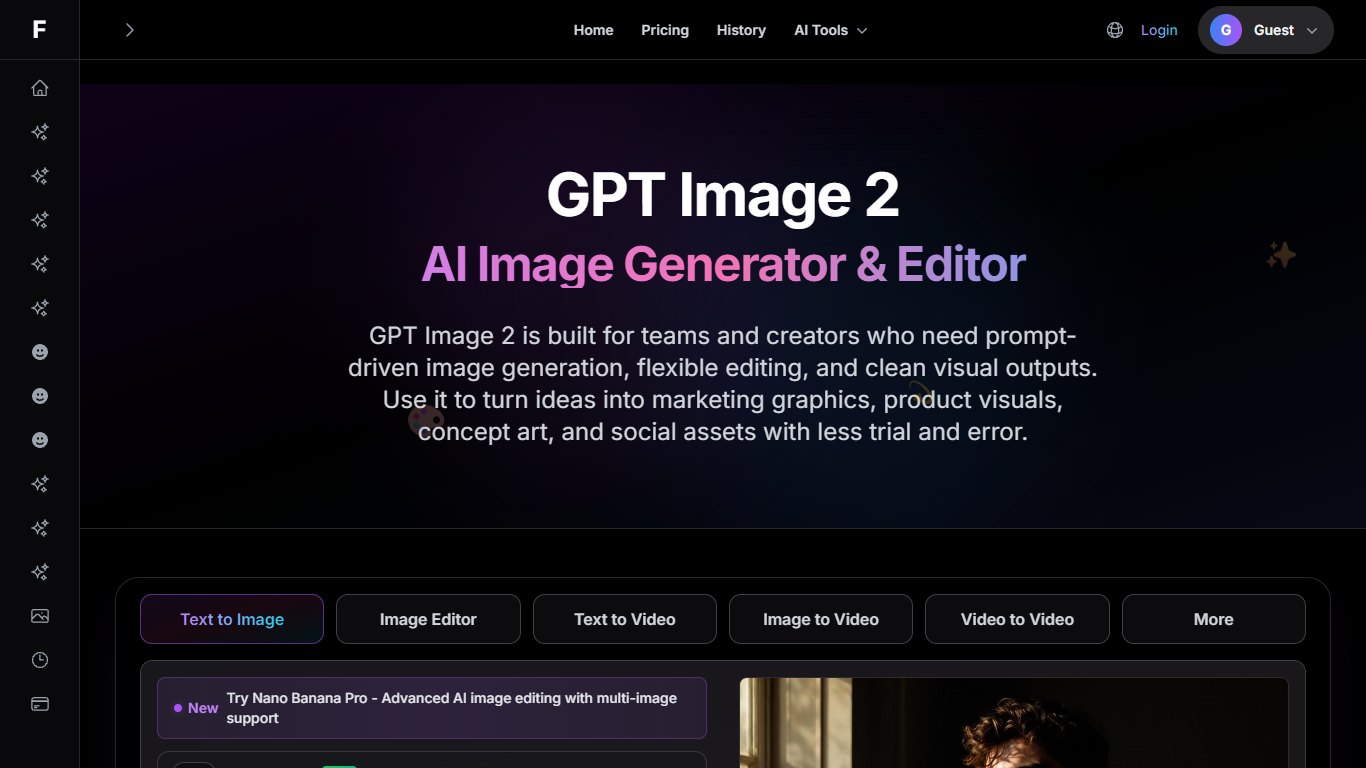
GPT Image 2 by Fooocus turns natural-language briefs into marketing graphics, product shots, thumbnails, and concept art on Fooocus.one. You describe the subject, style, lighting, and layout in plain text, generate a first draft, then refine backgrounds, mood, or composition with follow-up edit prompts instead of rebuilding from scratch.
Fooocus.one hosts several model-specific pages, and the GPT Image 2 workflow emphasizes prompt steering plus iterative edits for production teams. Paid plans bundle unlimited online Fooocus GPU generation alongside monthly point pools for upscaling, Nano Banana, and other add-on tools, which separates it from single-model playgrounds that meter every render.
Designers, marketers, and content creators use GPT Image 2 by Fooocus when they need fast concept rounds for ads, blog heroes, and social assets. The page documents prompt tips for camera angle, palette, and elements to avoid, and links into the shared Fooocus generator where history syncs after login.
Natural-language prompts control subject, style, lighting, and composition in one workflow
Follow-up edit instructions adjust backgrounds, mood, and framing without restarting the brief
Basic plan includes 1,500 monthly points for upscaling and auxiliary tools plus unlimited Fooocus GPU runs
Plus plan adds inpaint, outpaint, metadata access, multiple styles, and faster generation at $18 per month
Enterprise tier ships 12,000 monthly tool points with priority processing and support at $36 per month
Annual billing advertises a limited-time 40% discount versus paying month to month
Iterative prompt-and-edit workflow keeps the original brief while refining details.
Paid tiers include unlimited Fooocus GPU generation plus separate point pools for add-on tools.
Plus and Enterprise bundles ship commercial licensing for client-facing creative work.
GPT Image 2 by Fooocus is a landing workflow on Fooocus.one, not a standalone desktop app.
Auxiliary features such as upscaling consume limited monthly points even on paid plans.
Commercial license on Basic requires annual billing according to the pricing page.
What does GPT Image 2 by Fooocus do?
GPT Image 2 by Fooocus on Fooocus.one generates images from text prompts and supports follow-up edits for backgrounds, subjects, and style. Teams use GPT Image 2 by Fooocus for ad mockups, product visuals, thumbnails, and concept exploration.
Can I try GPT Image 2 by Fooocus for free?
GPT Image 2 by Fooocus links into the Fooocus.one generator where guests can get started for free before signing in. Paid Basic, Plus, and Enterprise plans unlock unlimited online Fooocus GPU generation and larger monthly point pools.
How much does GPT Image 2 by Fooocus cost?
GPT Image 2 by Fooocus shares Fooocus.one pricing: Basic is $9 per month, Plus is $18 per month, and Enterprise is $36 per month. Annual checkout lists $108, $216, and $432 per year with a advertised 40% limited-time discount.
What do Fooocus.one points cover for GPT Image 2 by Fooocus?
GPT Image 2 by Fooocus subscribers spend monthly points on auxiliary tools such as image upscaling and Nano Banana while Fooocus GPU generation stays unlimited on paid tiers. Basic includes 1,500 points, Plus 4,500, and Enterprise 12,000.
Does GPT Image 2 by Fooocus include commercial rights?
GPT Image 2 by Fooocus paid plans include a commercial license on Plus and Enterprise, while Basic grants commercial use on annual billing only according to the pricing page. Check the current license terms on Fooocus.one before client work.
How do I write better prompts in GPT Image 2 by Fooocus?
GPT Image 2 by Fooocus recommends stating the subject and intended use first, then adding camera angle, lighting, palette, and elements to avoid. Small follow-up edits usually beat rewriting the entire prompt when refining GPT Image 2 by Fooocus outputs.