
Last updated 04-14-2026
Category:
Reviews:
Join thousands of AI enthusiasts in the World of AI!
Grok AI Image Generator by PixaryAI
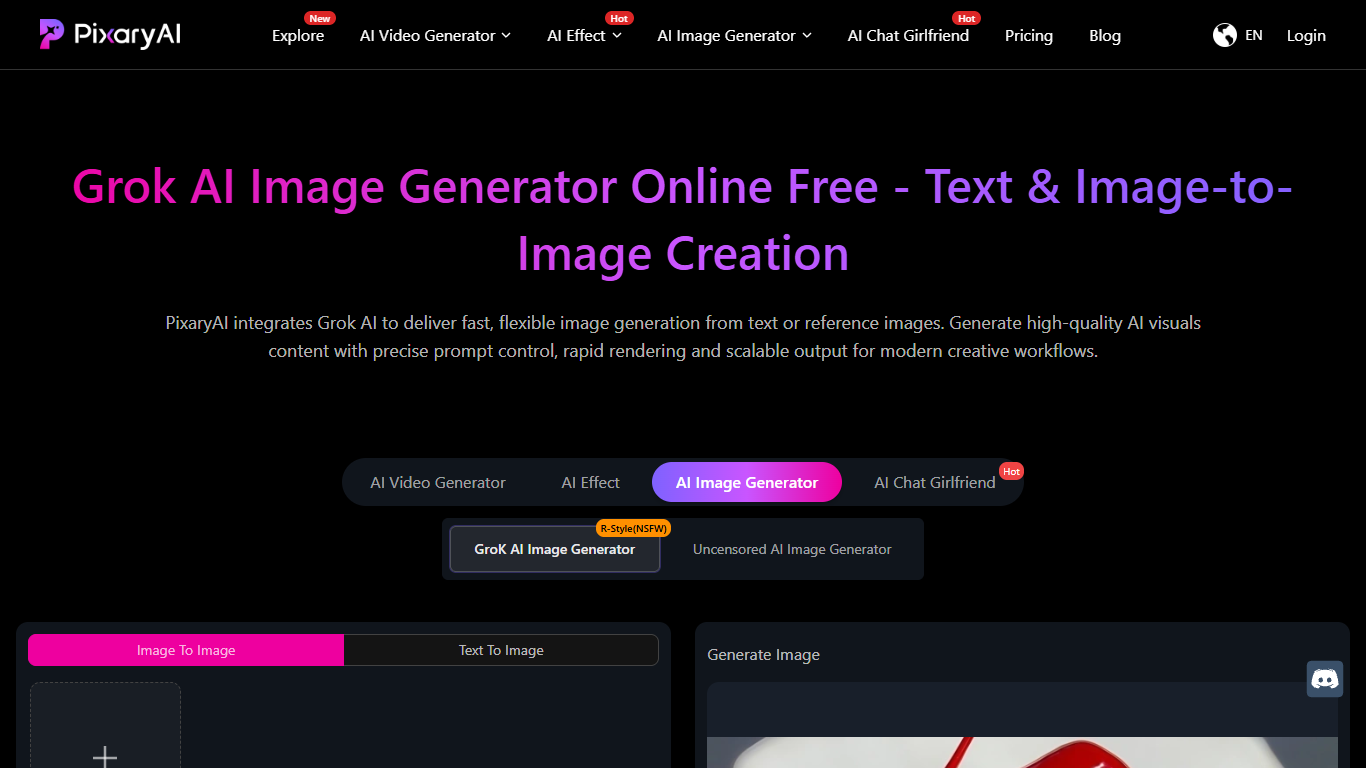
Grok AI Image Generator by PixaryAI is an online tool that transforms text prompts or existing images into high-quality AI-generated visuals. It caters to designers, marketers, content creators, and anyone needing quick, scalable image creation without manual design work. The tool supports both text-to-image and image-to-image generation, allowing users to create new visuals or enhance existing ones by adjusting style, lighting, and composition. This flexibility makes it suitable for concept art, social media content, marketing assets, and creative drafts. PixaryAI emphasizes speed and ease of use, enabling rapid iteration and batch generation to meet the demands of modern creative workflows. Users can input detailed prompts or upload images, refine their instructions, and generate images instantly. The platform’s uncensored AI model offers more control and variation than basic image creators, supporting continuous production without workflow friction. While technical details are limited, the integration of Grok AI technology ensures fast rendering and precise prompt control, making it a practical solution for high-frequency visual content creation.
🖼️ Unlimited Text to Image Creation: Turn simple text prompts into detailed visuals to quickly visualize ideas.
🎨 Image to Image Editing: Enhance or transform existing images by adjusting style and composition.
⚡ Fast Rendering Speed: Generate images instantly to keep up with content demands and trends.
🔄 Scalable Batch Generation: Create multiple image variations efficiently for campaigns or branding.
🎯 Precise Prompt Control: Customize style, lighting, and composition for tailored image results.
Enables rapid image creation for fast content production.
Supports both text-to-image and image-to-image workflows.
Offers precise control over image style and composition.
Scales easily for batch generation and campaign needs.
Delivers uncensored AI outputs for flexible creative use.
Limited technical details publicly available about AI model.
No explicit mention of offline or API access.
Pricing plans focus on credits, which may limit unlimited use.
How do I create an image using Grok AI Image Generator?
Start by entering a text prompt or uploading an image, then adjust style and prompt details before generating your image instantly.
Can I edit existing images with this tool?
Yes, you can use the image-to-image feature to enhance, adjust style, or create variations of your existing images.
Is the image generation process fast enough for social media content?
Yes, the tool offers rapid rendering to help you keep up with high-frequency social media content demands.
Does the tool support batch image creation?
Yes, it allows scalable visual production, enabling you to generate multiple variations quickly for campaigns or branding.
What level of control do I have over the generated images?
You can precisely guide style, lighting, and composition through optimized prompt controls for tailored results.
Are there any limits on usage with the free trial?
The free trial offers unlimited AI content creation, but paid plans use credits that limit monthly generation amounts.
Who is the Grok AI Image Generator best suited for?
It is ideal for designers, marketers, and content creators needing fast, scalable, and flexible AI image generation.