
Last updated 11-04-2025
Category:
Reviews:
Join thousands of AI enthusiasts in the World of AI!
I18n Studio
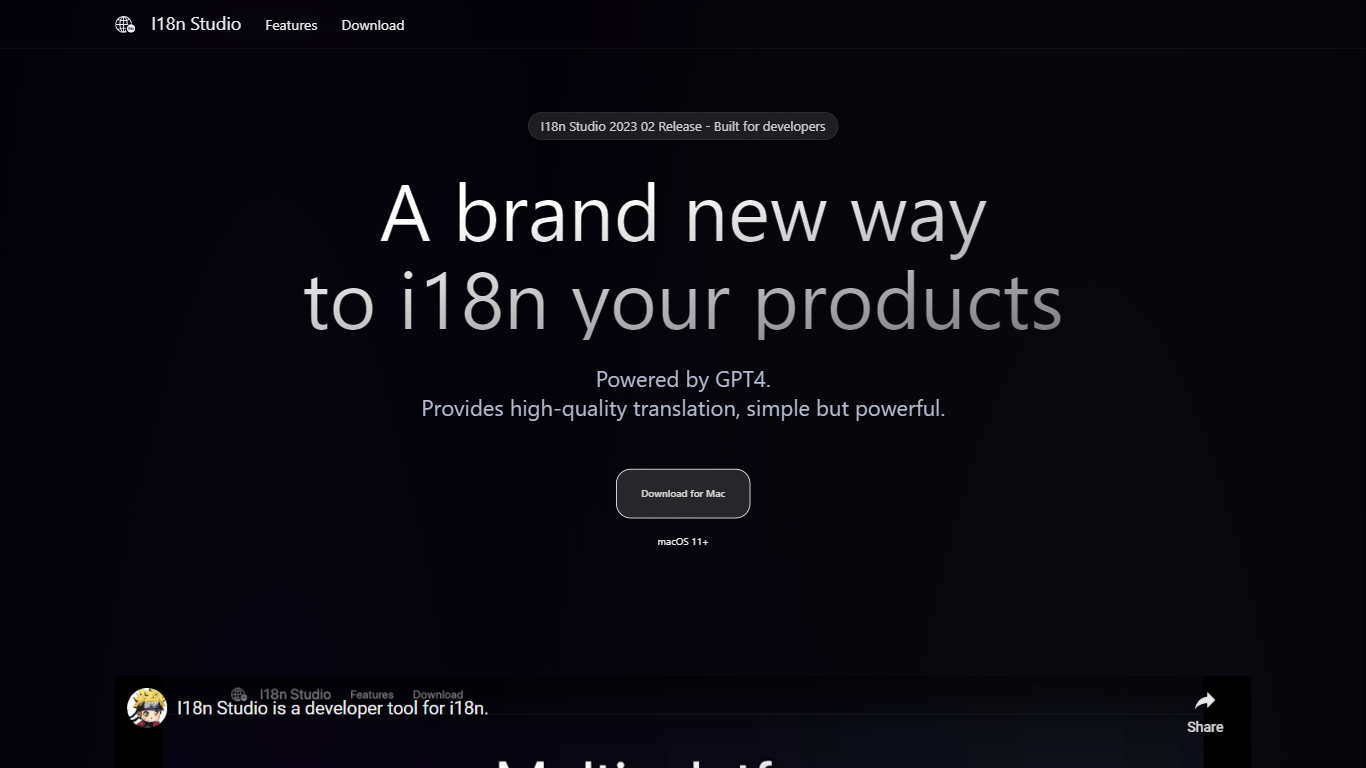
I18n Studio is a developer tool designed to simplify app localization by leveraging GPT4 for contextual translation. It supports multiple file formats including JSON, XML, Localizable.strings, and String Catalogs, making it versatile for iOS, macOS, Android, and JavaScript projects. The tool integrates smoothly with popular development environments like Xcode, VSCode, and Android Studio, streamlining the translation workflow.
Users can load multi-language files, perform batch translations into target languages, and write back translations efficiently. The tool provides granular control by allowing translation at the value, key, language, or entire file level, speeding up the localization process significantly. It also supports providing translation context through comments, improving accuracy by clarifying usage scenarios and capitalization rules.
I18n Studio requires macOS 11 or later and uses your own GPT4 API key, giving developers control over their translation data and costs. The interface is designed for quick translation completion, often within a minute, reducing the time and effort traditionally needed for multi-language support.
The tool emphasizes customization, allowing users to specify instructions such as not translating certain terms, capitalizing words, or adding descriptive context to guide translations. This flexibility helps maintain consistency and quality across different languages and platforms.
Overall, I18n Studio enhances developer productivity by automating complex translation tasks while preserving control and accuracy. Its multi-platform integration and contextual translation features distinguish it from basic translation tools, making it a valuable asset for teams managing app localization.
⚡ Fast batch translation completes multiple languages in minutes
🔧 Supports JSON, XML, Localizable.strings, and String Catalog files
🧩 Integrates with Xcode, VSCode, and Android Studio for smooth workflow
💬 Adds contextual comments to improve translation accuracy
🔑 Translate by value, key, language, or entire file with one click
Supports multiple file formats common in app localization
Integrates directly with popular IDEs for easy use
Allows contextual comments to improve translation quality
Enables quick batch translations saving developer time
Uses your own GPT4 API key for data control
Requires macOS 11 or later, limiting platform availability
Relies on user’s GPT4 API key which may incur extra cost
How does I18n Studio improve translation accuracy?
It allows you to add contextual comments and usage scenarios to guide GPT4, resulting in more precise translations.
Which file formats can I18n Studio translate?
It supports JSON, XML, Localizable.strings, and String Catalog files commonly used in app development.
Can I use I18n Studio with my existing development tools?
Yes, it integrates with Xcode, VSCode, and Android Studio to fit into your current workflow.
Do I need to provide my own GPT4 API key?
Yes, you use your own GPT4 API key, which gives you control over usage and costs.
Is I18n Studio available on Windows or Linux?
No, it currently requires macOS 11 or later to run.
Can I translate entire languages or just individual keys?
You can translate individual values, keys, entire languages, or all languages in a file with a single click.
How fast can translations be completed?
Translations can often be completed within one minute, depending on file size and language count.