
Last updated 08-13-2026
Category:
Reviews:
Join thousands of AI enthusiasts in the World of AI!
Meshy
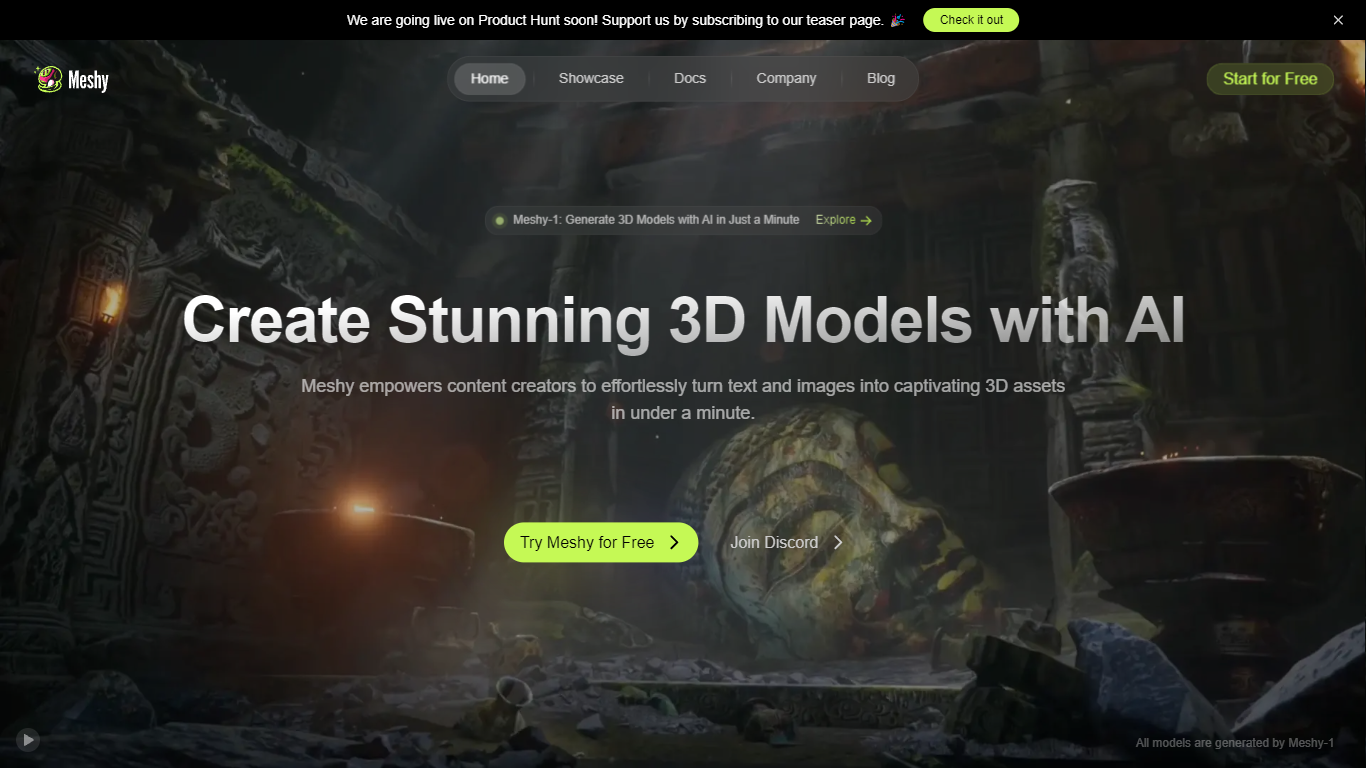
Meshy is a 3D generation platform that turns text prompts or reference images into textured 3D models in about a minute. You describe an object, upload a photo, or chat with the built-in 3D Agent, and Meshy returns export-ready meshes with PBR textures. The browser-based workflow targets game developers, 3D artists, and printing hobbyists who need assets without opening Blender first.
Most text-to-3D tools optimize for visuals alone. Meshy trains specifically for printability, exporting watertight, manifold models that pass slicer checks on the first try. It also ships dedicated Image to 3D, Text to 3D, and AI Texture Generator workflows, plus Blender and Unity plugins and a documented API at docs.meshy.ai.
Indie game studios, rapid prototypers, and makers use Meshy to block out characters, props, and printable figurines before refining in a DCC tool. Free users get 100 monthly credits; paid plans unlock private asset ownership, faster queues, and commercial rights without attribution.
Text to 3D supports prompts up to 800 characters across Meshy 4, 5, and 6 model versions
Each text generation costs 20 credits and typically completes in about one minute
Exports 8 formats: FBX, OBJ, GLB, USDZ, STL, BLEND, 3MF, and DXF
Built-in printability check flags non-manifold edges and auto-repairs before slicing
Blender and Unity plugins plus REST API documented at docs.meshy.ai
Free plan includes 100 credits per month with no credit card required
Browser-based workflow with no software install required.
Exports eight file formats and integrates with Blender and Unity via plugins.
Printability checks and auto-repair target watertight models for slicing.
Free-plan assets require CC BY 4.0 attribution for commercial resale.
Each text-to-3D generation costs 20 credits, which adds up on the 100-credit free tier.
Refunds are generally not offered due to GPU operational costs.
What is Meshy?
Meshy is an AI 3D model generator that creates textured meshes from text prompts or uploaded images. It runs in the browser and exports files for game engines, Blender, and 3D printers.
How much does Meshy cost?
Meshy offers a Free plan at $0 with 100 monthly credits. Pro is $20 per month with 1,000 credits, Premium is $40, Ultra is $100, and Studio starts at $70 per month for teams. Enterprise pricing is custom.
Can I use Meshy models commercially?
Yes. Meshy premium subscribers own the assets they create outright. Free-plan outputs use a CC BY 4.0 license, which allows commercial use if you credit Meshy in the listing description.
Which file formats does Meshy export?
Meshy exports FBX, OBJ, GLB, USDZ, STL, BLEND, 3MF, and DXF. For AI texturing uploads, it accepts FBX, OBJ, STL, GLTF, and GLB files up to 50 MB.
Does Meshy have an API?
Yes. Meshy provides a REST API with documentation at docs.meshy.ai. API access is included on paid plans such as Pro at $20 per month.
Is Meshy good for 3D printing?
Meshy markets its models as watertight and manifold for slicing. The platform includes a printability check, auto-repair, and direct export to STL or 3MF for OrcaSlicer, Bambu Studio, and Cura.