pixcap.com vs Meshy
Dive into the comparison of pixcap.com vs Meshy and discover which AI 3D Generation tool stands out. We examine alternatives, upvotes, features, reviews, pricing, and beyond.
When comparing pixcap.com and Meshy, which one rises above the other?
When we compare pixcap.com and Meshy, two exceptional 3d generation tools powered by artificial intelligence, and place them side by side, several key similarities and differences come to light. In the race for upvotes, Meshy takes the trophy. Meshy has attracted 114 upvotes from aitools.fyi users, and pixcap.com has attracted 6 upvotes.
Disagree with the result? Upvote your favorite tool and help it win!
pixcap.com

What is pixcap.com?
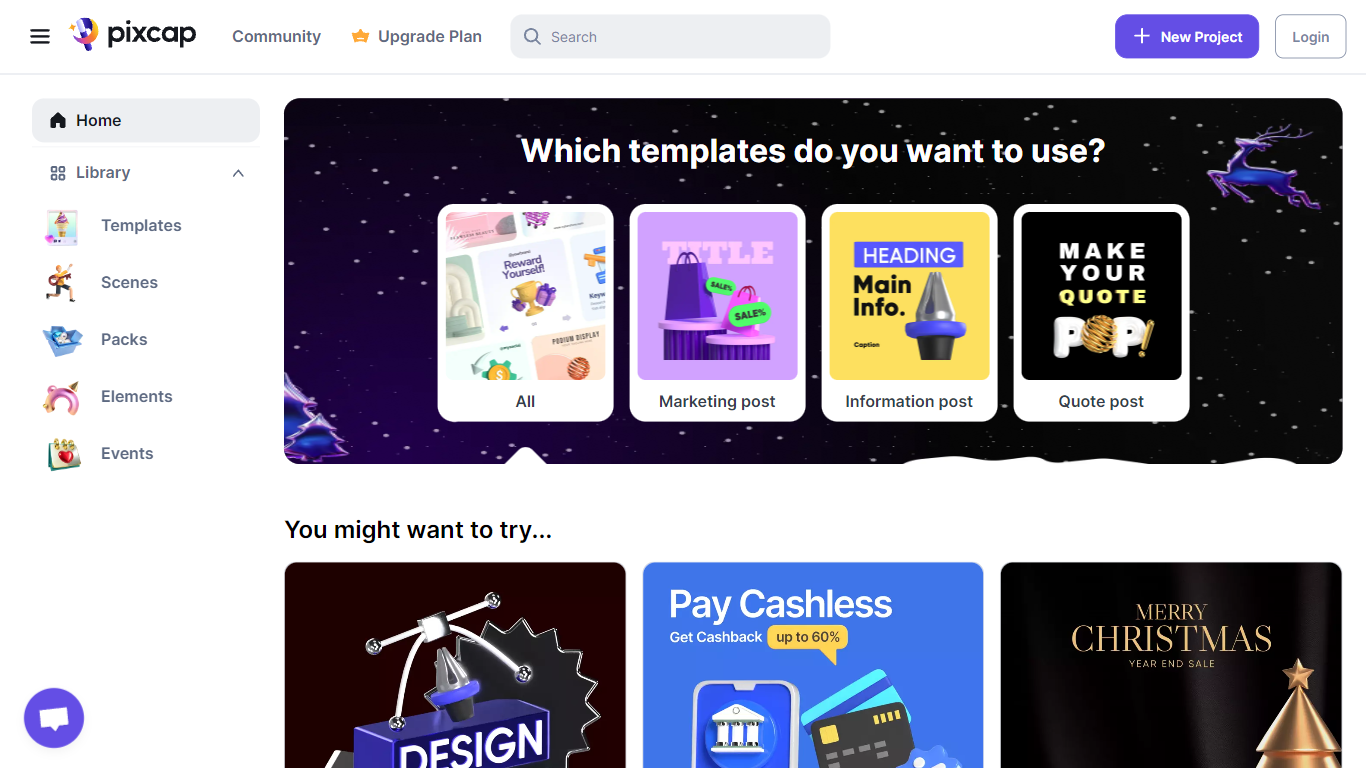
Pixcap is a browser-based 3D generation and editing platform for marketing and product design teams. It combines a marketplace of editable animated mockups, icons, characters, and illustrations with a web editor that needs no Blender or Maya install. The library lists 15,000+ 3D icons, 1,000+ characters, and 500+ mockups you can recolor, repose, and export. Upload a label to an animated device mockup, tweak materials, and download a 4K render in under five minutes.
Where most 3D libraries ship static PNG packs, Pixcap treats assets as editable scenes. You adjust animation styles, swap backgrounds, and run AI style transfer across 10,000+ mix-and-match elements instead of hunting new files for every variation. That trade-off favors marketing and UI work over deep modeling, and the tool deliberately skips rigging workflows found in full 3D suites.
Product teams, UX designers, and marketers use Pixcap for landing page icons, pitch decks, social posts, and branded mockups. Exports ship as GLB, MP4, GIF, or PNG for Figma, After Effects, PowerPoint, and other common tools, and a Figma plugin drops customized 3D assets straight into frames.
Meshy
What is Meshy?
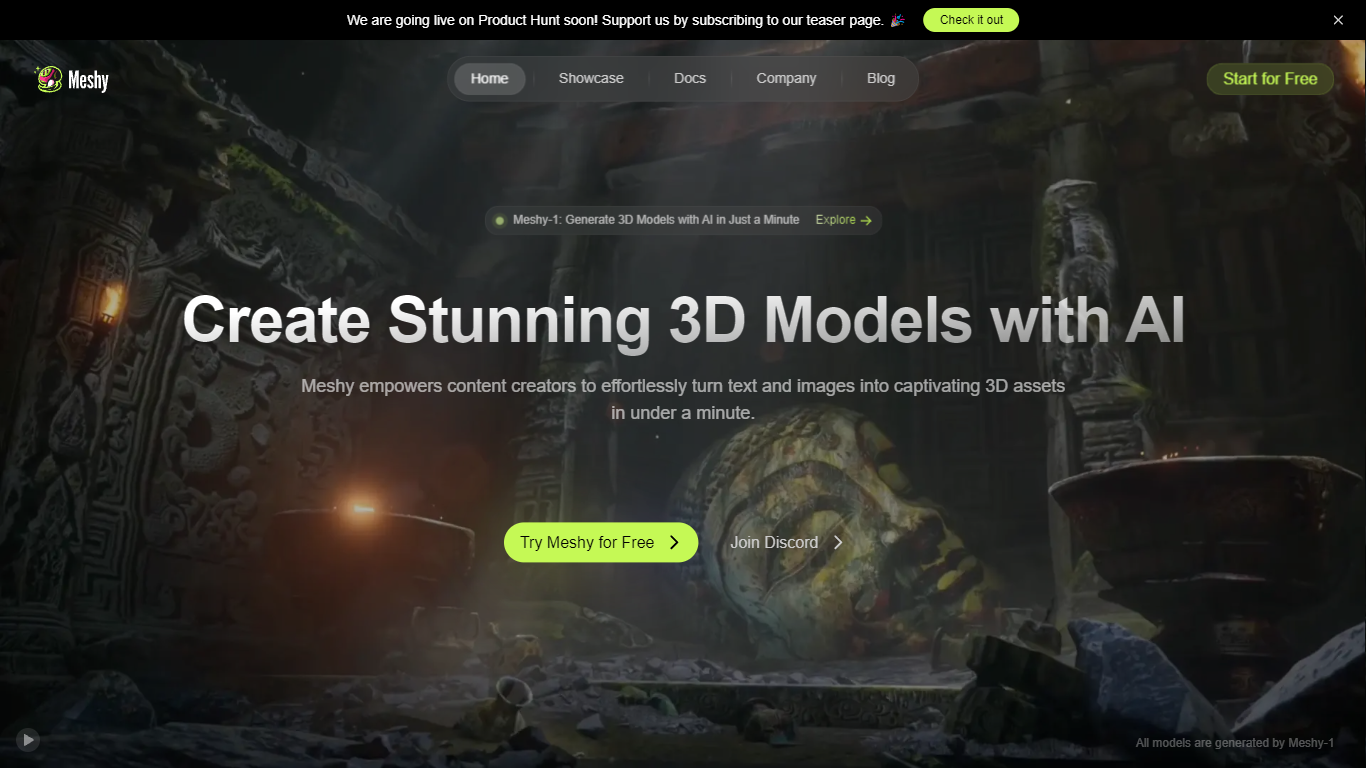
Meshy is a 3D generation platform that turns text prompts or reference images into textured 3D models in about a minute. You describe an object, upload a photo, or chat with the built-in 3D Agent, and Meshy returns export-ready meshes with PBR textures. The browser-based workflow targets game developers, 3D artists, and printing hobbyists who need assets without opening Blender first.
Most text-to-3D tools optimize for visuals alone. Meshy trains specifically for printability, exporting watertight, manifold models that pass slicer checks on the first try. It also ships dedicated Image to 3D, Text to 3D, and AI Texture Generator workflows, plus Blender and Unity plugins and a documented API at docs.meshy.ai.
Indie game studios, rapid prototypers, and makers use Meshy to block out characters, props, and printable figurines before refining in a DCC tool. Free users get 100 monthly credits; paid plans unlock private asset ownership, faster queues, and commercial rights without attribution.
pixcap.com Upvotes
Meshy Upvotes
pixcap.com Top Features
Browse 15,000+ 3D icons, 1,000+ characters, and 500+ mockups with in-browser color and material edits
Download exports as GLB, MP4, GIF, or PNG for Figma, Blender, After Effects, and PowerPoint
Upload designs to animated mockups and export 4K renders in under 5 minutes
Free plan includes 5 high-quality image exports per month; Pro includes 50 HQ images and 10 HQ videos monthly
Mix 10,000+ 3D elements and restyle scenes with AI prompts through Pixcap AI
Figma plugin inserts customized 3D icons and posed characters directly into design files (Elite plan)
Meshy Top Features
Text to 3D supports prompts up to 800 characters across Meshy 4, 5, and 6 model versions
Each text generation costs 20 credits and typically completes in about one minute
Exports 8 formats: FBX, OBJ, GLB, USDZ, STL, BLEND, 3MF, and DXF
Built-in printability check flags non-manifold edges and auto-repairs before slicing
Blender and Unity plugins plus REST API documented at docs.meshy.ai
Free plan includes 100 credits per month with no credit card required
pixcap.com Category
- 3D Generation
Meshy Category
- 3D Generation
pixcap.com Pricing Type
- Freemium
Meshy Pricing Type
- Freemium