
Last updated 08-21-2026
Category:
Reviews:
Join thousands of AI enthusiasts in the World of AI!
Image 2
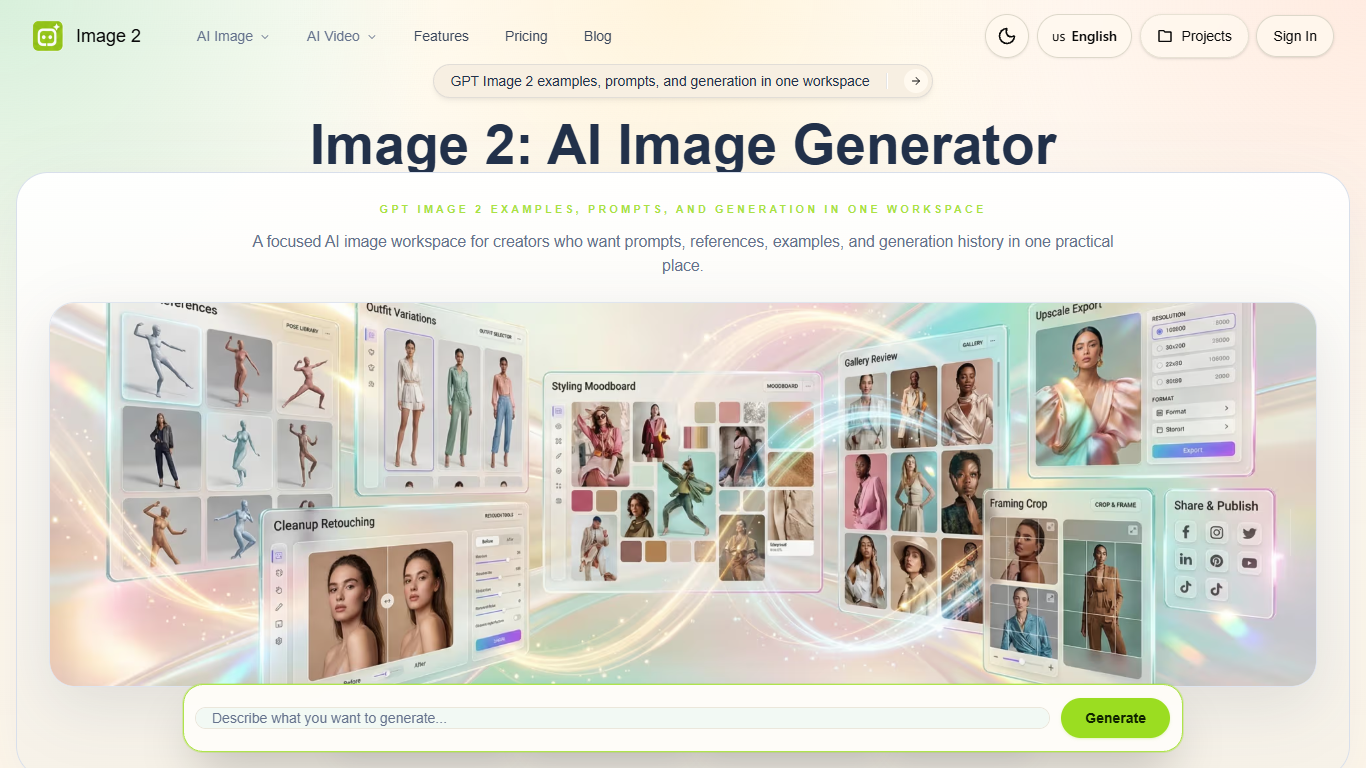
Image 2 is an image generation site built around GPT Image 2 inside one prompt workspace on image2.to. You can switch between still images and video tools, run text-to-image or image-to-image jobs, and keep refining outputs without leaving the same flow. The homepage points you to dedicated generators like GPT Image 2, fan cam photo tools, and an AI video generator rather than dumping every model into one grid.
Most image generators treat every model as equal weight. Image 2 takes the opposite approach: it anchors the product on GPT Image 2 for readable typography, photoreal scenes, and layout-heavy briefs, then adds narrow preset tools like World Cup Fan Cam Photo and Korean Baseball Fan Cam Photo. That mix suits creators who need campaign-ready visuals and novelty formats, not just another general prompt box.
Marketing teams use Image 2 for posters, product shots, and social graphics where copy must stay legible. E-commerce sellers and UI designers get brand-consistent product scenes and app screen concepts before committing to a full shoot or build. Each generation on the GPT Image 2 page costs 6 credits in the shared credit system, with saved projects available after sign-in.
The GPT Image 2 workspace accepts prompts up to 4,096 characters, supports reference images, and lets you reuse example setups from the Steal the Look gallery. Aspect ratio, resolution, and output format controls sit next to the prompt field, so iteration stays in one place. Credit plans also unlock Watermark Remover, Clothes Changer, Image Editor, and Upscaler across the site.
GPT Image 2 Lite runs text-to-image and image-to-image with 1:1 aspect ratio and PNG export
Each generation on the GPT Image 2 page costs 6 credits from your account balance
Prompts accept up to 4,096 characters with reference image and example reuse built in
Starter annual plan includes 6,600 credits valid for one year at $7.99 per month billed annually
All paid plans include Watermark Remover, Clothes Changer, Image Editor, and Upscaler
Dedicated fan cam tools cover World Cup, Korean baseball, F1, and CG city tour photo formats
GPT Image 2 workspace keeps prompts, examples, and settings in one flow
Specialty fan cam and city tour generators cover niche social formats
Credit plans bundle four editing tools beyond raw generation
Annual billing cuts listed plan costs by up to 50 percent
Each GPT Image 2 generation costs 6 credits, which adds up on heavy use
Browser-only access with no dedicated mobile app listed
Credit allowances expire after one year on annual plans
What is Image 2?
Image 2 is a web workspace on image2.to for creating AI images and videos from shared prompts, credits, and saved projects. Its core generator centers on GPT Image 2 for text-to-image and image-to-image work, with separate pages for fan cam photos, city tour scenes, and video tools.
How does Image 2 pricing work?
Image 2 sells credit plans for image creation and editing on its pricing page. Starter, Standard, and Premium annual plans include 6,600, 27,600, or 85,200 credits valid for one year, with monthly billing options also listed. Annual billing advertises savings up to 50 percent compared with monthly rates.
Can Image 2 generate video?
Yes, Image 2 includes an AI Video Generator plus themed video tools such as World Cup Fan Cam Video, Korean Baseball Fan Cam Video, F1 Fan Cam Video, and CG City Tour Video. The homepage lets you switch between Image and Video modes inside the same workspace flow.
Does Image 2 support reference images?
Yes, Image 2 supports image-to-image generation with reference inputs on the GPT Image 2 page. You can also click Steal the Look examples to reuse a prompt, source image, or setup without rebuilding the page from scratch.
What editing tools come with Image 2 credits?
Image 2 states that all credit plans include access to Watermark Remover, Clothes Changer, Image Editor, and Upscaler alongside generation. Those tools sit in the same account and credit system as GPT Image 2 and the specialty photo pages.
Can I save Image 2 projects?
Yes, Image 2 offers a Projects area for signed-in users to keep outputs for later review. The GPT Image 2 workflow also supports favorites and iterative refinement from the same prompt workspace without switching sites.