
Last updated 08-13-2026
Category:
Reviews:
Join thousands of AI enthusiasts in the World of AI!
ImagetoCartoon
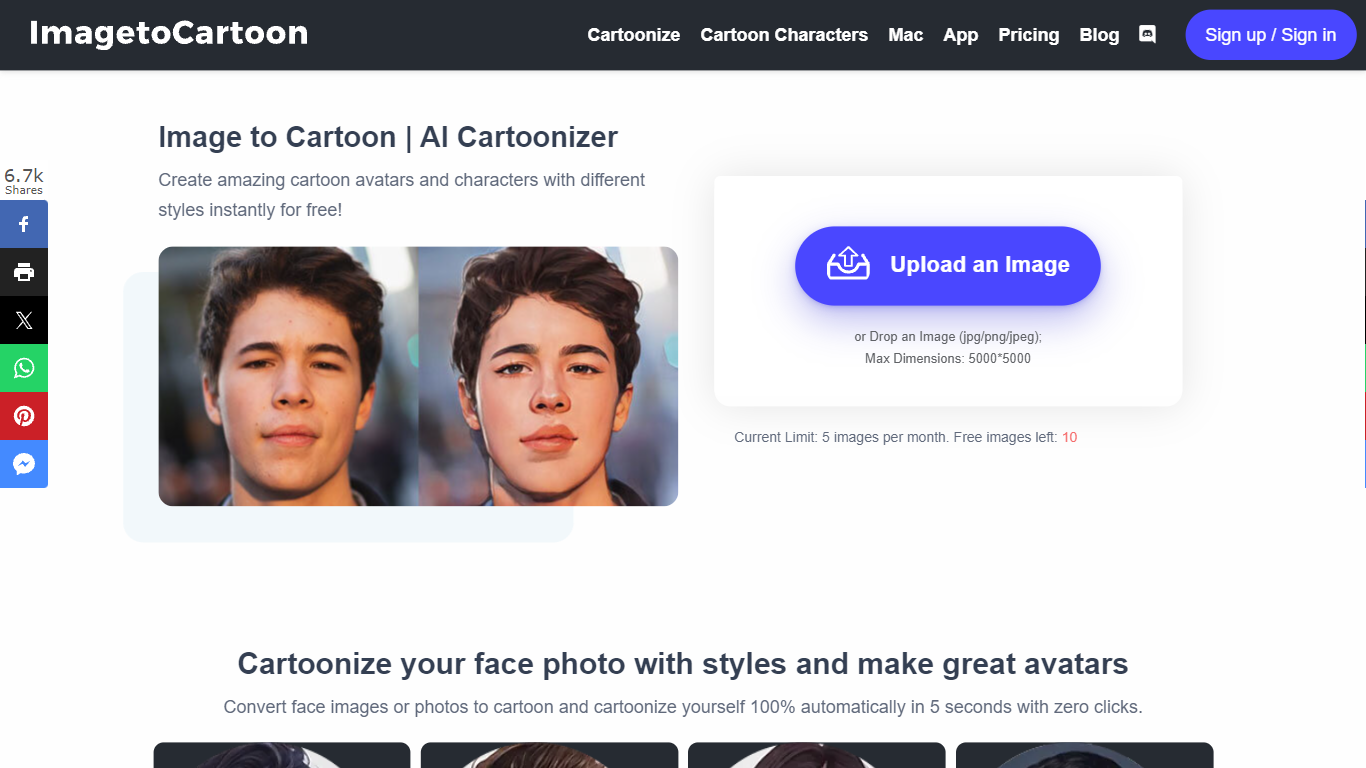
ImagetoCartoon turns portrait and pet photos into cartoon avatars through a browser-based image converter. Upload a JPG, PNG, or WebP file up to 10 MB, pick from 80-plus styles spanning anime, manga, Pixar, claymation, and pop art, and download the result in seconds. No account, login, or payment is required to start.
Most cartoon filters apply one generic effect. ImagetoCartoon offers a style library with named looks like Studio Ghibli, Japanese Ukiyo-e, Marvel Comic Anime, and Cel-Shaded, each tuned for different character proportions and line work. Aspect ratio controls let you match the input image or export square, portrait, and landscape crops for profile pictures and social posts.
Social media users, pet owners, and hobbyists use ImagetoCartoon for profile avatars, stickers, and printable art. Uploaded images and generated results are automatically deleted within two hours. A separate Cartoonizer app is available on iOS and Android for mobile conversions.
80+ cartoon styles including Studio Ghibli, Disney, Pixar, manga, and claymation
Accepts JPG, PNG, and WebP uploads up to 10 MB with no account required
Seven aspect ratio presets from 1:1 square to 16:9 landscape
Powered by the Vheer quality model for higher-detail cartoon output
Uploaded and generated images auto-delete within 2 hours for privacy
Dedicated Cartoonizer app available on iOS and Android
Completely free with no signup or login required.
Large style library spanning anime, 3D cartoon, comic, and clay looks.
Auto-deletes uploads within 2 hours for privacy.
No batch processing or API for bulk conversions.
10 MB file size cap limits high-resolution source photos.
Advanced editing beyond style selection is not available on-site.
Is ImagetoCartoon free?
Yes. ImagetoCartoon is free to use with no signup, login, or payment required. Upload a photo, pick a style, and download your cartoon result directly in the browser.
What image formats does ImagetoCartoon accept?
ImagetoCartoon accepts JPEG, PNG, and WebP files up to 10 MB. You can upload by drag and drop, paste from clipboard, or enter an image URL.
How many cartoon styles does ImagetoCartoon offer?
ImagetoCartoon lists 80-plus unique styles, including anime, manga, Pixar, Disney, claymation, pop art, and comic book looks. The converter UI shows 20 selectable styles at a time.
Is it safe to upload photos to ImagetoCartoon?
ImagetoCartoon states that uploaded images are used only to generate your cartoon and are automatically deleted within 2 hours. No registration or payment details are required.
Can I use ImagetoCartoon results commercially?
ImagetoCartoon allows commercial use of generated images when you own or have permission to use the original photo and your project complies with applicable laws and third-party rights.
Does ImagetoCartoon have a mobile app?
Yes. ImagetoCartoon offers a Cartoonizer app for iOS and Android. The website also works in mobile browsers without downloading anything.