
Last updated 08-10-2026
Category:
Reviews:
Join thousands of AI enthusiasts in the World of AI!
Imgkits - AI Image Processing Tools Online
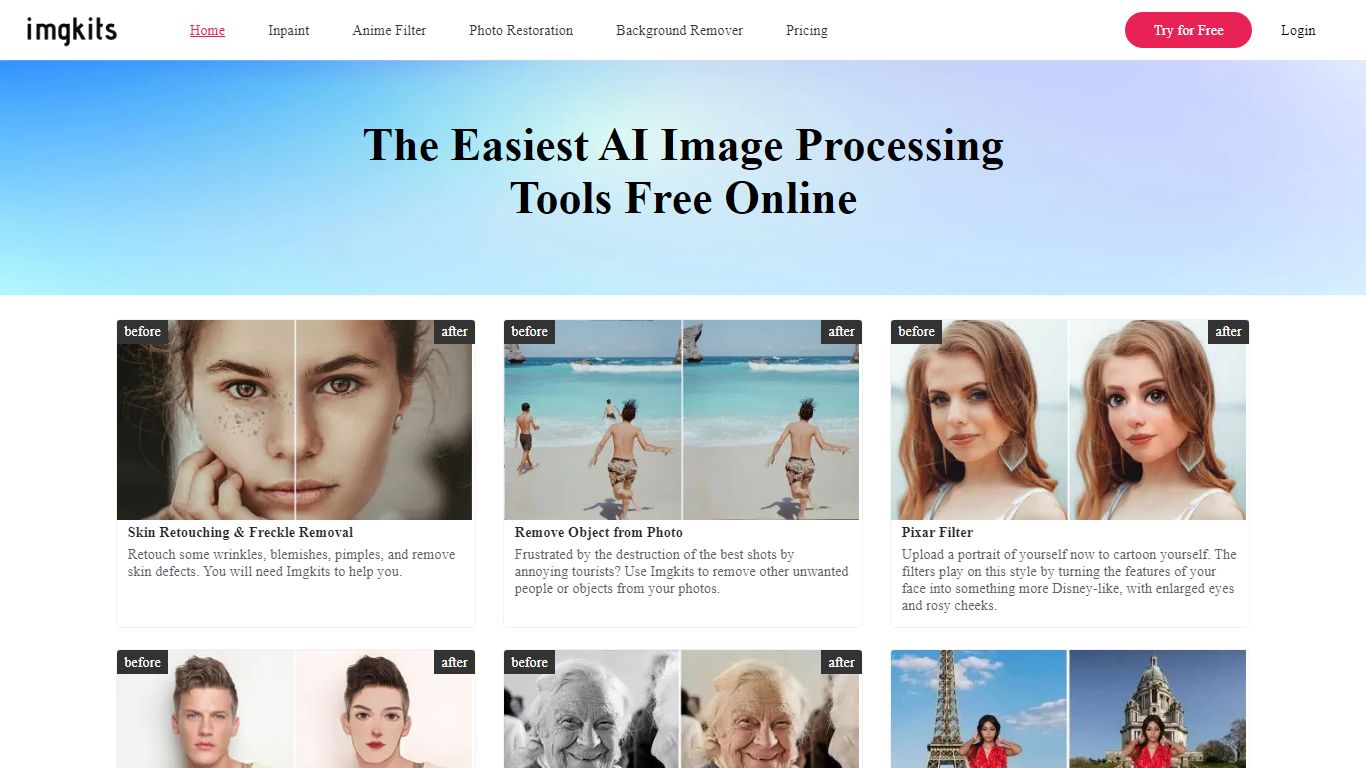
Imgkits packs dozens of browser-based image and video tools into one dashboard for generation, cleanup, enhancement, and animation. Upload a photo or type a prompt, pick a tool like background removal or image to video, and download results without installing desktop software.
Single-purpose editors handle one trick well but force you to hop between sites for upscaling, restoration, and video export. Imgkits keeps generation, deblur, colorization, style filters, flyer design, and text-to-video in one credit-based workflow with batch processing for large sets.
A limited free trial covers light use, then Pro runs $12 per month for 100 monthly credits or $6 per month on yearly billing at $72 per year. Pay-as-you-go credit packs start at $5 for 10 credits with no expiry on purchased add-ons.
E-commerce sellers, photographers, marketers, and hobbyists use Imgkits for product cutouts, old photo restoration, social graphics, and quick AI video clips from still images.
Pro plan includes 100 image or video credits per month
Pay-as-you-go packs start at 10 credits for $5 with no time limit
Batch processing handles multiple HD images in one run
Supports common uploads such as JPG, PNG, and WebP
Tools span generation, deblur, colorization, flyers, and fantasy maps
Wide tool catalog covers images and video in one browser login.
Pay-as-you-go credits never expire once purchased.
Batch processing supports high-volume ecommerce photo edits.
No desktop install required for core workflows.
Yearly Pro cuts monthly cost to about $6 per month.
Monthly subscription credits do not roll over.
Heavy users may need frequent pay-as-you-go top-ups.
Refund window is 3 days and only before using more than 10 credits.
Feature depth varies by individual tool inside the suite.
Is Imgkits free to use?
Imgkits offers limited free trial access in the browser. Paid Pro plans and pay-as-you-go credit packs unlock higher monthly limits and faster processing speeds.
What are Imgkits pricing plans?
Imgkits Pro costs $12 per month or $6 per month billed yearly at $72 per year for 100 monthly credits. Credit packs range from $5 for 10 credits up to $59 for 500 credits.
Which tools does Imgkits include?
Imgkits covers AI image generation, background removal, photo enhancement, upscaling, restoration, style filters, text to video, image to video, and specialty tools like flyer and fantasy map generators.
Do Imgkits credits roll over?
Subscription credits on Imgkits do not roll over to the next billing cycle. Separately purchased pay-as-you-go credits stay in your account until used.
Which file formats does Imgkits accept?
Imgkits commonly accepts JPG, JPEG, PNG, and WebP uploads depending on the tool. Check each tool page for current file size limits before uploading.
How do I cancel an Imgkits subscription?
Email [email protected] to cancel Imgkits. Cancellation applies at the end of the current paid term without charging the next billing cycle.
Does Imgkits require software installation?
No. Imgkits runs in a web browser on desktop and supported mobile browsers, so no local app install is required to edit or generate media.