
Last updated 08-11-2026
Category:
Reviews:
Join thousands of AI enthusiasts in the World of AI!
ImgUpscaler AI
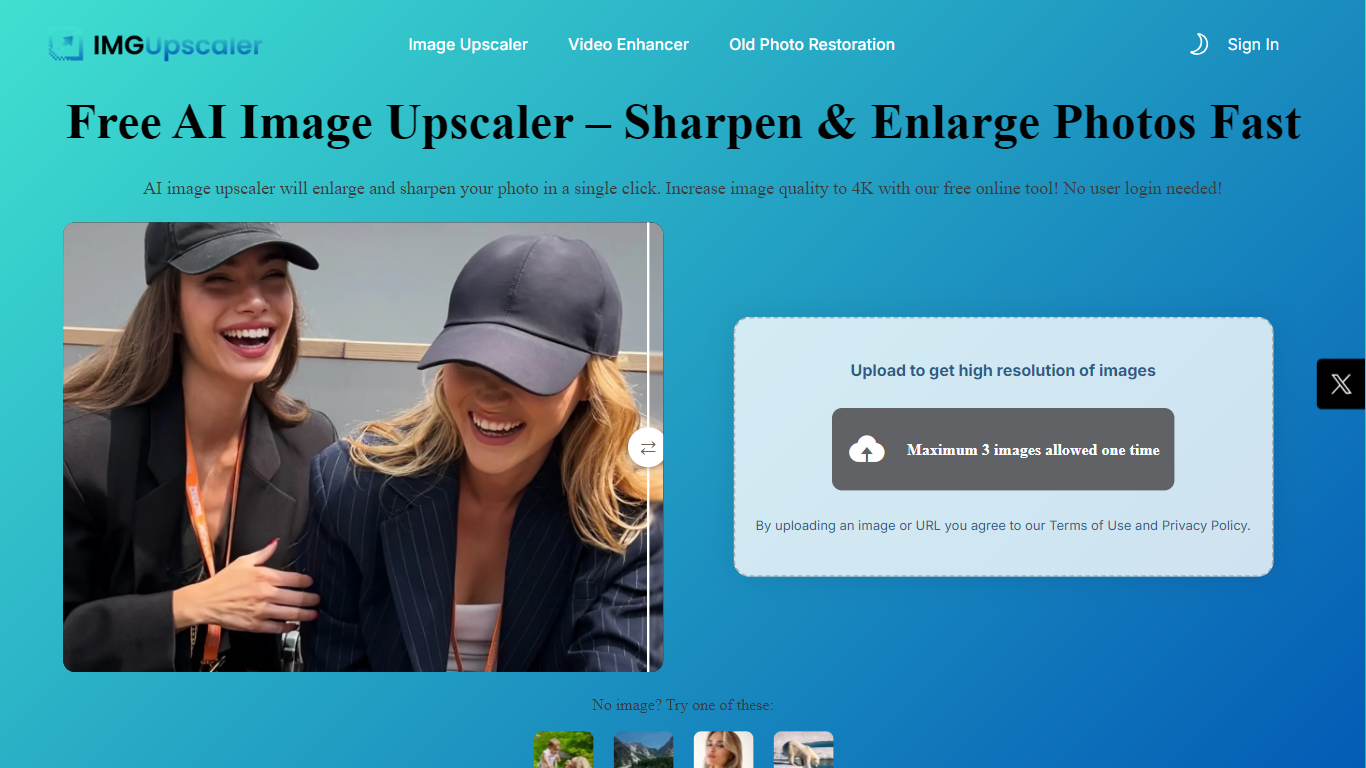
ImgUpscaler AI upscales photos in the browser, rebuilding detail instead of stretching pixels. Upload a JPG, PNG, WebP, or HEIC file and the tool enlarges it with options up to 16K output for print, ecommerce listings, AI art, and social posts. The main upscaler page works without signup, and the site bundles dozens of related tools for sharpening, face enhancement, old photo restoration, and video upscaling under the LinoCut AI brand.
Most free upscalers cap output at 2x or 4x resolution. ImgUpscaler advertises enlargement up to 16K and routes you to specialized workflows when blur, text, or faces need different treatment. That split between a general upscaler and single-purpose repair tools (unblur, text enhancer, old photo restoration) is the practical difference if you are fixing product shots versus family albums.
The free tier covers the core upscaler with no account required. Premium workflows like the Photo Enhancer Pro path use a credit balance shown in the logged-in console, and the Photo Enhancer page lists 5 credits per run with batch uploads of up to 3 images. Ecommerce sellers, designers, and social creators are the obvious audience, especially anyone who needs cleaner product photos or larger files for print without installing desktop software.
Upscale images up to 16K resolution from JPG, PNG, WebP, and HEIC uploads
Core image upscaler works in the browser with no signup required
Photo Enhancer Pro batch mode processes up to 3 images per upload
Suite includes unblur, face enhancer, old photo restoration, and video upscaler tools
Before-and-after preview with drag-and-drop or Ctrl+V paste upload
Operates on Windows, Mac, iPhone, Android, and tablets without desktop software
Main upscaler runs free in the browser with no account signup.
Advertises up to 16K output, higher than typical 4x enlargement caps.
Large tool suite covers unblur, faces, text, restoration, and video in one site.
Batch Photo Enhancer accepts up to 3 images per upload.
Advanced Photo Enhancer Pro runs require credits and a logged-in account.
Public pricing details live on a separate console subdomain not on the main site.
Credit costs can add up for heavy batch workflows beyond the free upscaler.
Is ImgUpscaler AI free to use?
ImgUpscaler AI lets you upscale images online without creating an account on the main upscaler page. Some advanced tools like Photo Enhancer Pro require credits from a logged-in account, with the Photo Enhancer page listing 5 credits per run.
What resolution can ImgUpscaler AI reach?
ImgUpscaler AI advertises output up to 16K resolution depending on the tool and upscale option you select. The homepage also references standard enlargement steps such as HD, 4K, and 8K for different project needs.
What image formats does ImgUpscaler AI support?
ImgUpscaler AI accepts JPG, PNG, WebP, and HEIC uploads on its upscaler and photo enhancer pages. The how-to section recommends uploading the clearest original file rather than a heavily compressed screenshot.
Can ImgUpscaler AI fix pixelated product photos?
Yes. ImgUpscaler AI includes workflows for ecommerce product photos, logos, and graphics. The site describes reducing blocky artifacts and sharpening edges for Amazon, Shopify, Etsy listings, and ad creatives.
Does ImgUpscaler AI work on mobile?
ImgUpscaler AI runs in the browser on iPhone, Android, tablets, and Chromebooks according to its feature list. No native app install is required to upscale from a phone.
How does ImgUpscaler AI handle privacy?
ImgUpscaler AI states that uploaded images are processed securely under its privacy policy. The homepage highlights private processing, and contact support is available at [email protected] for questions.