
Last updated 08-12-2026
Category:
Reviews:
Join thousands of AI enthusiasts in the World of AI!
Jam
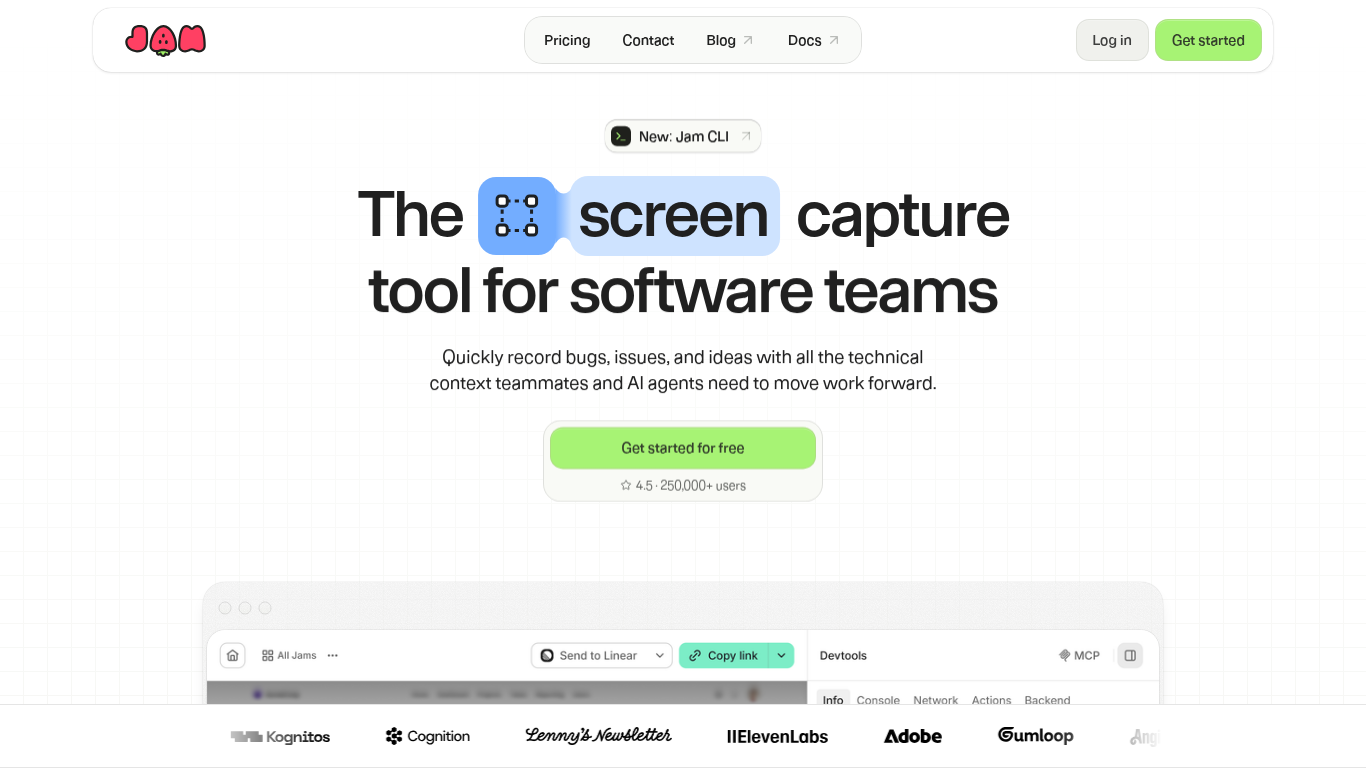
Jam is a developer-focused screen recorder built for software teams who need bug reports with real technical context attached. You capture a screen recording or screenshot through a Chrome extension or iOS app, and Jam bundles console logs, network requests, device metadata, and user actions into one shareable link. Product, QA, support, and engineering teams use it to file bugs, customer issues, and product feedback without writing long repro steps by hand.
Where a generic screen recorder stops at video, Jam is built around the debugging workflow. It auto-generates titles, summaries, and repro steps, routes Jams to Linear, Jira, or Slack, and exposes recordings to coding agents through Jam MCP and webhooks. Recording Links let customers submit issues from a browser with no install, which is a different bet than tools that only work inside your own browser session.
Jam fits teams that want non-engineers to report bugs with enough context for developers or AI agents to start investigating immediately. QA testers, support leads, and product managers capture issues in the moment, while engineers get logs and network data alongside the recording instead of chasing screenshots in Slack threads.
Free plan includes 30 Jams per month with 5-minute recording limits and 5 Recording Links
Team plan at $14 per creator per month adds unlimited Jams, 15-minute recordings, and 200 AI summaries
Chrome extension and iOS app capture screen recordings with console logs and network requests attached
Recording Links let customers submit bugs from a browser with no extension install required
Jam MCP and webhooks feed recordings, logs, and user events into coding agents for automated triage
Integrations route Jams to Linear, Jira, Slack, GitHub, and support desks like Intercom Fin
Attaches console logs, network requests, and device metadata to every recording automatically.
Recording Links collect customer bug reports without requiring an extension install.
Jam MCP and webhooks let coding agents pull full recording context for triage and fixes.
Routes Jams directly to Linear, Jira, Slack, and other tools your team already uses.
AI-generated titles, summaries, and repro steps cut down on manual bug writeups.
Free plan caps recordings at 5 minutes and 30 Jams per month.
Video blurring and backend logging require a paid Team or Enterprise plan.
Primary capture tools are a Chrome extension and iOS app, so desktop Safari or Firefox users rely on Recording Links instead.
Is Jam free to use?
Yes, Jam offers a free plan at $0 with 30 Jams per month, 5 Recording Links, and recordings up to 5 minutes. The Team plan costs $14 per creator per month when billed yearly and removes those caps.
What does Jam capture automatically?
Jam captures screenshots or screen recordings along with console logs, network requests, device metadata, browser version, and user click and navigation events. Jam AI also suggests a title, summary, and repro steps for each recording.
Does Jam have a browser extension?
Yes, Jam provides a Chrome extension for capturing bugs and feedback while you work. Jam also offers an iOS app and Recording Links that let anyone submit a recording without installing software.
What integrations does Jam support?
Jam connects to issue trackers like Linear and Jira, sends notifications to Slack, and supports webhooks and Jam MCP for coding agents. The docs also list GitHub and support desk integrations such as Intercom Fin.
How long can Jam recordings be?
Jam limits free-plan recordings to 5 minutes and Team or Enterprise recordings to 15 minutes. Enterprise plans add unlimited Recording Links and SAML or SSO login for larger organizations.
Can customers report bugs without installing Jam?
Yes, Jam Recording Links let customers open a link and record an issue in their browser with no download required. Team plans include 150 Recording Links per month, and Enterprise plans offer unlimited links.