
Last updated 08-02-2026
Category:
Reviews:
Join thousands of AI enthusiasts in the World of AI!
Julius AI
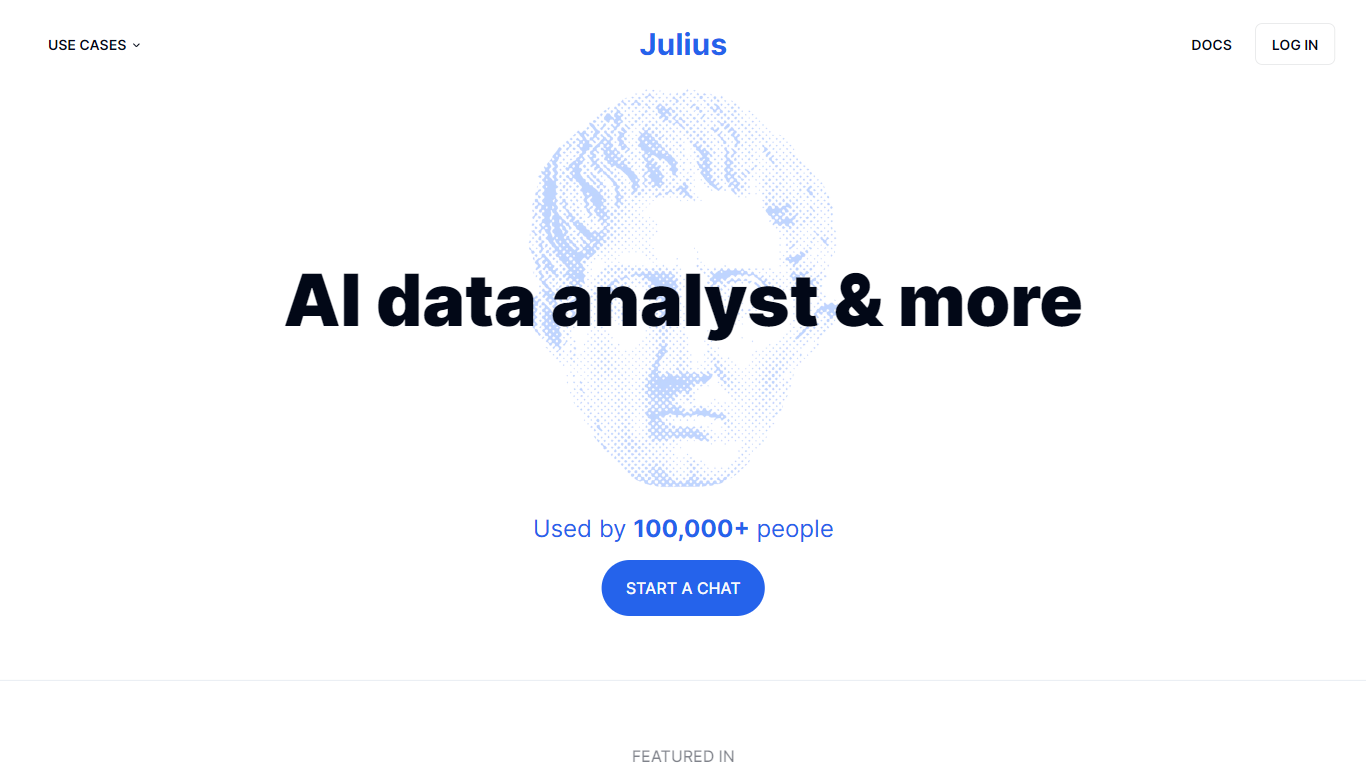
Ask Julius AI a question about your spreadsheet or warehouse table and it writes Python, runs the analysis, and returns charts, forecasts, or a written summary. You type in plain English while Julius picks a model and executes code in an isolated sandbox. It handles CSV, Excel, PDF, JSON, and images, including multi-tab workbooks. Notebooks, scheduled runs, and template workflows sit alongside the chat for repeating jobs like segmentation or CRM analysis.
Where most chat analytics tools stop at a single file upload, Julius connects Google Drive on every plan and Postgres, BigQuery, and Snowflake on Business. Follow-up questions keep thread context, and each answer can show the Python behind the chart so you audit the math instead of trusting a black box. Paid tiers also export slides, HTML artifacts, charts, and images, which turns a query into something you can share outside the app.
Marketing and RevOps teams use it for acquisition channel reviews and customer segmentation without opening a separate BI tool. Data scientists and analysts lean on the 32 GB RAM sandbox on Pro or warehouse connectors when files get too large for a laptop. Product managers and business analysts who do not write SQL daily use the template library to start from proven workflows rather than blank notebooks.
Upload CSV, Excel, PDF, JSON, or images and ask for plots, summaries, or statistical tests in plain English
Plus plan includes 2,000 credits per month and access to frontier models like GPT-5.5 and Claude Opus 4.8
Business plan connects Postgres, BigQuery, and Snowflake and supports up to 50 team seats with unlimited scheduled runs
Pro plan allocates 32 GB of RAM in the code sandbox, with Memory Boost available in chat settings
Each insight can include the underlying Python code so you see exactly how Julius reached its conclusion
Notebook templates cover sales CRM loss analysis, customer segmentation, and acquisition channel efficiency
SOC 2 Type II certified with per-user isolated Python execution environments
Natural language queries replace SQL for common analysis tasks
Follow-up questions keep conversation context across a thread
Exports include slides, HTML artifacts, charts, and images on paid plans
Warehouse connectors on Business cover Snowflake, BigQuery, and Postgres
Pre-built notebook templates speed up recurring analyses like segmentation
Free plan limits file intake to .csv, .xlsx, and .sav formats
Warehouse connectors require the Business plan at $450 per month
Free sandbox session time caps at 1 hour per session
Large datasets depend on RAM allocated to your plan tier
Is Julius AI free to use?
Yes, Julius AI offers a Free plan at $0 per month with access to notebooks, a Google Drive data connector, and 2 GB of RAM in the sandbox. Paid tiers add monthly credits, warehouse connectors, and team features.
What file formats does Julius AI support?
Julius AI accepts CSV, Excel, PDF, JSON, and image uploads in chat. Multi-tab spreadsheets work too: refer to individual tab names in your prompts and Julius analyzes each sheet accordingly.
What data warehouses does Julius AI connect to?
Julius AI natively integrates with Snowflake, BigQuery, Postgres, MySQL, and SQL Server. Business plans add Postgres, BigQuery, and Snowflake connectors alongside Google Drive, OneDrive, and SharePoint.
How do credits work in Julius AI?
Every action in Julius AI costs credits based on the task, model, and complexity. Plus includes 2,000 credits per month, Pro includes 5,000, and Business includes 60,000; unused credits expire each billing cycle.
Does Julius AI write code for analysis?
Yes, Julius AI writes Python code to analyze your data and build visualizations. You can view the code behind each answer to verify how a chart or model was produced.
Is Julius AI SOC 2 compliant?
Yes, Julius AI is SOC 2 Type II certified and CCPA compliant. Code execution environments are isolated per user, and data you delete inside the app is erased from Julius servers.