
Last updated 08-22-2026
Category:
Reviews:
Join thousands of AI enthusiasts in the World of AI!
Kane CLI By TestMu AI
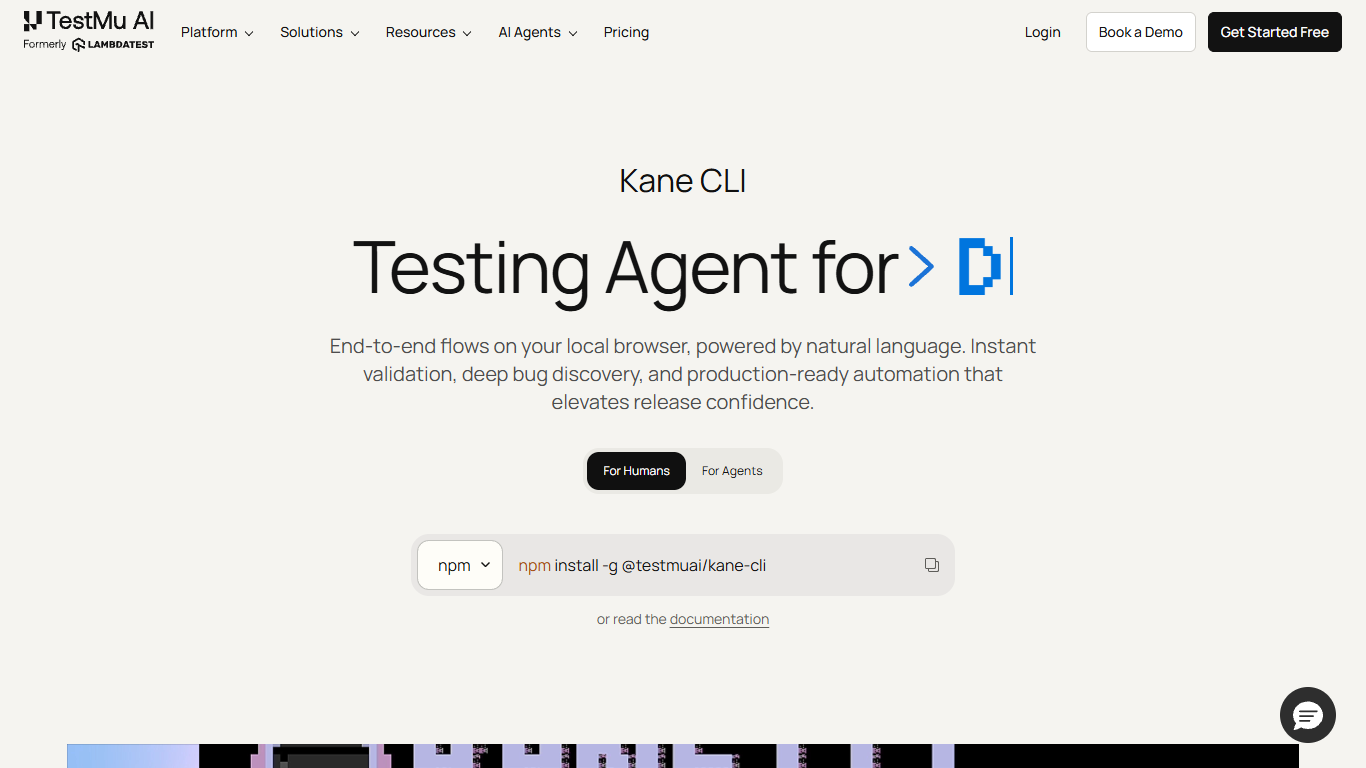
Kane CLI from TestMu AI (formerly LambdaTest) runs browser and mobile app tests from your terminal using plain English objectives. You install @testmuai/kane-cli, log in, and describe what to verify; Kane drives real Chrome locally or native apps on macOS Apple Silicon emulators. Results return as pass or fail with shareable evidence links.
Traditional E2E frameworks expect selectors, fixtures, and maintenance scripts. Kane CLI treats objectives as the test artifact: you chain context, design, run, coverage, and maintenance in one agentic loop. Cursor, VS Code, Codex, Claude, and Gemini can invoke Kane directly in agent mode for UI verification from your editor.
The tool supports visible debugging, headless CI runs, multi-environment URLs, auto-healing waits, and export to native Playwright scripts. Mobile testing targets Android Emulator or iOS Simulator on Apple Silicon. New users can claim 10,000 Kane CLI credits free for one month through the site promotion.
QA engineers, developers, and platform teams use it for checkout flows, regression checks, and PRD-to-proof validation without maintaining brittle selector maps. TestMu AI backs the product with a cloud testing platform and reports $108 million in total funding on the corporate site.
Describe tests in plain English; Kane CLI drives real Chrome from the terminal
10,000 promotional credits free for one month for new registrations
Agent mode lets Cursor, Codex, Claude, and Gemini invoke tests from your IDE
Runs the same flow against staging and production URLs without duplicate scripts
Exports flows to native Playwright scripts for further customization
Native mobile app testing on Android Emulator or iOS Simulator (macOS Apple Silicon)
Plain English objectives cut selector boilerplate for common regression checks.
Agent mode integrates with major AI coding tools for in-editor verification.
Shareable evidence links make async review easier across QA and dev teams.
Playwright export gives a path from NL drafts to maintainable scripts.
Mobile native testing requires macOS Apple Silicon for emulator targets.
Enterprise pricing is not self-serve; sales contact required for large teams.
Primary browser target is Chrome; other browsers depend on TestMu cloud plans.
How do I run a test with Kane CLI?
Install Kane CLI with npm, run `kane-cli login`, then `kane-cli run` with a URL and plain English objective. Kane CLI navigates, clicks, and validates in a real Chrome browser, returning pass or fail with evidence links.
Does Kane CLI support mobile app testing?
Yes. On macOS Apple Silicon, Kane CLI can target native mobile apps on the Android Emulator or iOS Simulator using the same natural language objectives as browser tests. See the Mobile Testing docs on testmuai.com.
Can Kane CLI run in CI pipelines?
Yes. Kane CLI supports headless mode with structured JSON output and standard exit codes via `kane-cli run --headless --agent`. You can wire it into GitHub Actions or other CI without changing your objective text.
Does Kane CLI work with AI coding agents?
Yes. Kane CLI agent mode integrates with Claude Code, Codex CLI, Gemini CLI, and Cursor so agents can author and verify UI flows on your machine. Install the Kane CLI skill documented on testmuai.com for each agent.
Can I export Kane CLI flows to Playwright?
Yes. Kane CLI can export completed flows into native Playwright scripts for teams that want hand-edited automation after the natural language draft. Export options are documented in the Test Manager integration guide.
What free credits does Kane CLI offer?
TestMu AI promotes 10,000 Kane CLI credits free for one month when you register through the Kane CLI landing page. The standard free tier also includes 200 credits per month for local CLI authoring after the promo period.