
Last updated 08-22-2026
Category:
Reviews:
Join thousands of AI enthusiasts in the World of AI!
Kavel
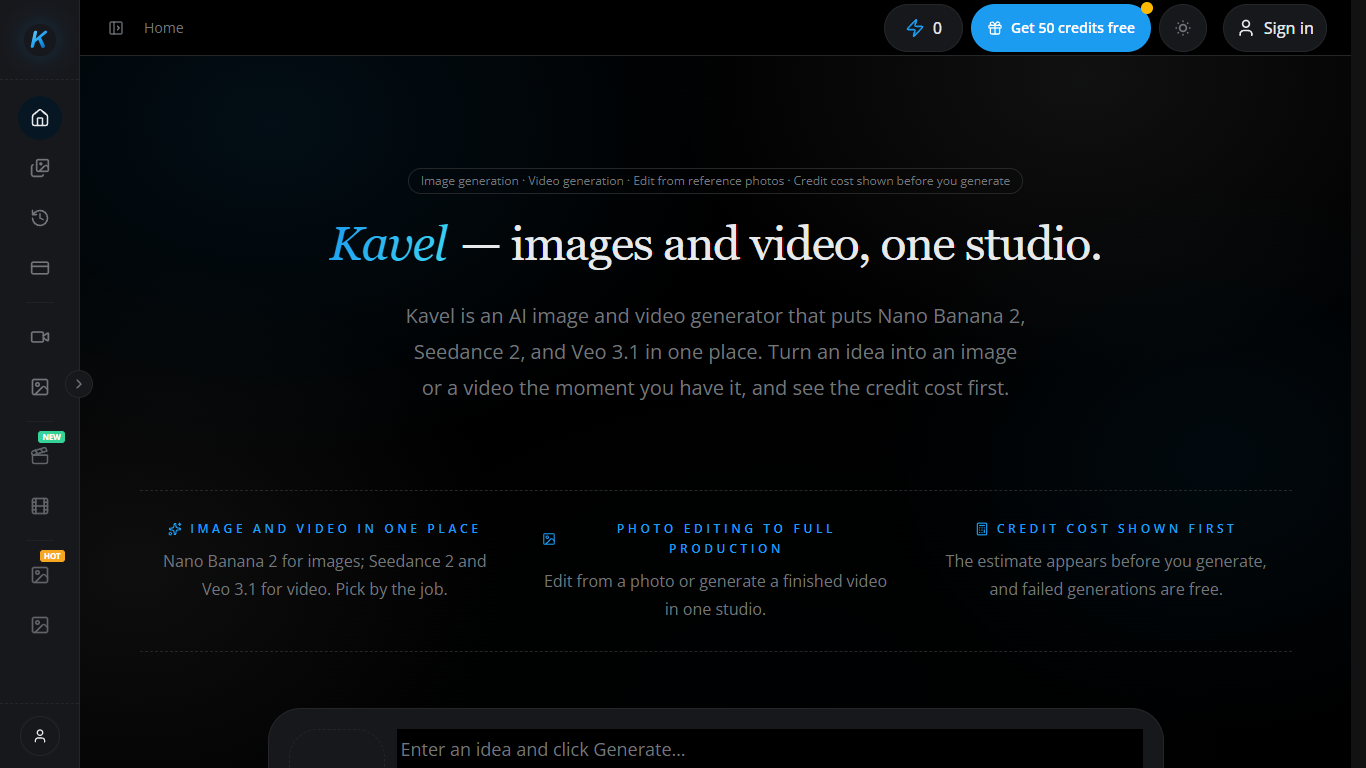
Kavel is a browser-based image generation workspace that also runs text-to-video and image-to-video models from the same screen. You can generate or edit stills with Nano Banana 2, then switch to Seedance or Veo when you need a clip with sound, all on one shared credit balance. Image tools work without sign-up, and the site shows the credit cost before every run.
Most single-model generators make you pick one family and live with its pricing quirks. Kavel lists eleven image and video models side by side, from Seedance 2 Mini for cheap drafts to Veo 3.1 for cinematic cuts, so you match the model to the job instead of forcing one engine to do everything. That trade-off shows up when a campaign needs a product still and a separate hero video without opening two products.
Solo creators, e-commerce teams, and short-form editors use it for product shots, social clips, and preset effects like outfit swaps or photo-to-dance videos. Ready-made tools open with the right model and a starter prompt, so you upload a photo and generate in one step rather than building prompts from scratch.
Credits come from a free tier with daily check-ins, monthly plans from $29.90, or one-time packs that never expire. A Nano Banana 2 image at 1K costs about 20 credits, while a 5-second Seedance 2.0 clip at 720p runs about 308 credits with audio.
Nano Banana 2 outputs 1K, 2K, or 4K images from text or up to 14 reference photos
Seedance 2.5 generates video clips from 4 to 30 seconds in one pass at 480p or 720p
Veo 3.1 produces cinematic video with sound at 720p through 4K
Credit estimate appears before every generation, and failed runs cost nothing
Image tools work without sign-up, with 10 starter credits plus daily check-in bonuses
Eleven models share one credit balance, including GPT Image 2, Kling 3.0, and Seedance 2 Mini
Eleven image and video models share one credit balance instead of separate subscriptions
Credit cost preview before every run, with refunds on failed generations
Image generation and editing work without sign-up on the free tier
Preset tools open with the right model and starter prompt for one-step effects
Video models like Seedance and Veo generate synced audio in the same pass
Video runs burn credits quickly compared with still images on the free tier
NSFW and adult content are strictly prohibited across all models
Browser-only workspace with no dedicated desktop or mobile app listed
Is Kavel free to use?
Yes. Kavel gives you 10 credits before sign-up for image generation, plus 30 bonus credits when you create an account. Daily check-ins can add up to about 440 free credits per month on the Free tier.
How does Kavel charge for generations?
Kavel bills every model in credits from one shared balance. A Nano Banana 2 image at 1K costs about 20 credits, and a 5-second Seedance 2.0 clip at 720p costs about 308 credits with audio. The estimate shows before you run.
Which video models does Kavel offer?
Kavel runs Seedance 2.5, Seedance 2.0 (plus Fast and Mini), Seedance 1.5 Pro, Veo 3.1, Kling 3.0, MiniMax H3, and LTX 2.5. On Kavel you pick the model by output quality and credit cost rather than switching apps.
Does Kavel charge for failed generations?
No. Kavel only deducts credits for successful generations. If a run fails, the credits stay on your balance, which keeps draft testing from burning through your pool on errors.
Can I use Kavel without signing up?
Yes. Kavel lets signed-out visitors run image generation and photo editing tools without an account. Video models and the full model shelf unlock after you create a free account and claim the sign-up bonus credits.
What image resolution does Nano Banana 2 support on Kavel?
Nano Banana 2 on Kavel outputs 1K, 2K, and 4K images from text or reference photos. Editing on Nano Banana 2 Lite costs a flat 8 credits per image at any resolution listed on the pricing page.