
Last updated 07-28-2026
Category:
Reviews:
Join thousands of AI enthusiasts in the World of AI!
LimeWire
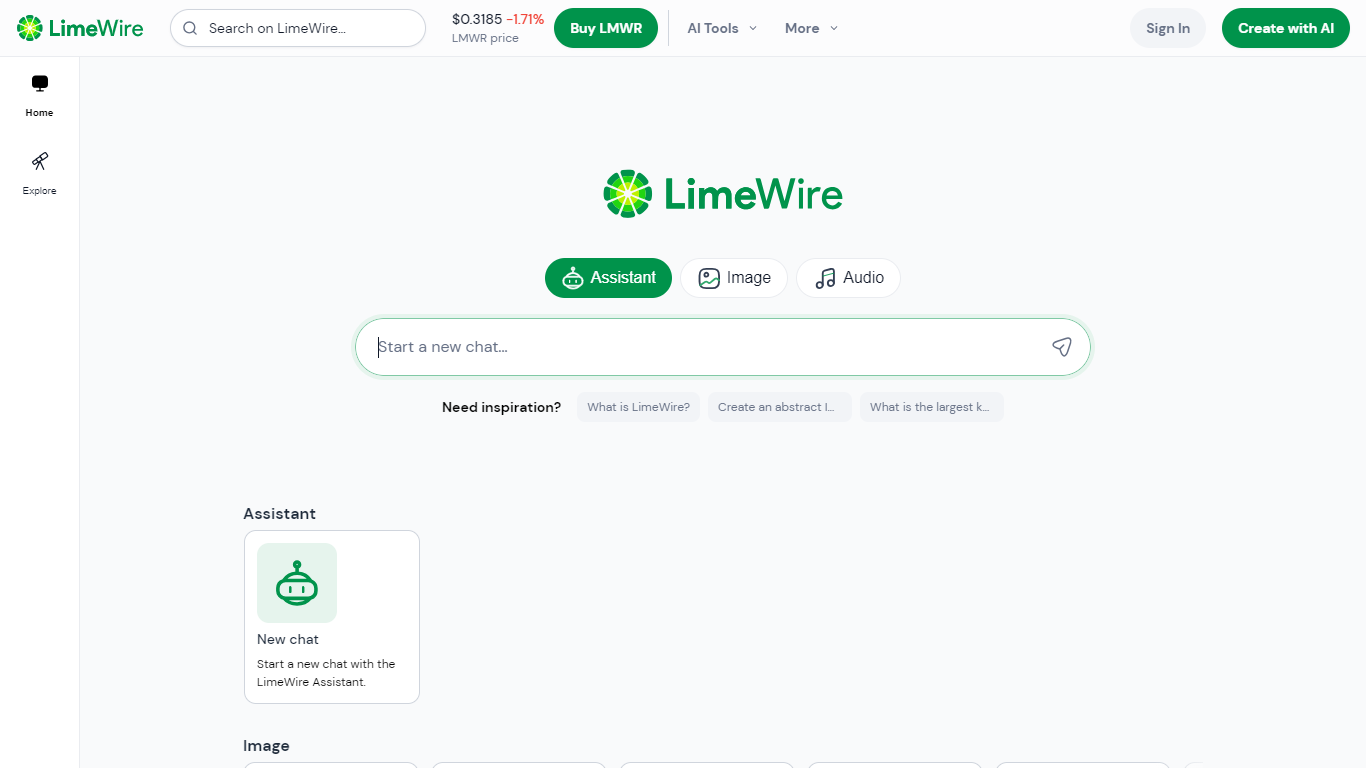
LimeWire is a browser-based file sharing and content creation platform where you upload, edit, and send files of any size. The site bundles encrypted cloud storage with in-browser tools for images, PDFs, videos, and documents. You can drop a file on the homepage, get a shareable link, and run edits without installing desktop software.
The 2022 relaunch turned a defunct P2P music client into something closer to WeTransfer with a built-in toolkit. Where dedicated image apps stop at generation, LimeWire keeps file delivery and manipulation on one domain: background removal, 4x upscaling, PDF conversion, and image-to-video generation all sit beside the upload flow. Paid Pro and Pro+ tiers unlock higher limits, but the free Basic tier still accepts uploads up to 4GB.
Freelancers, agencies, and remote teams use it when they need to hand off large assets quickly without forcing recipients through a signup wall. Creators who work across formats, from slide decks to short clips, benefit from having PDF, image, and video utilities in the same session as the share link.
Upload and share files up to 4GB on the free Basic tier without creating an account
Upscale images up to 4x their original size with the browser-based AI upscaler
Convert images to 3D models using Stable Diffusion's SPAR3D reconstruction
18 browser tools for image editing, PDF conversion, compression, and image-to-video generation
End-to-end encrypted transfers with shareable links for files of any size
LMWR token accepted as payment alongside credit cards and USDC vouchers
131 million files shared and 7.6 petabytes uploaded across the platform
Share files up to 4GB from the homepage without creating an account.
18 browser tools cover images, PDFs, video, and documents on one site.
End-to-end encrypted file sharing with links for any file size.
Accepts LMWR tokens and USDC vouchers alongside standard card payments.
No public pricing page; Pro and Pro+ prices appear only inside your account.
Free Basic files follow automatic deletion policies set by LimeWire.
Premium AI tools require a paid Pro or Pro+ subscription.
Is LimeWire free to use?
Yes, LimeWire offers a free Basic tier that lets you upload files and receive shareable links with upload limits shown in the interface. Paid Pro and Pro+ subscriptions unlock higher upload limits, extended storage, and premium AI tools.
How large can uploads be on LimeWire?
LimeWire's free Basic tier supports uploads up to 4GB per file from the homepage uploader. Pro and Pro+ subscribers get increased upload limits and longer storage periods defined in their account subscription settings.
What AI image tools does LimeWire include?
LimeWire includes browser tools to edit images with prompts, upscale photos up to 4x, remove backgrounds, recolor objects, vectorize JPG or PNG files, and convert images to 3D models using SPAR3D.
Does LimeWire require an account to share files?
No. LimeWire lets you upload and send files without an account, though creating one unlocks a customer dashboard, subscription management, and access to paid AI features.
What PDF tools does LimeWire offer?
LimeWire converts Word, Excel, PowerPoint, and image files to PDF, plus PDF to Word, Excel, or PowerPoint. It also compresses PDFs, password-protects them, sets permissions, and archives files to PDF/A.
What are LimeWire Pro and Pro+?
LimeWire Pro and Pro+ are paid subscriptions that raise upload limits, extend file storage periods, and unlock premium AI tools inside the LimeWire platform. Limits and benefits are shown on the subscription page in your account.
What is the LMWR token on LimeWire?
LMWR is LimeWire's utility token used for payments and rewards within the platform. Subscribers can pay with LMWR or USDC vouchers in addition to credit cards, as described on LimeWire's about page.