
Last updated 08-03-2026
Category:
Reviews:
Join thousands of AI enthusiasts in the World of AI!
LIRA
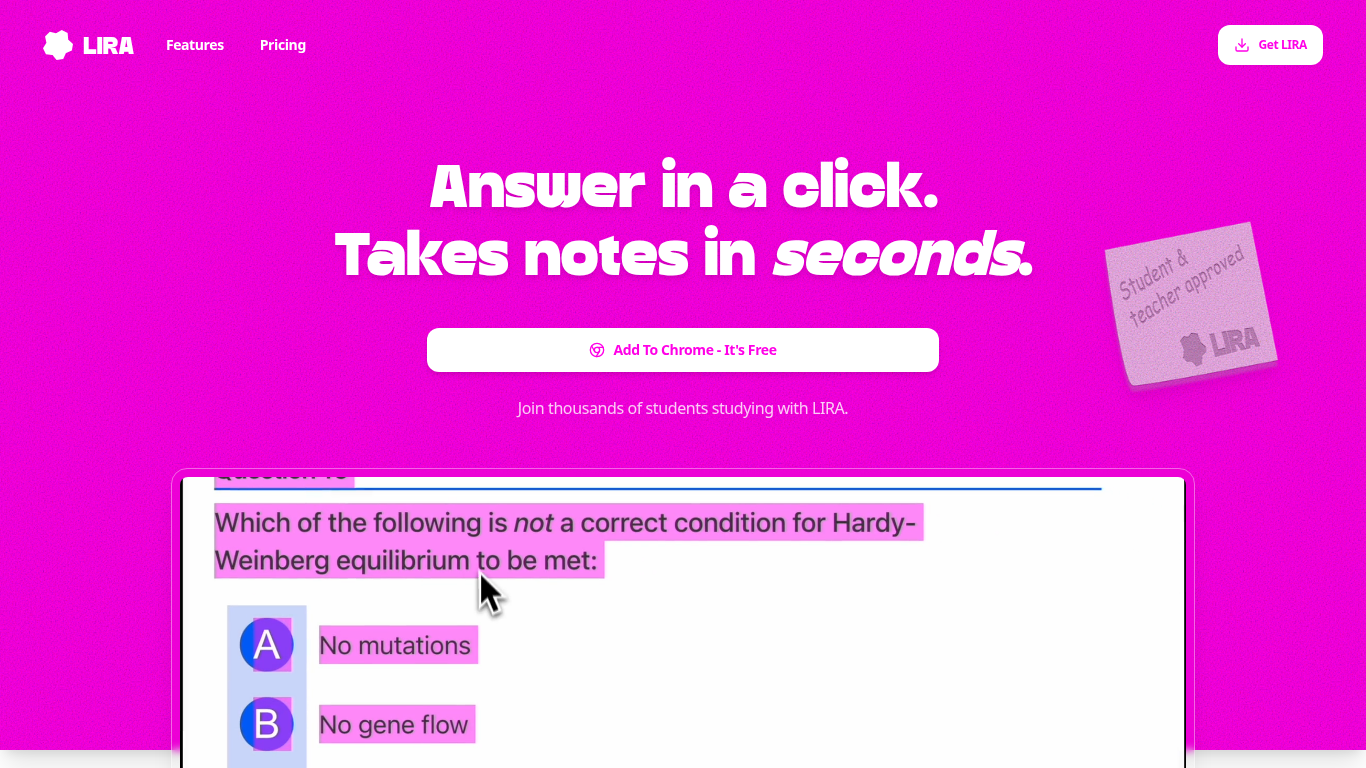
LIRA is an education Chrome extension that helps students take notes, summarize pages, and ask questions without leaving the site they are reading. You highlight text or images, right-click, and LIRA answers or saves notes in the background.
Unlike standalone study apps, LIRA is built to run undetected on any webpage. That means lecture slides, PDF viewers, news articles, and homework portals all stay in one tab while the assistant handles quick explanations and summaries from the selection.
The free Basic plan covers simple note-taking, instant answers, and site-wide use. Premium is $7 per month with 500K credits and higher accuracy limits. The homepage is aimed at busy students who want faster comprehension, not another window to manage.
Right-click any text or image on a webpage to ask LIRA or save a note
Works undetected in the background across any website you browse
Basic plan is free with simple note-taking and instant answers
Premium plan includes 500K credits per month for $7
Keyboard shortcuts and right-click menu for quick access
Yearly billing advertises 6 months free compared with monthly pricing
Stays on the page you are reading instead of forcing a separate study tab.
Free Basic tier covers note-taking and instant answers before you pay.
Premium includes a large 500K monthly credit allowance for heavy use.
Chrome extension only; no native mobile app is listed on the homepage.
Premium accuracy and limits require the $7 per month plan.
What is LIRA?
LIRA is a Chrome extension for students that saves notes, summarizes pages, and answers questions from any webpage. You select text or images and interact through right-click or keyboard shortcuts.
How much does LIRA cost?
LIRA's Basic plan is free and includes simple note-taking, instant answers, and site-wide use. Premium costs $7 per month and adds 500K monthly credits with higher accuracy and limits.
Does LIRA work on every website?
Yes. LIRA is designed to work on any webpage while staying in the background. The homepage highlights select-and-ask flows on text and images wherever you are studying online.
How do I install LIRA?
LIRA installs as a Chrome extension from the homepage Add To Chrome button. After adding it, you can right-click highlighted content or use shortcuts to start asking questions.
What does LIRA Premium include?
LIRA Premium at $7 per month includes 500K credits per month, full access, and the highest accuracy, reasoning, and usage limits listed on the pricing section.
Who built LIRA?
LIRA was built by Dris, who describes creating it for busy students who want to study smarter rather than longer. The founder note appears on the homepage under Designed For Students.