
Last updated 08-14-2026
Category:
Reviews:
Join thousands of AI enthusiasts in the World of AI!
LogoZanaat
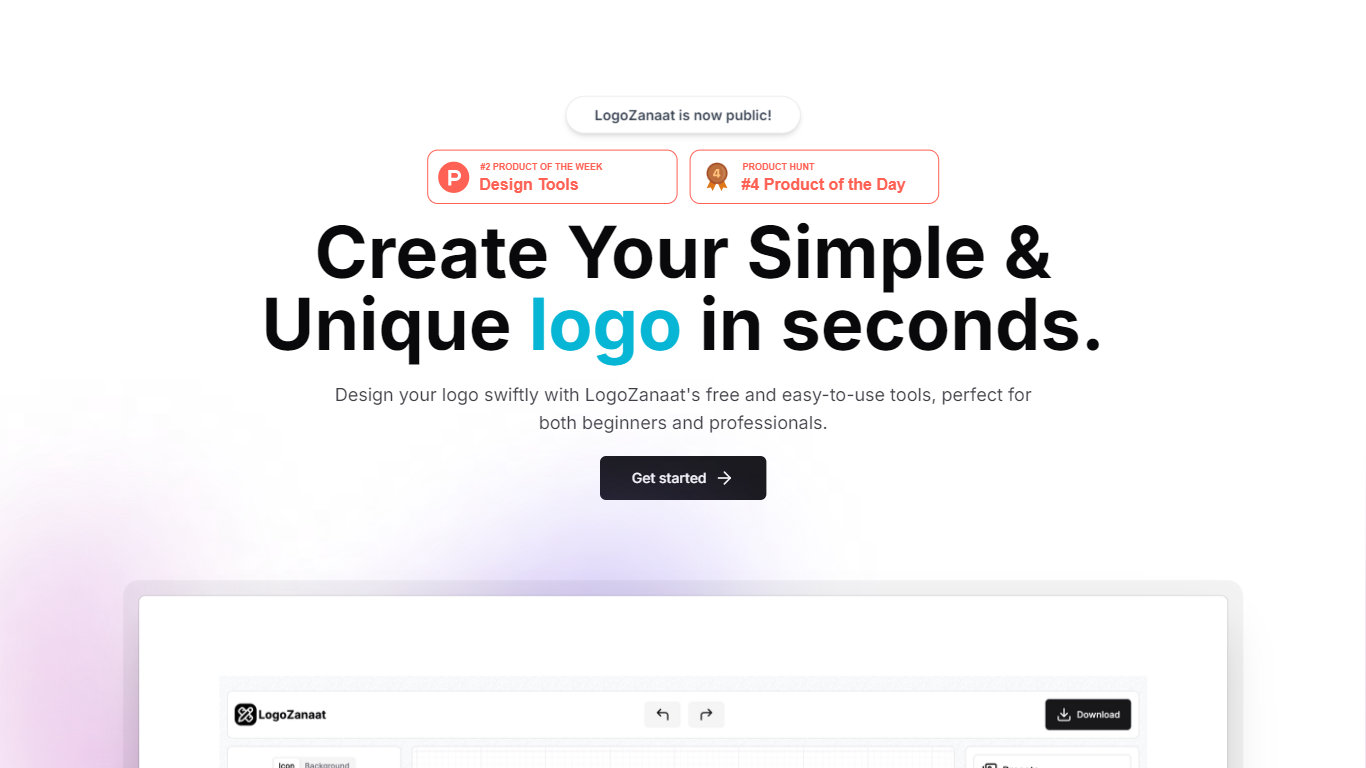
LogoZanaat is a browser-based logo maker for quick icon-and-background marks. You open the editor, pick or upload an icon, set a background layer, and tune size, rotation, borders, and fill colors before saving a preset. The public app lives at logozanaat.app/app and stores designs locally with no signup gate on the homepage.
Most logo makers start from large template galleries or paid icon packs. LogoZanaat keeps the canvas narrow: one icon slot, one background layer, and sliders for size, rotation, border width, and fill opacity. That trade-off favors speed when you need a simple mark instead of a full brand kit with font pairing and mockups.
Freelancers, indie hackers, and small teams who want a fast logo without opening Figma fit the tool best. The preset panel saves work in the browser, so it suits one-off projects more than agency workflows with shared asset libraries. If you need multi-format export docs or collaborative review, this editor will feel too minimal.
Icon and background layers with size, rotation, border width, and fill opacity sliders
Upload custom images through the add custom image control in the editor
Border color picker supports HEX values plus RGBA channels
Fill color picker with separate opacity percentage control
Preset panel saves logos locally with a Save button and empty-state folder view
Icon and background layers with size, rotation, border, and fill controls in one editor view
Upload custom images instead of being locked to the default leaf icon
Saves logo presets locally in the browser with no account signup
Free to use with no pricing page or paywall on the public site
Open Next.js project linked from the homepage GitHub icon
Homepage copy is minimal, so most product detail lives inside the editor itself
No documented team sharing or export format list on the public pages
AI assistance is mentioned on the creator portfolio but not explained on the product site
Narrow feature set compared to full brand-kit platforms with font libraries
Is LogoZanaat free to use?
Yes. LogoZanaat has no public pricing page and the editor opens without a paywall. You can access the logo maker at logozanaat.app/app and start designing without entering payment details.
Do I need an account for LogoZanaat?
No. LogoZanaat runs in the browser and the homepage links straight into the editor. The saved logos panel stores presets locally and shows a no logo saved yet message until you hit Save.
Can LogoZanaat use my own images?
Yes. LogoZanaat includes an add custom image option in the editor so you can upload your own artwork instead of using the default leaf icon shown in the interface.
What controls does LogoZanaat offer?
LogoZanaat exposes size in pixels, rotation in degrees, border width in pixels, border color with HEX and RGBA fields, fill opacity as a percentage, and a separate fill color picker. Presets let you store finished combinations.
Where does LogoZanaat save my logos?
LogoZanaat keeps saved logos in the browser preset panel labeled Logos saved. The UI shows an empty folder graphic and a No logo saved yet message until you save a design from the editor.
What is LogoZanaat built with?
LogoZanaat is a Next.js app deployed on Vercel. Its creator portfolio lists TypeScript, Tailwind CSS, and Shadcn UI as the stack, and the homepage links to the GitHub repository for the project.