
Last updated 09-23-2026
Category:
Reviews:
Join thousands of AI enthusiasts in the World of AI!
MagicRemover
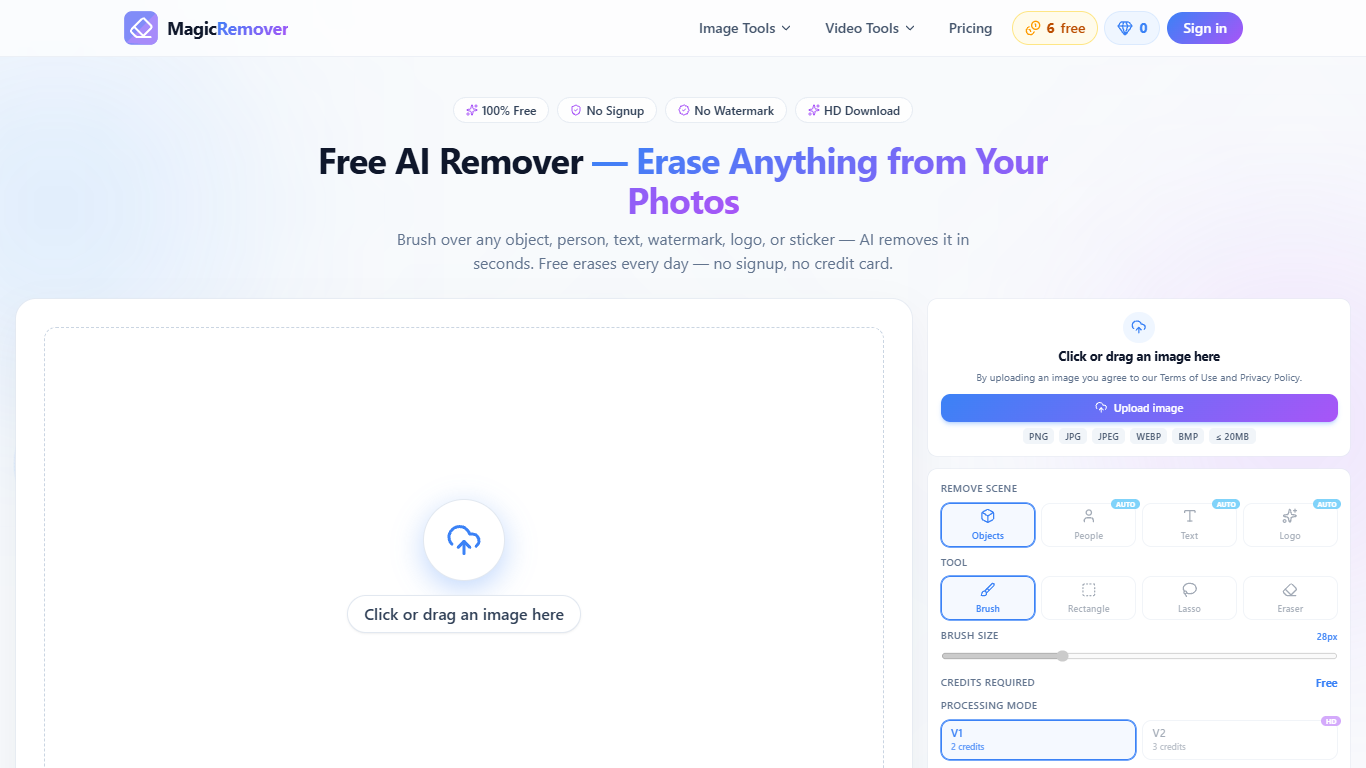
MagicRemover lets you brush unwanted people, objects, text, watermarks, logos, or stickers out of a photo and download a cleaned file from the browser. It targets quick photo editing fixes where you already have the image and need the background rebuilt behind a masked area, not a full desktop suite. Six erases per day stay free without creating an account, and exports do not carry a MagicRemover watermark.
Most object removers push registration before the first download or stamp a watermark on free output. MagicRemover keeps the editor on the homepage and even publishes a Magic Eraser alternative page that spells out the trade-off: same brush workflow, fewer gates. One-time credit packs never expire, while subscription credits refresh monthly and unused monthly balance does not roll over.
Ecommerce sellers cleaning product shots, travelers cutting photobombers out of landmarks, and anyone fixing memes or chat screenshots can open dedicated flows for people, logos, text, or stickers. Paid work can run through a V2 HD engine with Fast, Balanced, and Quality tiers when you need finer reconstruction up to 4K, and a sibling video tool removes watermarks from MP4s with 60 free seconds after signup.
Six free photo erases daily: three manual V1 runs plus three AI auto runs, no account
Upload PNG, JPG, JPEG, WebP, or BMP files up to 20 MB
Mask with brush, rectangle, lasso, or eraser before you hit apply
AI auto modes for people, objects, text, logos, and stickers draw the mask for you
V2 HD reconstruction costs 3, 8, or 20 credits at Fast, Balanced, or Quality
Six watermark-free photo erases per day without creating an account.
One-time credit packs never expire, which suits occasional cleanup jobs.
Dedicated landing pages and auto modes for people, text, logos, stickers, and watermarks.
Masking tools include brush, rectangle, lasso, and eraser before you spend credits.
Commercial use of processed images is allowed according to the site FAQ.
Subscription credits expire at each monthly renewal instead of rolling over.
Free daily erases use the V1 engine, while paid AI auto runs move to V2.
Video watermark removal requires signup for the 60 free seconds allotment.
Completed purchases are non-refundable except where local law requires it.
Does MagicRemover have a free plan?
Yes. MagicRemover includes a Free plan with six erases per day, split between three manual V1 erases and three AI auto erases. Watermark-free downloads are included on every plan.
How much does MagicRemover cost?
MagicRemover paid subscriptions start at $3.90 per month for 50 credits, with 200, 500, and 1,000 credit tiers at $8.90, $12.90, and $16.90 per month. One-time packs start at $4.99 for 50 credits.
What file formats does MagicRemover support?
MagicRemover accepts JPG, PNG, and WebP uploads up to 20 MB per image, and the uploader also lists PNG, JPG, JPEG, WebP, and BMP on the homepage editor. Use the largest sharp source file for the best inpainting result.
Can I use MagicRemover without signing up?
Yes. MagicRemover runs in the browser with no app install, and the daily free photo erases do not require an account. Signing in with Google adds tracked credits plus 60 free seconds of video watermark removal.
Does MagicRemover watermark downloads?
No. MagicRemover states that downloads stay watermark-free on every plan. Paid credit erases can keep your original resolution up to 4K.
How do MagicRemover credits work?
MagicRemover charges 2 credits for a manual V1 erase, 3 credits for AI auto erase, and 3, 8, or 20 credits for V2 HD Fast, Balanced, or Quality. Uploading and masking cost nothing until you apply a paid erase beyond the free daily pool.
Can MagicRemover remove watermarks from video?
Yes. MagicRemover offers a separate video watermark remover where you mark a fixed watermark with a box or brush on MP4 uploads. New accounts receive 60 free seconds of video processing after signup.