
Last updated 09-01-2026
Category:
Reviews:
Join thousands of AI enthusiasts in the World of AI!
MaxArt.ai (formerly MaxArtAI)
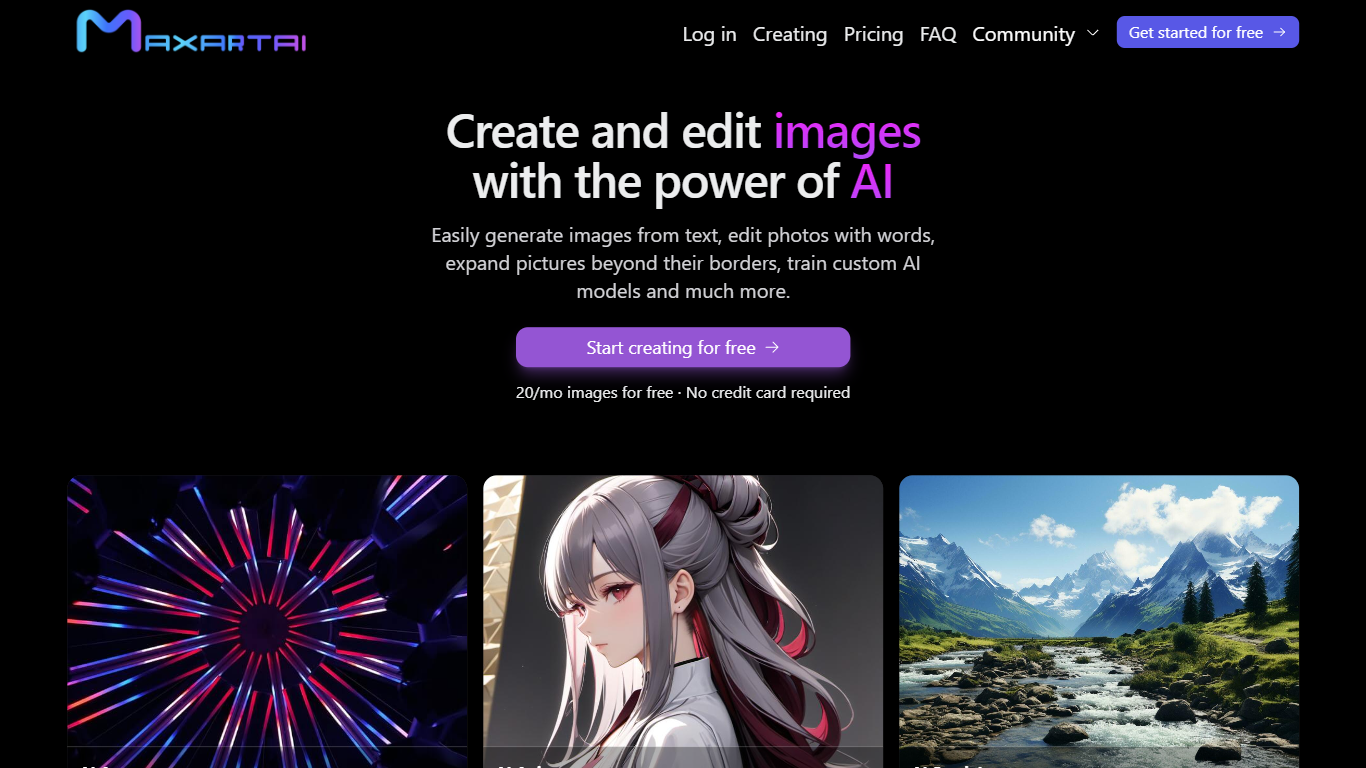
MaxArt.ai covers image generation and AI video effects in one browser workspace. You pick a named effect template or a model such as HappyHorse 1.1, Seedance 2.5, or GPT Image 2, then run text-to-video, image-to-video, or reference-to-video jobs alongside photo style presets. Outputs include short clips from 3 to 15 seconds at 720p or 1080p and still images with looks like painting, sketch, or flat lay.
Most AI video tools center on open prompts inside a single model. MaxArt.ai takes a catalog-first approach with preset video effects (360° rotation, flying sequences, talking baby podcast) and a separate image effects library, then routes each job through whichever listed model fits. Credit packs are one-time purchases with lifetime validity, which suits occasional campaign batches more than a standing subscription.
The workflow fits creators, social media managers, and marketers who need fast visuals for posts and ads without opening traditional editing software. Google sign-in unlocks 5 free starter credits, and the interface ships in 10 languages.
Run text-to-video, image-to-video, and reference-to-video jobs with models like HappyHorse 1.1, Seedance 2.5, and GPT Image 2
Export videos from 3 to 15 seconds at 720p or 1080p across 10 aspect ratios including 16:9 and 9:16
Browse preset video effects such as 360° rotation, flying sequences, smooth transitions, and old photo animation
Apply AI image effects including photo to painting, photo to sketch, flat lay, age progression, and caricature styles
Buy one-time credit packs at $6.9 for 100 credits, $13.9 for 300 credits, or $27.9 for 800 credits with lifetime validity
Sign in with Google to receive 5 free starter credits for new accounts
Use the interface in 10 languages including English, French, German, Spanish, and Japanese
5 free starter credits after Google sign-in with lifetime validity
One-time credit packs with no subscription required
Preset video and image effect catalogs for fast social content
Commercial use allowed on generated video and image outputs
Interface available in 10 languages
Credit costs add up quickly on longer 1080p video generations
No native mobile apps listed on the site
Large model and effect catalogs can feel overwhelming for first-time users
Is MaxArt.ai free to use?
Yes. MaxArt.ai gives new users 5 free credits when they sign in with Google. Those credits are permanently valid, and paid credit packs are optional.
How does MaxArt.ai pricing work?
MaxArt.ai uses one-time credit packs with no subscription. Plans include Free (5 credits), Basic ($6.9 for 100 credits), Pro ($13.9 for 300 credits), and Ultimate ($27.9 for 800 credits), all with lifetime validity.
What AI models does MaxArt.ai support?
MaxArt.ai lists models including HappyHorse 1.1, Seedance 2.5, Seedance 2.0, Seedream 5.0 Pro, GPT Image 2, Google Flow, OiiOii AI, and A2E AI for video and image generation workflows.
Can I use MaxArt.ai outputs commercially?
Yes. MaxArt.ai states that videos enhanced with its AI video effects and images transformed with its AI image effects can be used for commercial purposes, and you retain rights to generated content.
What languages does MaxArt.ai support?
MaxArt.ai offers its interface in English, French, German, Spanish, Italian, Japanese, Korean, Russian, Traditional Chinese, and Portuguese.
How long do MaxArt.ai generations take?
MaxArt.ai says AI video effects typically finish in 30 to 60 seconds, depending on effect complexity and duration settings from 3 to 15 seconds.