
Last updated 07-30-2026
Category:
Reviews:
Join thousands of AI enthusiasts in the World of AI!
MCP.so
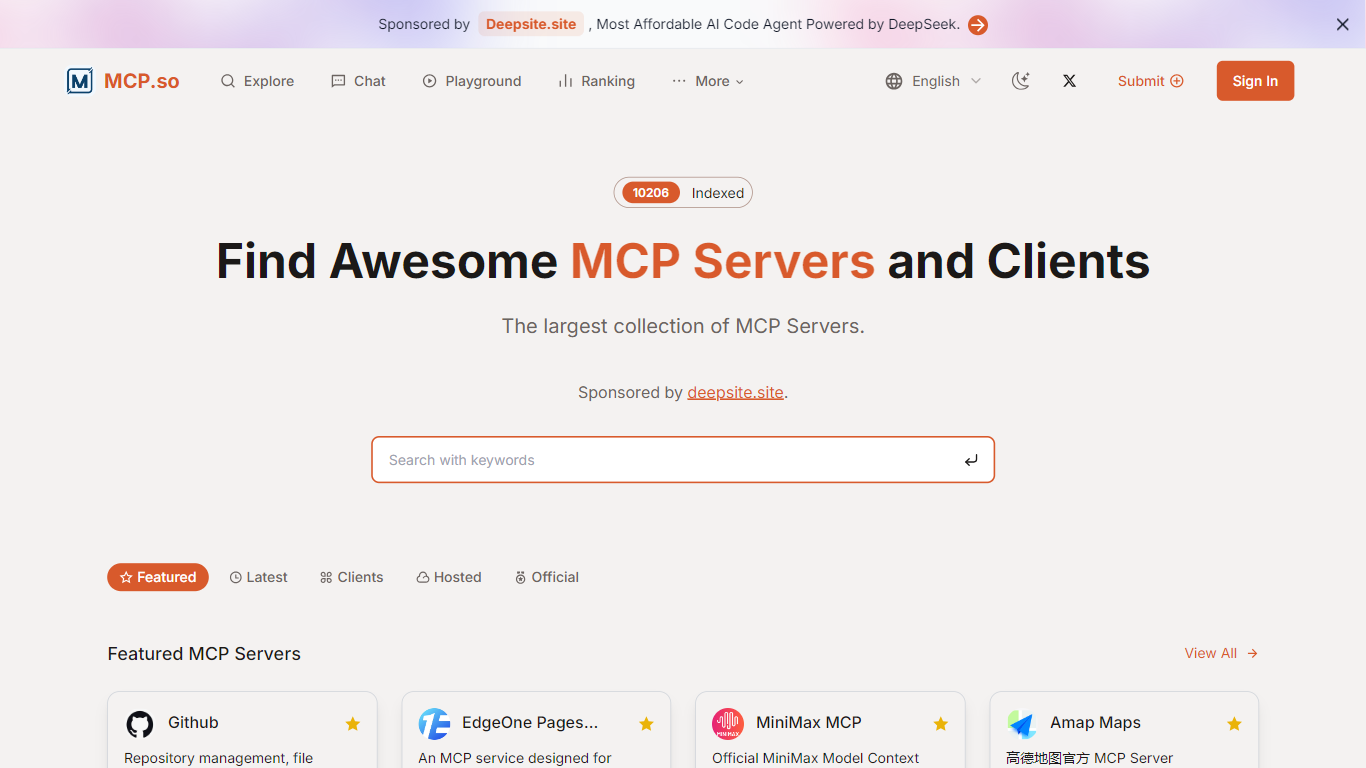
MCP.so catalogs Model Context Protocol servers that connect AI coding assistants to external tools, databases, and APIs. Browse thousands of listings sorted by popularity, inspect each server's tools and config snippets, and copy install instructions for Claude Desktop, Cursor, VS Code, and other MCP clients. A built-in playground lets you preview server configuration and tool parameters before connecting.
General plugin marketplaces list AI tools without protocol details. MCP.so focuses exclusively on MCP servers with ready-to-paste client configs, category filters, and a live feed of new submissions. That narrow scope makes it faster to find a GitHub, Postgres, or browser automation server that matches your stack than searching generic AI directories.
Developers, AI agent builders, and platform teams use MCP.so to discover community and official servers like GitHub MCP, Playwright, Firecrawl, and Context7, then wire them into local or remote MCP clients. The directory itself is free; individual servers may require your own API keys for paid third-party services.
Browse thousands of MCP servers with popularity rankings and category filters across developer tools, databases, and browser automation
Copy ready-to-paste install configs for Claude Desktop, Cursor, VS Code, and other MCP clients from each server page
MCP Server Playground inspects server configuration and tool parameters before you connect locally or remotely
Live feed surfaces newly submitted servers with maintainer details and install links
FAQ covers local versus remote servers, security evaluation, and which AI clients support MCP
Largest focused catalog of MCP servers with popularity rankings and category filters.
Ready-to-paste install configs for Claude Desktop, Cursor, and VS Code on each listing.
Free directory access with a playground to preview server tools before connecting.
Live feed tracks newly submitted servers from the community.
Directory is free but many servers require separate API keys for paid third-party services.
Server quality and security vary; you must review each repository before installing.
No unified runtime; each server has its own install steps and transport requirements.
What is MCP.so?
MCP.so is a directory for Model Context Protocol servers that connect AI assistants to external tools and data sources. MCP.so lists servers with install configs, categories, and a playground to inspect tools before connecting clients like Cursor or Claude Desktop.
What is an MCP server?
An MCP server is a program built on the Model Context Protocol that wraps a tool, database, or API into a capability an AI assistant can discover and call. MCP.so catalogs these servers with install instructions for common AI coding clients.
How do I install an MCP server from MCP.so?
Open a server's detail page on MCP.so and copy the config snippet for your client, such as Claude Desktop, Cursor, or VS Code. Most installs take a couple of minutes and differ by whether the server runs locally over stdio or remotely over HTTP.
Are MCP servers on MCP.so free?
MCP.so itself is free to browse. Most listed servers are open source, though some wrap paid third-party APIs that require your own API key or subscription to use.
Which AI clients work with MCP.so listings?
Claude Desktop, Claude Code, Cursor, VS Code, Codex, and other clients that support the Model Context Protocol can connect to servers listed on MCP.so. Configuration formats vary slightly by client and transport type.
What is the MCP.so playground?
The MCP.so playground at mcp.so/playground lets you inspect an MCP server's configuration and tool parameters online before installing it in your local or remote client.