
Last updated 07-28-2026
Category:
Reviews:
Join thousands of AI enthusiasts in the World of AI!
MidGen AI
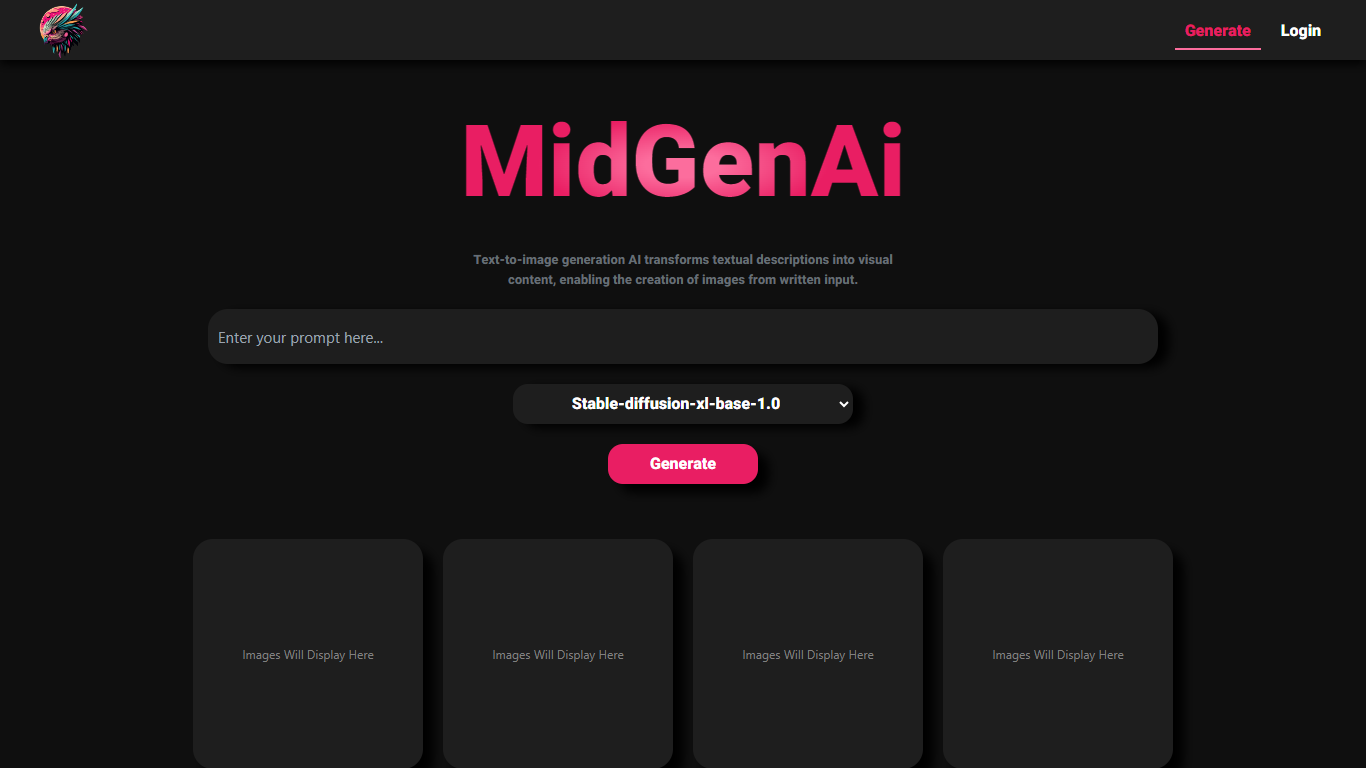
MidGen AI bundles text-to-image, text-to-video, background removal, and text-to-speech into one browser-based creative suite. You can generate images from prompts, cut out photo backgrounds, render short video clips, or turn scripts into downloadable voiceovers without installing software. The site states that all four tools are free, carry no watermarks, and do not require signup for core use.
Most image generators stop at still frames. MidGen AI stacks four production tasks in one tab, which matters if you need a product cutout, a social clip, and a voiceover for the same campaign. Video clips cap at 10 seconds per generation at up to 1080p, while images can reach 4K on the text-to-image tool.
Creators, ecommerce sellers, and marketers who need quick visuals without a paid subscription are the clearest fit. Artists can iterate on prompts across photorealistic, anime, and 3D styles, while shop owners can batch-remove backgrounds from product shots. Educators and podcasters can lean on the text-to-speech module, which lists 50+ voices across 30+ languages with MP3 or WAV export.
Four tools in one site: text-to-image, text-to-video, background remover, and text-to-speech
Text-to-image outputs up to 4K resolution with photorealistic, anime, and 3D style options
Text-to-video generates clips up to 10 seconds at 1080p HD in cinematic, anime, or 3D styles
Background remover accepts JPG, PNG, and WEBP files and exports transparent PNG cutouts
Text-to-speech offers 50+ voices across 30+ languages with MP3 and WAV downloads
No signup required for core generation; optional account unlocks gallery saves and history
All four creative tools are free with no watermarks on exports
Core features work without creating an account
Commercial use is permitted for generated images, video, audio, and cutouts per the terms
Text-to-image supports multiple art styles including photorealistic, anime, and 3D
Video clips are limited to 10 seconds per generation
Optional login is needed to save gallery history and like community posts
Peak traffic may trigger temporary rate limiting on image generation
Is MidGen AI free to use?
Yes. MidGen AI states that its text-to-image, text-to-video, background remover, and text-to-speech tools are free with no credit card required. The homepage also says outputs ship without watermarks and that core use does not require signup.
Does MidGen AI require an account?
No for core generation. MidGen AI says you can start creating without signup, while an optional free account unlocks gallery saves, likes on community posts, and generation history.
Can I use MidGen AI content commercially?
Yes. MidGen AI's terms allow commercial and personal use of generated images, videos, audio, and background-removed photos, provided the use complies with applicable law and the site's prohibited-use rules.
How long are MidGen AI videos?
MidGen AI's text-to-video tool creates clips up to 10 seconds per generation. The site says you can stitch additional scenes by generating more clips with consistent prompts and style settings.
What formats does MidGen AI background remover support?
MidGen AI accepts JPG, JPEG, PNG, and WEBP uploads for background removal. The tool exports high-resolution transparent PNG files suitable for design apps like Canva, Photoshop, or Figma.
How many voices does MidGen AI text-to-speech include?
MidGen AI lists 50+ realistic AI voices across 30+ languages on its text-to-speech page. You can adjust speed and pitch, then download finished audio as MP3 or WAV.
What tools are included in MidGen AI?
MidGen AI combines four modules: text-to-image, text-to-video, an AI background remover, and text-to-speech. Each tool has its own page and generator workflow inside the same site.