
Last updated 07-27-2026
Category:
Reviews:
Join thousands of AI enthusiasts in the World of AI!
MimicPC
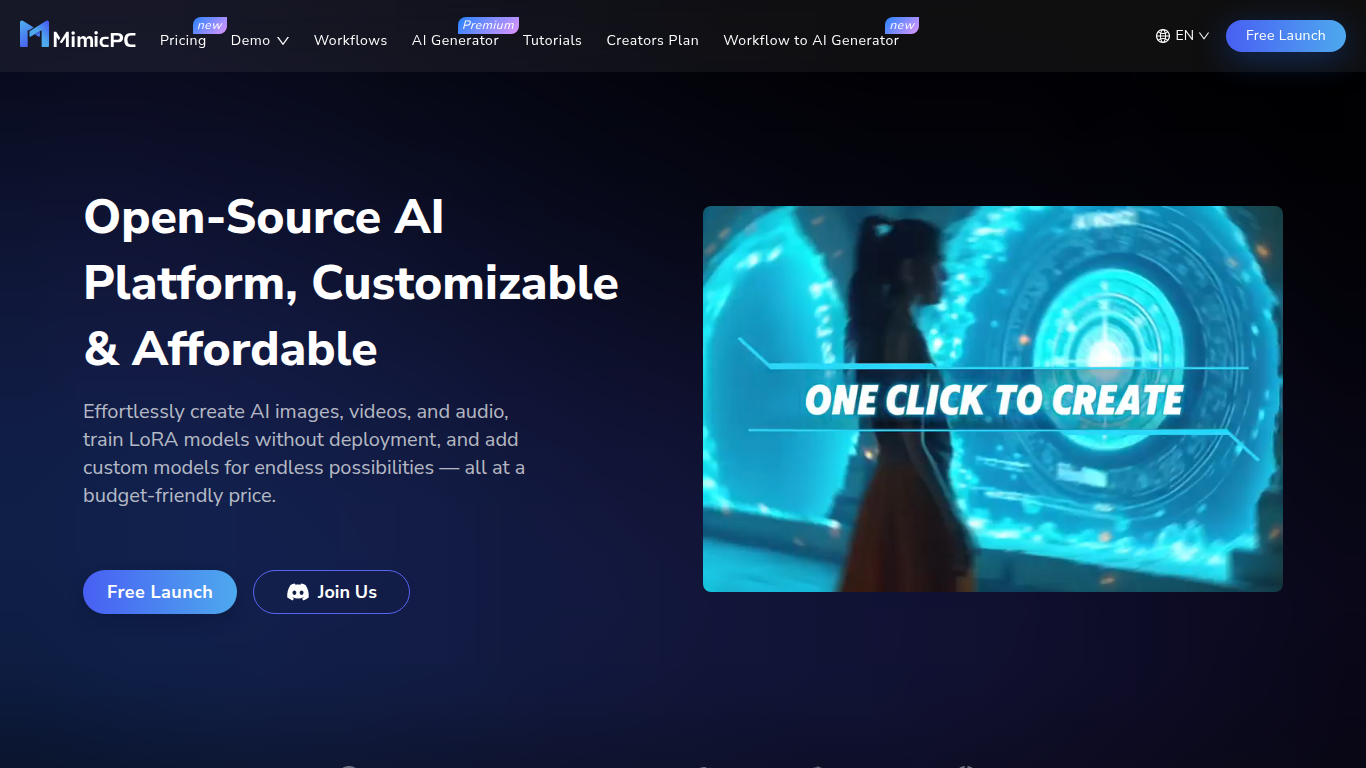
MimicPC provides a cloud-based platform that enables users to create AI-generated images, videos, and audio directly through a web browser. It supports popular AI models like Stable Diffusion and FLUX, allowing users to generate high-quality content from text prompts or images without complex setup.
What sets MimicPC apart is its combination of affordability and customization. Users can select from multiple GPU hardware configurations with cost-effective pricing plans, and train custom models such as LoRA to tailor AI tools to their specific creative needs.
MimicPC offers pre-installed AI applications and ready-to-use workflows that simplify the creative process for both beginners and experienced users. The platform also includes private and shared storage options, a tutorial hub, and a collaborative community, making it a comprehensive workspace for AI creativity and development.
The platform enforces strict content policies to maintain a safe environment, prohibiting NSFW and illegal content. MimicPC integrates models from GitHub, Hugging Face, and other providers, combining open-source and closed-source technologies to deliver a versatile AI experience.
Flexible subscription plans provide monthly credit allocations and pay-as-you-go GPU usage, supporting casual experimentation and professional workloads. Intelligent energy-saving technology helps reduce GPU costs while maintaining performance, empowering users to focus on their ideas rather than technical hurdles.
🌐 Browser-Based Access: Use AI apps instantly without installation or setup hassles.
🎨 Diverse AI Tools: Generate images, videos, and audio using popular models like Stable Diffusion and FLUX.
⚙️ Custom Model Training: Train and deploy custom LoRA models tailored to your creative needs.
💾 Flexible Storage: Benefit from 50GB private storage plus shared storage options to manage your projects securely.
💰 Affordable GPU Access: Choose from multiple hardware configurations starting at $0.29/hour with cost-effective pricing plans.
📚 Tutorial Hub: Access a library of tutorials and ready-to-go workflows for easy learning and project setup.
🤝 Collaboration Features: Save, share, and collaborate on projects within a vibrant user community.
Wide variety of pre-installed AI apps ready to use
Supports custom model training and workflow customization
Affordable and flexible GPU rental options starting at $0.29/hour
Cloud-based platform accessible from any device via browser
Strong community and tutorial resources for learning
GPU rental costs can add up for heavy users
No refunds on most purchases except under specific conditions
Some advanced features require technical understanding
Content restrictions limit certain types of creations
Is MimicPC suitable for beginners?
Yes, MimicPC offers pre-installed AI apps and ready workflows that make it easy for beginners to start creating without technical setup.
Can I try MimicPC for free?
New users receive free credits upon registration to explore MimicPC's open-source AI apps without payment.
How does MimicPC charge for its services?
MimicPC uses a freemium model with free starter plans and paid subscriptions that include monthly credits for GPU usage.
Can I upload my own models or use custom nodes?
Yes, MimicPC supports custom model installation and workflow customization to fit your needs.
What types of AI content can I create?
You can create images, videos, audio, perform face swapping, train models, and generate text-based content using MimicPC.
Are there any content restrictions?
MimicPC prohibits NSFW, illegal, and harmful content to maintain a safe platform environment.
How can I reduce my costs on MimicPC?
Choose hardware configurations that match your needs and use bargain access pricing to save on GPU costs with MimicPC.