
Last updated 07-28-2026
Category:
Reviews:
Join thousands of AI enthusiasts in the World of AI!
MyCleverAI
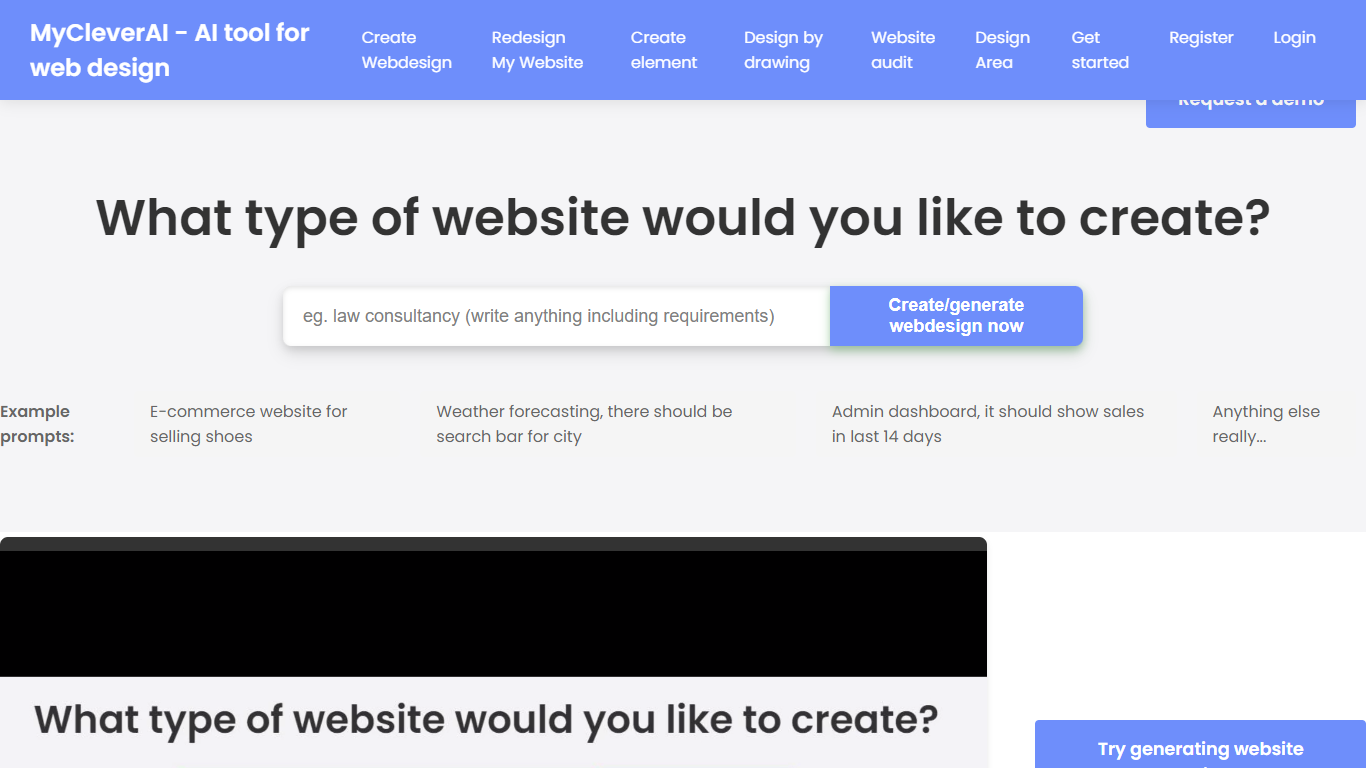
MyCleverAI is a code assistant and web design platform that turns text prompts or sketches into deployable CSS and HTML. You describe a page, wait about a minute, then download a single .html file you can upload to your server. The same account also unlocks chat, photo editing, an AI teacher, PDF chat, and dozens of other single-purpose tools from one dashboard.
Where most coding assistants autocomplete lines inside an IDE, MyCleverAI targets whole-page layout first. It generates matching interior pages, lets you redraw sections by typing adjustments, and even accepts hand-drawn wireframes through its drawing mode. That trade-off means less fine-grained file control, but much faster first drafts for marketing sites, landing pages, and email templates.
Freelancers, small business owners, and marketing teams use it when they need a presentable site without hiring a designer for every iteration. Enterprise teams can deploy 15+ tools across web, iOS, Android, and a free Chrome extension, with custom pricing handled through direct sales contact.
Generates a full web page from a text prompt in roughly 60 seconds
Exports designs as a single .html file with embedded CSS ready for server upload
15+ AI tools for organizations across web, iOS, Android, and a Chrome extension
Web Design by Drawing converts sketches into CSS/HTML without writing code
Design area can generate matching interior pages such as About, Pricing, and Contact
Free Chrome extension highlights text or screenshots on any page for instant AI chat
Ships finished .html files you can upload directly instead of locking designs inside an editor
Accepts hand-drawn wireframes through Web Design by Drawing, not just typed prompts
Bundles 15+ tools with iOS, Android, and a free Chrome extension under one brand
Generates on-page copy with the layout so drafts are usable faster
No hosted publishing; you or your developer must upload the exported HTML
No public pricing page, so paid tiers and limits are not listed upfront
Site guidance warns the first draft often needs several regenerations to match your brief
How long does MyCleverAI take to generate a website design?
MyCleverAI generates an entire web page from a prompt in roughly 60 seconds. The site notes that each AI generation takes only a few minutes end to end, including review time before you download the .html file.
What file format does MyCleverAI export?
MyCleverAI downloads finished designs as a .html file that includes the CSS styles and HTML code needed on your site. You can also view and copy the generated code inside the Design area before downloading.
Does MyCleverAI have a mobile app?
Yes. MyCleverAI offers iOS and Android apps, including listings on the App Store and Google Play. The mobile app lets you sign in with the same account to access saved content and subscription features on the go.
Does MyCleverAI offer a browser extension?
Yes. MyCleverAI publishes a free Chrome extension that lets you select text or capture screenshots on any webpage and discuss them with its AI assistant. The extension is listed on the Chrome Web Store.
Can MyCleverAI generate pages beyond the homepage?
Yes. After you approve a homepage in the Design area, MyCleverAI can generate additional matching pages such as About, Pricing, Contact, or product pages so the site stays visually consistent.
Is MyCleverAI free to use?
MyCleverAI follows a freemium model. You can try web design generation and add the free Chrome extension without a listed public price page, while registration unlocks saved designs and mobile premium features.
How do enterprises buy MyCleverAI?
Enterprise teams contact MyCleverAI at [email protected] for custom pricing on 15+ tools deployed across web, mobile, and browser extension. The enterprise pages state that sales typically responds within 24 hours.