
Last updated 08-13-2026
Category:
Reviews:
Join thousands of AI enthusiasts in the World of AI!
mymind
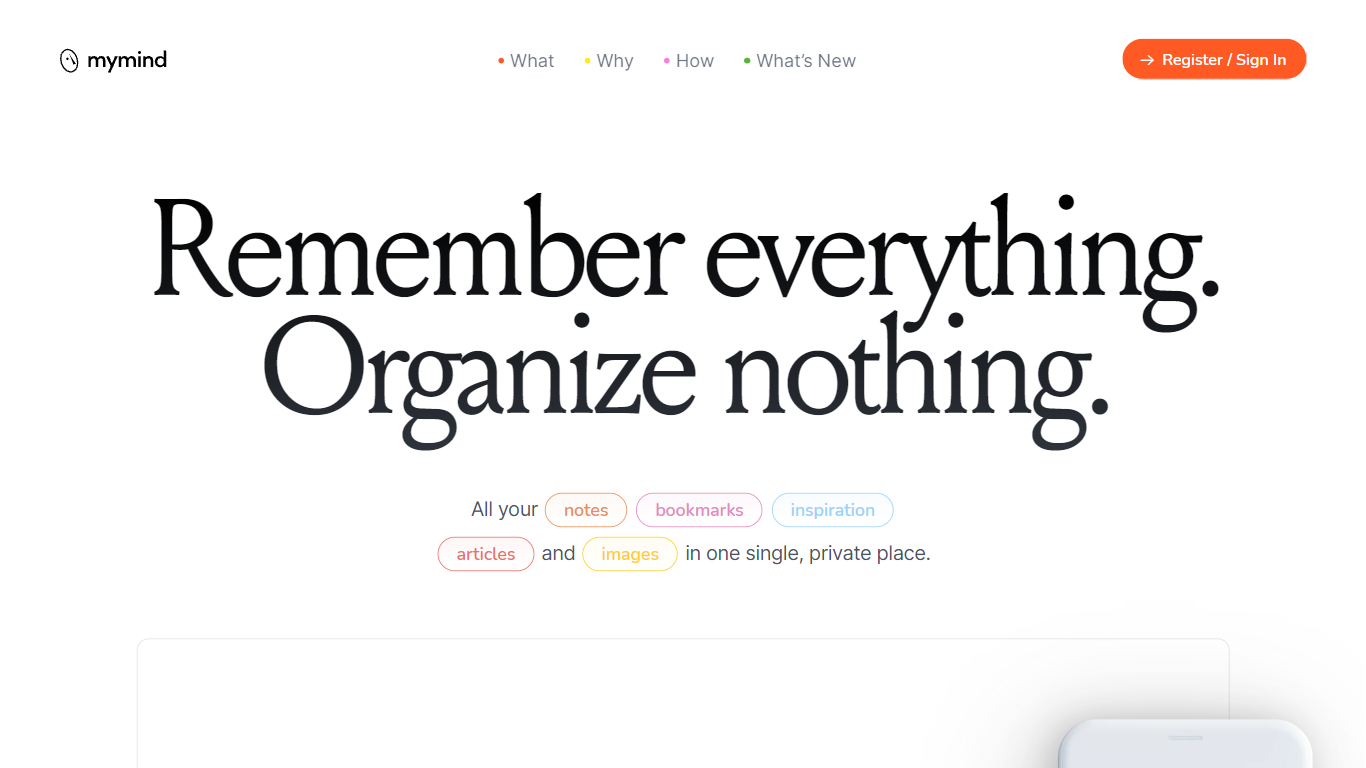
mymind is a private visual bookmarking and note-taking app that saves articles, images, quotes, and ideas in one place without folders or manual tagging. You clip content from the web or jot a quick note, and the app auto-categorizes each item, tags images, and surfaces it later through associative search by color, keyword, or brand.
Unlike Notion or Evernote, mymind deliberately skips collaboration, social feeds, and folder hierarchies. The pitch is "remember everything, organize nothing": no vanity metrics, no ads, and no shared workspaces. Paid Mastermind members get Reading Mode, full article backups, PDF summaries, and 500 MB video uploads on top of the base AI tagging stack.
Designers use it for mood boards and color search, writers for distraction-free Focus Mode drafts, and marketers for swipe-file collections. Browser extensions cover Chrome, Edge, and Safari, with native iOS and Android apps that sync instantly.
Student of Life plan costs $7.99 per month with unlimited cards and AI image tagging
Mastermind tier at $12.99 per month adds Reading Mode, article backup, and 500 MB video uploads
Search saved items by color, keyword, brand, or date without manual folders
Browser extensions for Chrome, Edge, and Safari save pages with one click
OCR reads text inside screenshots and memes so any word in an image is searchable
No folders, tags, or manual filing required before you can find a saved item again.
Privacy-first design with no social features, ads, or collaboration pressure.
Associative search by color and image content suits visual research workflows.
No import feature, so migrating from another bookmark manager means starting fresh.
Cheapest plan at $4.99 per month strips out the AI tagging that defines the product.
Newton tier at $299 per year is advertised but not yet available to purchase.
What is mymind used for?
mymind is a private app for saving bookmarks, notes, images, articles, and quotes in one visual library. It auto-categorizes each save and lets you retrieve items through associative search instead of folders or tags you maintain yourself.
How much does mymind cost?
mymind offers a free signup, a Bookmarker plan at $4.99 per month without AI features, Student of Life at $7.99 per month or $79 per year, and Mastermind at $12.99 per month or $129 per year. A Newton tier at $299 per year is listed but not yet available.
Does mymind have browser extensions?
Yes. mymind provides browser extensions for Chrome, Edge, and Safari that save web pages, highlighted quotes, and images with one click. Right-click saving works for images and selected text without leaving the page you are reading.
Is mymind private?
mymind states that nobody else can see what you save, with no ads, tracking, or data selling. The site manifesto explicitly rules out social features, collaboration, and vanity metrics as part of its privacy promise.
What extra features does mymind Mastermind include?
mymind Mastermind adds Reading Mode for ad-free in-app articles, full article backup even if the source goes offline, AI summaries, PDF analysis, Same Vibe mood boards, and video uploads up to 500 MB per file on top of the Student plan.
Which platforms does mymind support?
mymind runs on iOS and Android native apps plus browser extensions for Chrome, Edge, and Safari. Saved notes, bookmarks, and images sync across devices immediately according to the homepage.