
Last updated 07-29-2026
Category:
Reviews:
Join thousands of AI enthusiasts in the World of AI!
NeuralBlender
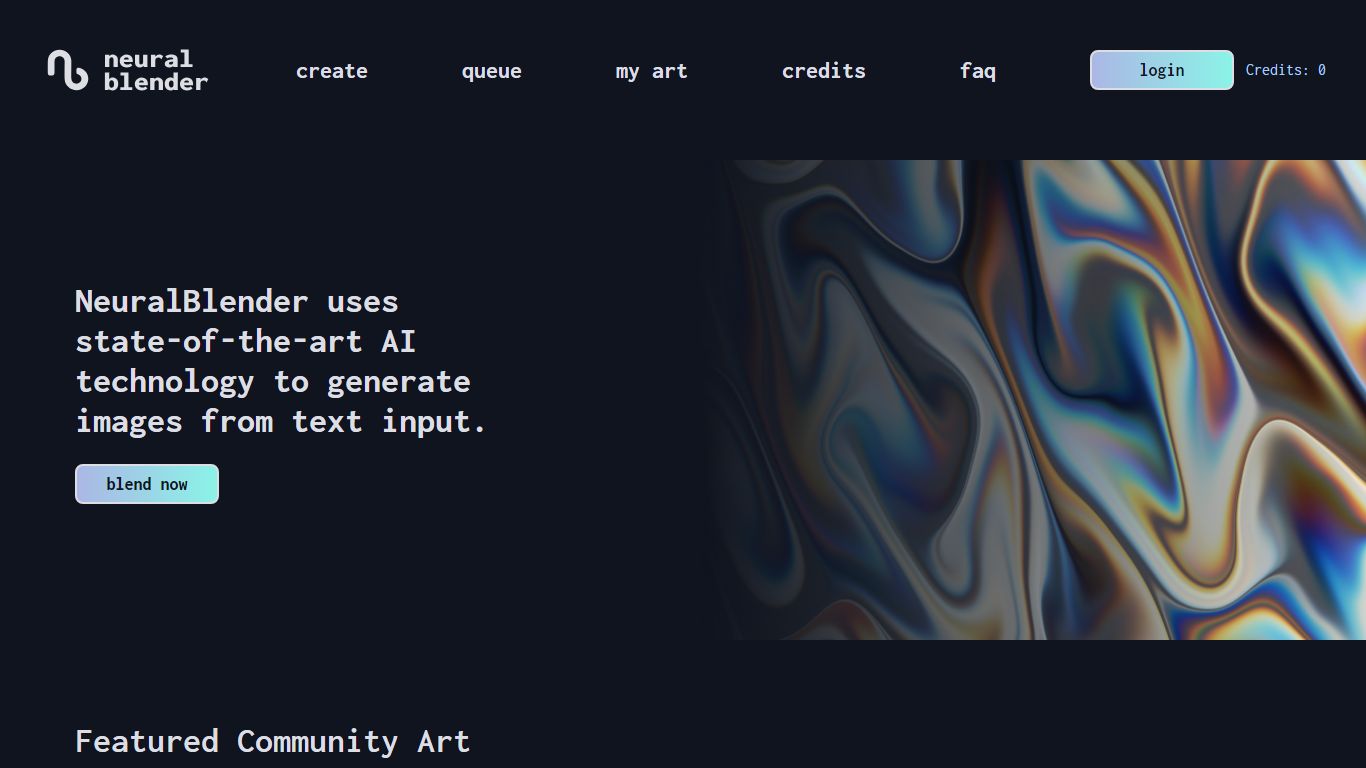
NeuralBlender turns text prompts into painterly images inside the browser using three blend models called Hyperion, Cronos, and Atlas. You pick a blend, type up to 1,000 characters, and queue a generation without installing software or running a local GPU.
Where newer image generators chase photorealism, NeuralBlender has kept the same Hyperion and Cronos blends online since 2021 and still leans toward textured, stylized art. Free users face long server queues, with the live site showing wait estimates around 154 minutes during busy periods, which is the trade-off for no-install access.
NeuralBlender suits hobbyists exploring text-to-image prompts, artists who want a distinct painted look, and anyone comparing early CLIP-plus-VQGAN style outputs to modern diffusion tools. Accounts let you save work to a gallery, and the three blends give you different visual characters from the same prompt.
Three blend models: Hyperion and Cronos since 2021, plus Atlas for alternate styles
Browser-only workflow with no local GPU or software install required
Prompt field accepts up to 1,000 characters per generation
Free queue displays live wait estimates, often over 100 minutes at peak times
Community gallery for browsing and sharing generated artwork
No install required: the full create flow runs in a standard web browser.
Three long-running blend models give distinct art styles from one prompt field.
Free queue lets you experiment without an upfront subscription.
Free-tier wait estimates often exceed 100 minutes during peak demand.
Outputs skew painterly and abstract rather than photorealistic.
Site response times can be slow, which delays page loads and queue checks.
Is NeuralBlender free to use?
Yes. NeuralBlender offers a free generation queue on neuralblender.com, though wait times can stretch past 100 minutes when demand is high. The create page tracks your credit balance and shows a live queue estimate before each render.
What blend models does NeuralBlender offer?
NeuralBlender ships three blends: Hyperion, Cronos, and Atlas. Hyperion and Cronos are labeled OG models on the site and have been available since the platform launched in 2021.
Do I need to install software for NeuralBlender?
No. NeuralBlender runs entirely in the browser at neuralblender.com. You select a blend, enter a text prompt, and queue the image without downloading an app or using local GPU hardware.
How long is the NeuralBlender queue?
NeuralBlender shows a live estimated wait on the create page. During busy periods the site has displayed waits around 154 minutes for free-tier generations.
What prompt length does NeuralBlender allow?
NeuralBlender accepts text prompts up to 1,000 characters on the create page. You choose Hyperion, Cronos, or Atlas before submitting the prompt to the generation queue.
What art style does NeuralBlender produce?
NeuralBlender focuses on stylized, painterly, and textured outputs rather than photorealistic renders. Each of the three blend models produces a distinct visual character from the same prompt.