
Last updated 08-21-2026
Category:
Reviews:
Join thousands of AI enthusiasts in the World of AI!
Office Floor Plan
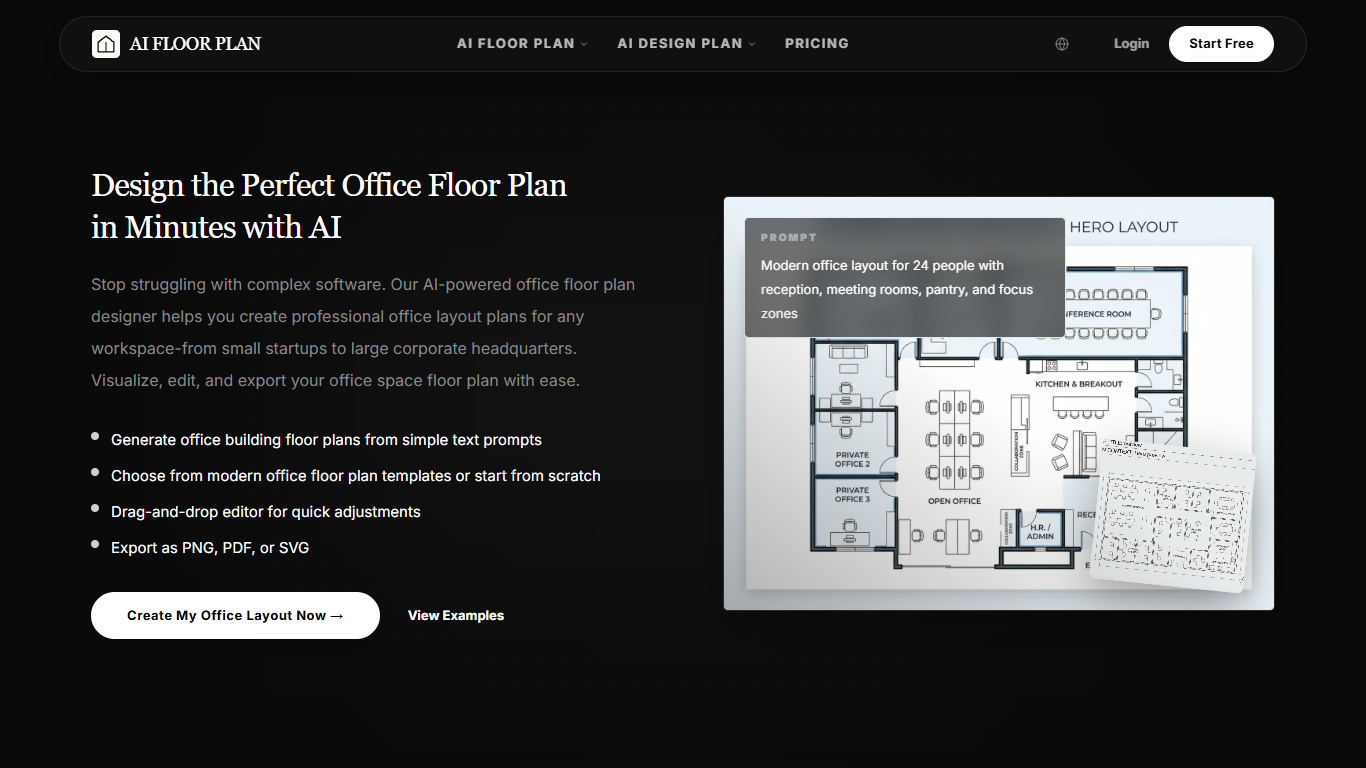
Office Floor Plan turns plain-English workspace briefs into editable office layouts you can refine in 2D or 3D and export as PNG, PDF, or SVG. Describe headcount, meeting rooms, reception areas, or hybrid zones, and the tool generates multiple layout options in under a minute without CAD software.
Most floor plan tools make you draw walls manually or lock you into one room type. Office Floor Plan is a specialized page on the AI Floor Plan platform focused on commercial workspaces, with templates for modern, executive, corporate, co-working, and administration layouts that you can customize in a drag-and-drop editor.
Office managers, startup founders, facility planners, and interior designers use it to compare traffic flow before signing a lease or moving furniture. The free workflow covers text-to-layout generation, template starts, dimension edits, and stakeholder-ready exports with no credit card required to begin.
Generate multiple office layouts from text prompts in under a minute
Export finished plans as PNG, PDF, or SVG files
Switch between 2D and 3D views in the same editor
Start from templates for modern, executive, or co-working offices
Drag-and-drop editor for walls, doors, windows, and furniture
Supports layouts from small teams up to 100+ person offices
Text prompts produce multiple office layouts in under a minute.
Free tier covers generation, templates, and PNG, PDF, or SVG exports with no credit card.
2D and 3D views live in one browser editor, so non-designers can review space flow quickly.
Template library spans startup, executive, corporate, and co-working office types.
Paid plan pricing is not published on the office floor plan pages reviewed.
Measurement accuracy still needs professional verification before construction or lease commits.
The tool focuses on layout concepts, not permit-ready architectural documentation.
How does Office Floor Plan generate layouts from text?
Office Floor Plan reads your plain-English workspace brief, such as headcount and room types, then produces multiple office layout options that account for circulation and common planning patterns. You pick a direction and refine it in the editor.
Can I customize Office Floor Plan layouts after generation?
Yes. Office Floor Plan includes a drag-and-drop editor to adjust walls, furniture, doors, windows, and dimensions. You can iterate on an AI draft without CAD training.
Does Office Floor Plan support 3D views?
Yes. Office Floor Plan lets you switch between 2D planning views and 3D presentations so stakeholders can see how an office layout will feel before furniture moves.
Who is Office Floor Plan built for?
Office Floor Plan targets business owners planning a first office, office managers reconfiguring hybrid space, facility planners drafting early concepts, and designers who need fast layout options for client review.
Can I start from an Office Floor Plan template?
Yes. Office Floor Plan offers ready-made templates such as modern open offices, executive suites, corporate headquarters, and co-working layouts that you can customize instead of writing a prompt from scratch.
What export formats does Office Floor Plan support?
Office Floor Plan exports high-resolution deliverables as PNG, PDF, or SVG files so you can share layouts with landlords, contractors, or leadership teams.
Is there a free version of Office Floor Plan?
Yes. Office Floor Plan offers a free tier with basic generation and export features. You can start without entering payment details, and upgrade when you need higher limits.