
Last updated 08-22-2026
Category:
Reviews:
Join thousands of AI enthusiasts in the World of AI!
Online PS Editor
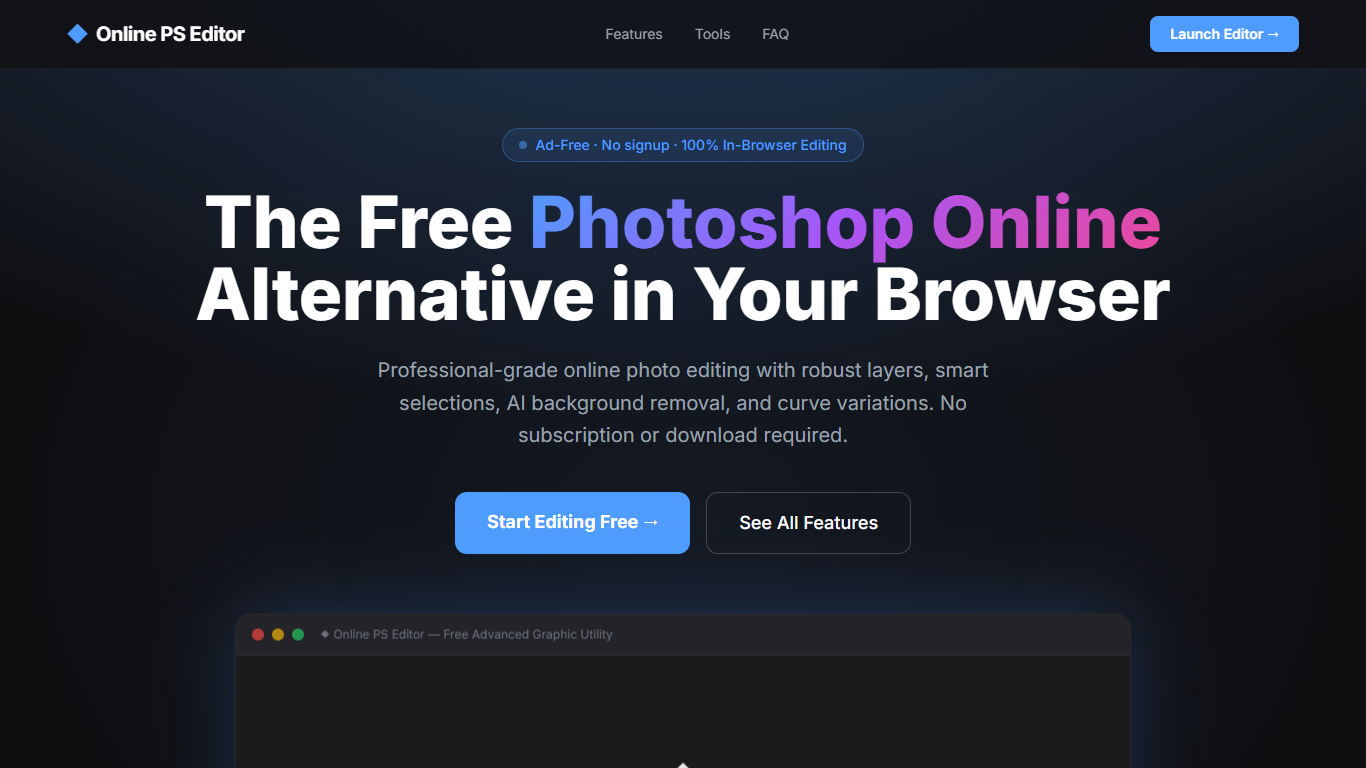
Online PS Editor is a free browser photo editor built as a Photoshop-style alternative you can open without installing software or creating an account. It runs entirely in your web browser and targets creators who want layer-based editing, selections, curves, and export options without a paid Adobe subscription.
What sets it apart is how much processing stays on your device. Background removal uses a client-side U?-Net model that runs in the browser, and the site states your original photos never pass through a remote server. The editor also supports offline use once core assets are cached locally.
It fits graphic designers, photographers, and content creators who need quick retouching, compositing, or format exports from Chrome, Safari, Edge, or Firefox. Drop an image onto the workspace, edit with 20+ tools, and download the result directly to your machine.
Background removal runs locally with U²-Net so images stay on your device
Layer stack with 16 blend modes, grouping, flattening, and duplication
Export finished work as PNG, JPG, WebP, PDF, SVG, or AVIF
RGB curves, Levels, Exposure, and a full adjustments menu in the workspace
20+ canvas tools from Magic Wand selections to Clone Stamp and Spot Heal
80+ Google Fonts integrated for typography with real-time render previews
Completely free with no ads, paywalls, or subscription fees.
Image processing stays in the browser so photos are not uploaded to external servers.
Works offline after the app assets are cached in your browser.
No account or signup is required to launch the editor workspace.
The background removal model is a 40?80 MB one-time download before first use.
Browser-only access with no dedicated desktop or mobile app listed on the site.
Newer domain with limited public footprint compared to established editors like Photopea.
Is Online PS Editor free to use?
Yes. Online PS Editor is completely free with no ads, no paywalls, and no subscription. The homepage states the editor is 100% free with a clean workspace and no registration required.
Does Online PS Editor upload my photos to a server?
No. Online PS Editor processes images in your browser using HTML5 Canvas and WebAssembly. The site FAQ states your original photos never pass through a remote server and remain on your local hardware.
How does Online PS Editor background removal work?
Online PS Editor uses a client-side U?-Net model that downloads once (about 40?80 MB) and then runs segmentation in the browser. After caching, background isolation happens locally without cloud queues or usage limits.
Can I use Online PS Editor offline?
Yes. Online PS Editor is built as a self-contained web app, so once core assets are saved in your browser cache you can edit images without an active internet connection.
Do I need an account to use Online PS Editor?
No. Online PS Editor requires no signup or login. You can launch the workspace from the homepage and start editing immediately in Chrome, Safari, Edge, or Firefox.
What file formats can Online PS Editor export?
Online PS Editor exports to PNG, JPG, WebP, PDF, SVG, and AVIF. The workspace File menu also lists separate export actions for PNG, JPG, and WebP.
What editing tools does Online PS Editor include?
Online PS Editor includes 20+ tools such as brush, rectangular and elliptical selections, polygonal lasso, magic wand, crop, eyedropper, spot heal, clone stamp, eraser, paint bucket, gradient, text, vector shapes, pan, and zoom up to 3200%.