
Last updated 08-10-2026
Category:
Reviews:
Join thousands of AI enthusiasts in the World of AI!
OutdoorBrite
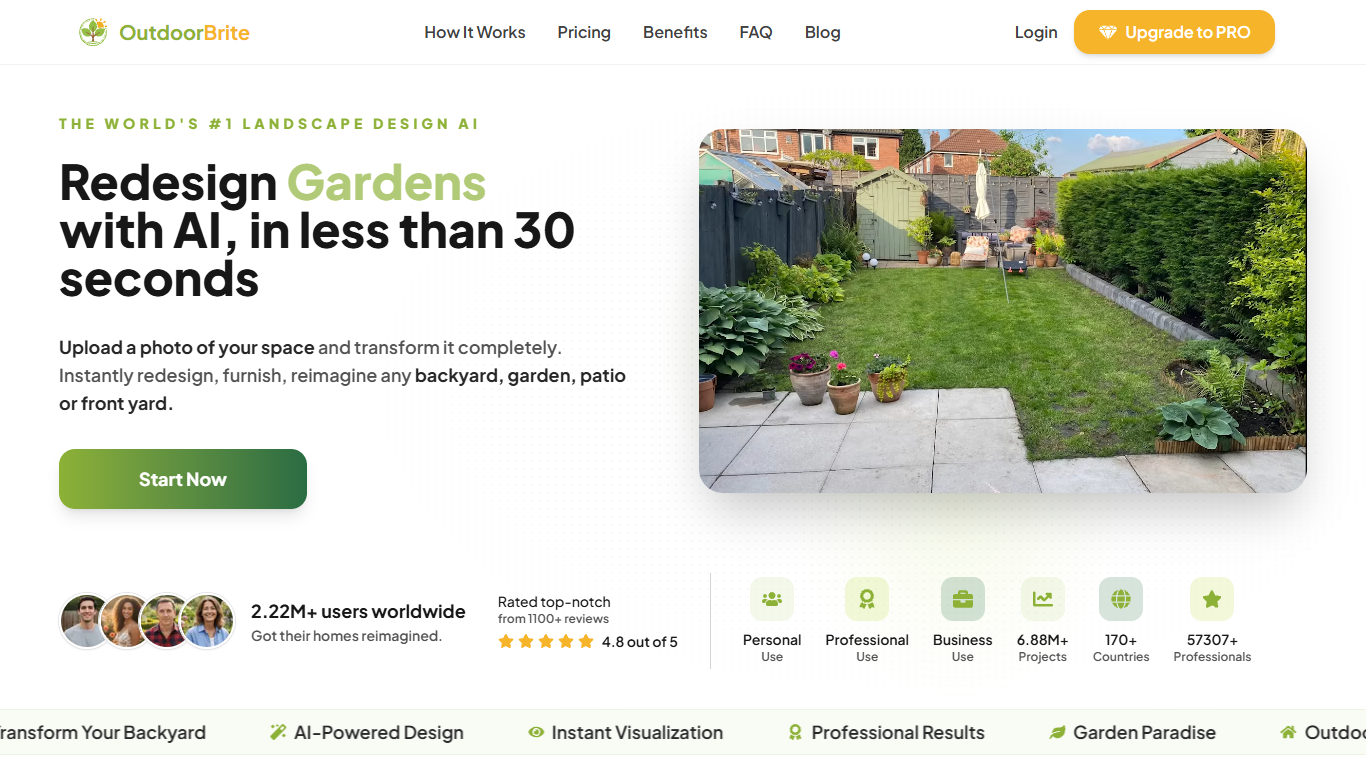
OutdoorBrite turns a phone photo of your yard into finished landscape redesign images you can compare before hiring anyone. Upload one shot of a backyard, garden, patio, or front yard, pick a style like Mediterranean or Japanese Zen, and get photorealistic concepts back in about a minute. It belongs in image generation because every output is a rendered redesign of your actual space, not a stock template.
Most landscape apps ask you to draw layouts or browse generic inspiration photos. OutdoorBrite anchors every render to your real property lines, house, and existing layout so the concepts look like they could be built on your lot. That photo-first workflow suits homeowners and contractors who need to agree on a look before quotes and installs, not designers building CAD files from scratch.
Homeowners use it to settle patio layouts, pool placements, and planting styles without paying a designer's hourly rate. Landscaping contractors mock up pool and patio options on a client's photo to speed sign-offs. DIY renovators compare multiple backyard layouts in one evening when the household cannot agree on a direction.
Plans start at $23 per month on annual billing ($29 month to month) with no free tier. Every redesign costs one credit, monthly credits do not roll over, and purchased top-up packs stack indefinitely. Treat the renders as planning visuals rather than construction drawings, since grading and permit work still need a licensed professional.
One yard photo starts a redesign; first concepts return in under 60 seconds
50+ landscape styles from Modern Oasis to Japanese Zen applied to your actual photo
Starter includes 25 HD redesigns per month; Plus delivers 100 in 2K; Pro offers 200 in 4K
Plus picks plants for your region and exports a plant list with every design
Browser-based with no CAD software or drawing skills required
Share view-only links and before-and-after exports for contractor quotes
Every render starts from your photo so layouts match your real property
Dozens of styles on one upload without learning CAD or drawing tools
Monthly plans replace hourly fees that traditional landscape designers charge
Plus and Pro add regional plant lists and sharper 2K or 4K exports
Contractors can share view-only links for faster client sign-off
No free tier or trial; every plan requires payment upfront
Monthly redesign credits do not roll over to the next billing cycle
Outputs are concept visuals, not stamped construction or permit drawings
How does OutdoorBrite work?
OutdoorBrite works by turning one photo of your yard into realistic redesign images. You upload a backyard, garden, patio, or front yard shot, pick a style, and OutdoorBrite generates concepts that keep your house and layout in about a minute.
What spaces can OutdoorBrite redesign?
OutdoorBrite redesigns backyards, gardens, patios, and front yards from a single photo. Dedicated tools on the site also cover pools, decks, pergolas, fences, fire pits, and outdoor kitchens without installing separate software.
How much does OutdoorBrite cost?
OutdoorBrite Starter is $29 per month or $23 per month on annual billing with 25 HD redesigns. Plus is $49 or $39 on annual billing with 100 redesigns in 2K, and Pro is $149 or $119 on annual billing with 200 redesigns in 4K.
Does OutdoorBrite offer a free trial?
No, OutdoorBrite does not offer a free tier or free trial. Every plan requires payment upfront, though you can top up redesign credits from the dashboard if monthly credits run out mid-project.
Can pros use OutdoorBrite for client work?
Yes, landscaping contractors and designers use OutdoorBrite to mock up options on a client's photo. Plus adds commercial usage and before-and-after exports, while Pro adds team collaboration, client-ready presentation exports, and agency rights.
What resolution do OutdoorBrite plans include?
OutdoorBrite Starter downloads HD redesigns, Plus outputs sharp 2K images with regional plant lists, and Pro delivers print-ready 4K exports with same-day priority support. Image quality scales with the plan you choose.