
Last updated 10-11-2026
Category:
Reviews:
Join thousands of AI enthusiasts in the World of AI!
Panzoe
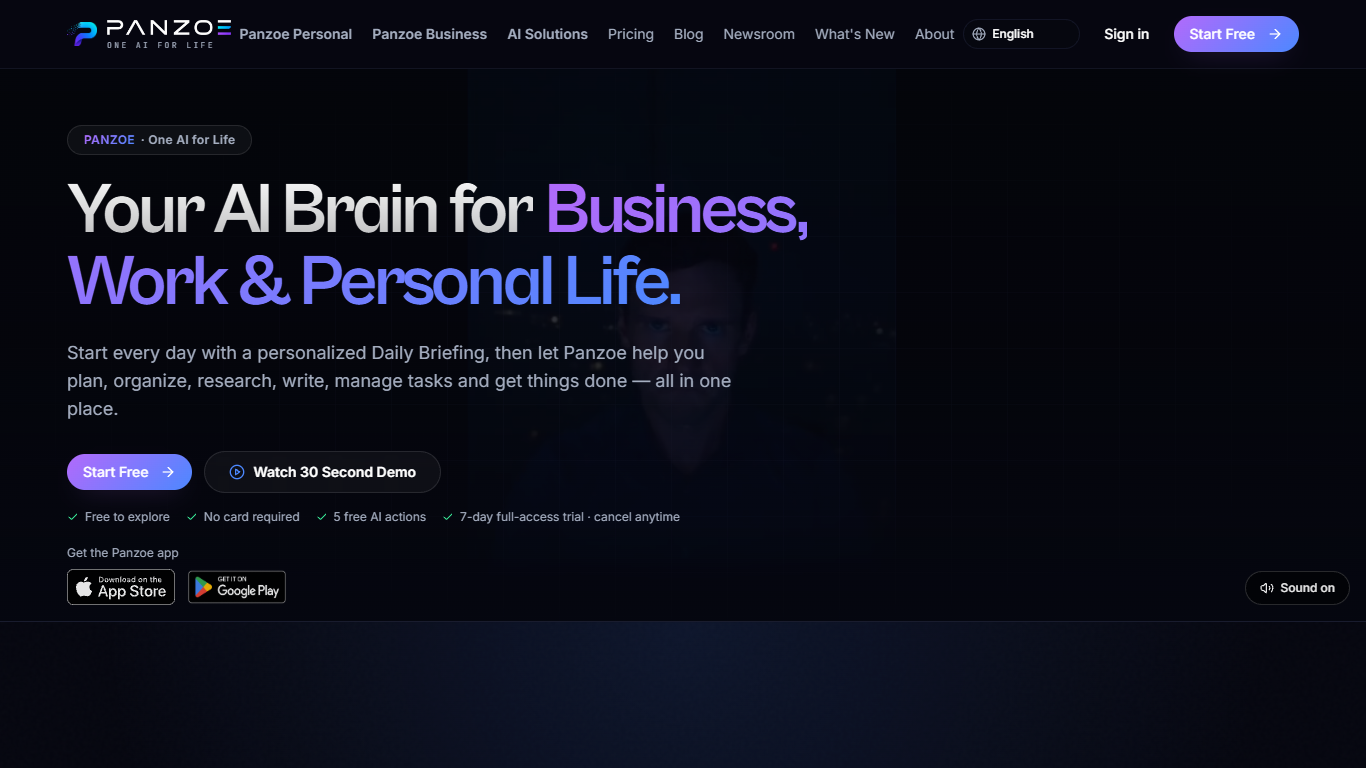
Panzoe is a connected personal assistant that pulls email, calendars, documents, and tasks from the apps you already use into one daily briefing and a set of specialist copilots. Instead of opening ChatGPT for writing and a separate planner for your schedule, you get morning and evening briefings, draft replies, and task help from one account across work, home, health, learning, and life admin.
Most AI chat tools treat every conversation as a blank slate. Panzoe routes 25 assistants and 15 task tools through one shared AI Brain memory, so context from your calendar or inbox can surface in a finance or health copilot without you re-explaining your week. Integrations with Google Workspace, Microsoft 365, Notion, GitHub, Slack, and Dropbox are optional; the site says you can start without connecting anything.
It fits people who juggle client work, household logistics, and personal goals and want one place to see priorities before the day starts. The Business suite adds executive-style briefings, risk flags, and an action center for approvals. iOS and Android apps are listed alongside the web product.
Panzoe Technologies is incorporated in Canada and describes the product as early-stage, with founder-led support at [email protected].
25 specialist assistants across Business, Home, Health, Life, and Learning suites
Morning daily briefings you can listen to, built from calendar and inbox signals
Optional live links to Gmail, Outlook, Google Calendar, Notion, GitHub, and Slack
Explore tier includes 5 free AI actions with no card to sign up
7-day full-access trial before Basic billing starts at C$9.99 per month
Document summarizer turns long PDFs into short takeaways inside the app
iOS and Android apps alongside the web dashboard
Bundles briefings, email drafting, calendars, and specialty copilots instead of paying for separate AI subscriptions.
Shared AI Brain memory carries context across 25 assistants rather than resetting each chat.
OAuth connections mean Panzoe never asks for your Google or Microsoft password.
Explore tier lets you test with 5 free AI actions before adding a card.
Native iOS and Android apps ship alongside the web dashboard.
Pro and Premium list features on the pricing page but do not publish dollar amounts in the marketing copy we fetched.
The product is early-stage, so integrations and assistants may change as the roadmap evolves.
Full briefings and inbox-aware actions depend on linking third-party accounts you may not want to connect yet.
Does Panzoe have a free plan?
Yes. Panzoe Explore is free with no card to sign up and includes 5 free AI actions across the platform. You can also try each major AI experience once before upgrading to a paid plan.
How much does Panzoe Basic cost?
Panzoe Basic is C$9.99 per month after a 7-day full-access trial that costs C$0 today but requires a payment method. The first paid month is C$4.99, then C$9.99 per month unless you cancel.
What apps does Panzoe integrate with?
Panzoe connects to Google Workspace and Microsoft 365 mail and calendars, plus Drive and OneDrive, Notion, GitHub, Slack, Dropbox, and Stripe for billing. The help center notes more integrations are in the pipeline.
Do I need to connect accounts to use Panzoe?
No. Panzoe says you can begin immediately without linking Google, Microsoft, or other services. Connections are optional and unlock briefings and actions drawn from your real calendar and inbox.
Is Panzoe available on mobile?
Yes. Panzoe lists native apps on the Apple App Store and Google Play in addition to the web app. The same AI Brain, briefings, and assistants are meant to work across those clients.
How does Panzoe handle my data?
Panzoe uses OAuth instead of storing Google or Microsoft passwords, encrypts connected tokens, and offers one-click export or full account deletion. The trust pages cite GDPR and PIPEDA alignment and state your data is not sold.
What do Panzoe Pro and Premium include?
Panzoe Pro adds higher AI usage, full AI Brain memory, unlimited integrations, voice, and Knowledge Graph access. Panzoe Premium adds the highest usage tier, premium models, and the Panzoe Business executive environment. Dollar prices for those tiers are not listed on the public pricing page.