
Last updated 07-29-2026
Category:
Reviews:
Join thousands of AI enthusiasts in the World of AI!
PhonePi MCP
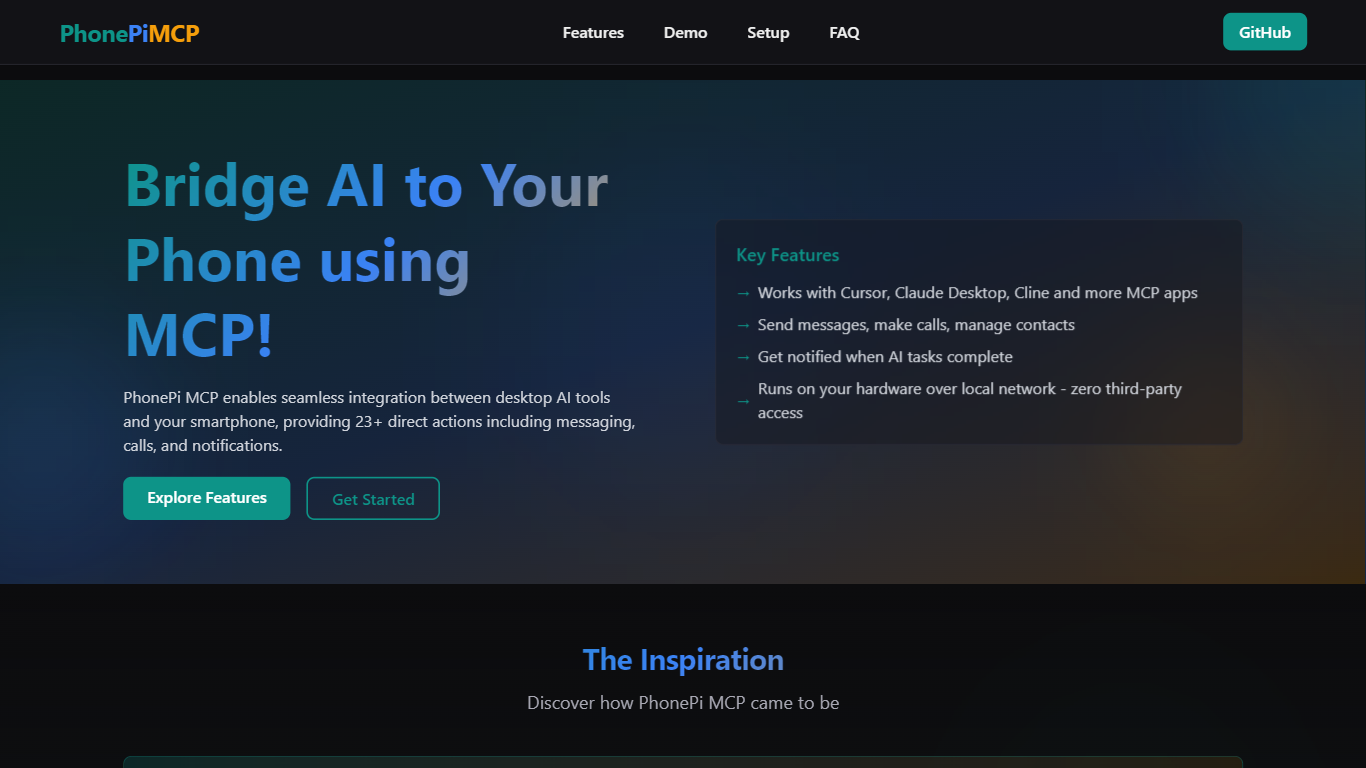
PhonePi MCP connects your smartphone to AI models using the Model Context Protocol (MCP), enabling direct control over phone functions such as messaging, calls, notifications, and contact management through AI assistants.
Unlike cloud-based solutions, PhonePi MCP operates entirely on your local hardware, ensuring that your data remains private and secure without relying on third-party servers. It integrates seamlessly with popular AI applications like Cursor, Claude Desktop, and Cline, allowing you to automate phone tasks and receive smart notifications.
The tool is designed for users who want to enhance productivity by automating phone interactions via AI. It requires a simple JSON configuration and installation of its mobile app, which is available for Android, with iOS support planned. Its open-source nature and local processing emphasize user control and privacy, making it a versatile solution for AI-powered phone automation.
Supports over 23 direct phone actions including messaging, calls, notifications, and contact management
Integrates with multiple AI apps such as Cursor, Claude Desktop, and Cline
Runs a local server on your device ensuring zero third-party data access
Mobile app available on Android with iOS app in development
Allows remote phone control features like setting timers, checking battery status, and finding your device
Enables smart notifications with priority and interactive response options
Manages text snippets, todos, and bookmarks with powerful search and tagging capabilities
Operates entirely on local devices ensuring strong privacy
Supports over 23 direct phone actions for comprehensive automation
Compatible with multiple popular AI apps supporting MCP
Open-source with active developer community and support
Simple setup with clear configuration and mobile app
iOS app is still in development, limiting full cross-platform support
Requires devices to be on the same network or use Tailscale for remote access
What is PhonePi MCP?
PhonePi MCP connects your phone to AI models using the Model Context Protocol, enabling automation of phone tasks and notifications through AI assistants.
How does PhonePi MCP ensure privacy?
PhonePi MCP runs a local server on your device, so your personal data never leaves your devices and all operations are performed securely on your hardware.
What phone capabilities can I control with PhonePi MCP?
PhonePi MCP allows you to send messages, make calls, manage contacts, set timers, check battery status, and receive notifications via your AI assistant.
Is there a mobile app for PhonePi MCP?
Yes, PhonePi MCP has a mobile app available for Android, and an iOS app is planned for future release.
How do I set up PhonePi MCP?
To set up PhonePi MCP, create a configuration file, install the mobile app, and connect your devices using the provided IP address and port.
Can I use PhonePi MCP with any AI app?
PhonePi MCP works with any AI app that supports the Model Context Protocol, making it compatible with various AI applications.
Is PhonePi MCP free to use?
Yes, PhonePi MCP is free to use, allowing integration of your phone with AI without any cost.