
Last updated 07-03-2026
Category:
Reviews:
Join thousands of AI enthusiasts in the World of AI!
PhotoKit
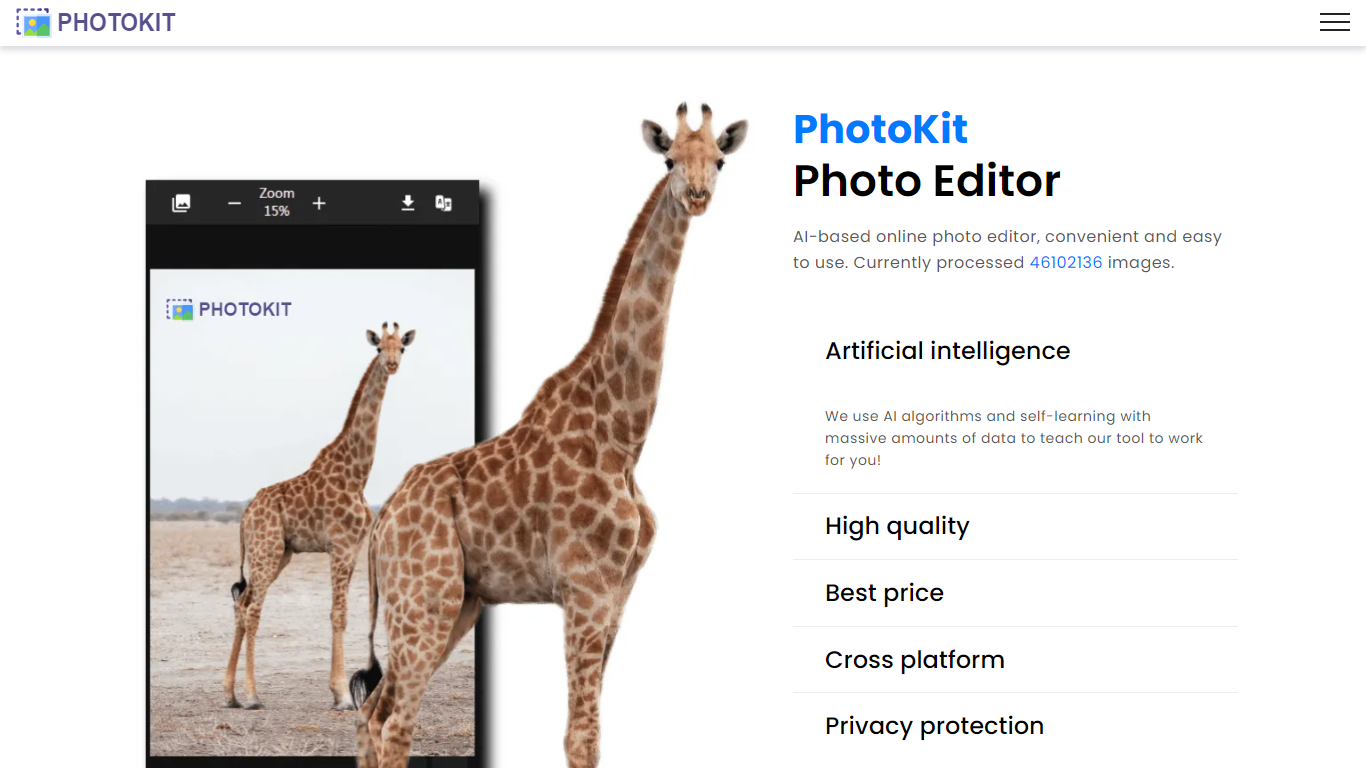
PhotoKit is a browser-based photo editor with background removal, retouching, batch processing, and prompt-based image edits. Open it in Chrome or Safari on any device, upload a photo, and start editing without installing desktop software.
The platform bundles more than 40 specialized tools, from one-click cutouts and inpainting to clarity enhancement, exposure correction, and creative filters. A newer AI Edit mode accepts natural language prompts to swap backgrounds, adjust tones, fix details, or apply style changes while preserving lighting and structure.
PhotoKit also ships batch processors for resizing, cropping, compressing, converting, and watermarking images across PNG, JPG, GIF, BMP, TIFF, and RAW formats. Developers can embed the editor via a free iframe SDK with postMessage control, and Google Drive and Chrome extension integrations extend it beyond the main site.
The tool suits marketers cleaning up product shots, creators prepping social posts, and beginners who want polished results without learning Photoshop. PhotoKit states that its servers do not store uploaded images, and VIP plans remove ads for unlimited downloads.
Remove backgrounds in about 5 seconds with one click
Edit images with natural language prompts in 9 languages
Batch resize, crop, compress, and convert dozens of formats at once
40+ built-in tools from inpaint to vectorization, no install needed
Embed the full editor in your site via free iframe SDK
All editing tools are free to use with no software installation required.
Runs in the browser on Mac, Windows, Linux, iOS, and Android devices.
Over 40 image tools plus batch processing in a single platform.
Free iframe SDK and postMessage API for embedding the editor in websites.
Free tier shows ads and limits image downloads compared to VIP.
Custom SDK branding and ad removal for embedded editors require a commercial agreement.
No dedicated desktop or mobile app; browser-only access.
Is PhotoKit free to use?
Yes. PhotoKit offers a free plan with full access to all editing tools and future AI features. The free tier is ad-supported and limits image downloads. VIP plans remove ads and unlock unlimited downloads.
How much does PhotoKit VIP cost?
PhotoKit VIP is priced at $9.99 for 30 days, $29.99 per year, or $99.99 for a lifetime license. VIP includes ad-free editing, unlimited image downloads, and 24/7 premium support.
Does PhotoKit require downloading software?
No. PhotoKit runs entirely in the browser on Mac, Windows, Linux, iOS, and Android. No installation is required. It works in modern browsers such as Chrome and Safari.
What file formats does PhotoKit support?
PhotoKit supports PNG, JPG, GIF, BMP, WEBP, TIFF, ICO, SVG, HEIC, PSD, AVIF, and RAW camera formats including CR2, NEF, DNG, and ARW. Batch tools can convert output to JPG, PNG, WEBP, AVIF, GIF, BMP, ICO, or TIFF.
Can I integrate PhotoKit into my website?
Yes. PhotoKit offers a free iframe SDK that embeds the editor on your site, plus a JavaScript postMessage API to open images, trigger saves, and control editor state. Custom branding for commercial use requires contacting PhotoKit support.
Does PhotoKit save my uploaded images?
No. PhotoKit states that its servers do not save user pictures or data. Edits happen in the browser session, and the platform emphasizes privacy protection as a core policy.