
Last updated 07-27-2026
Category:
Reviews:
Join thousands of AI enthusiasts in the World of AI!
Pismo
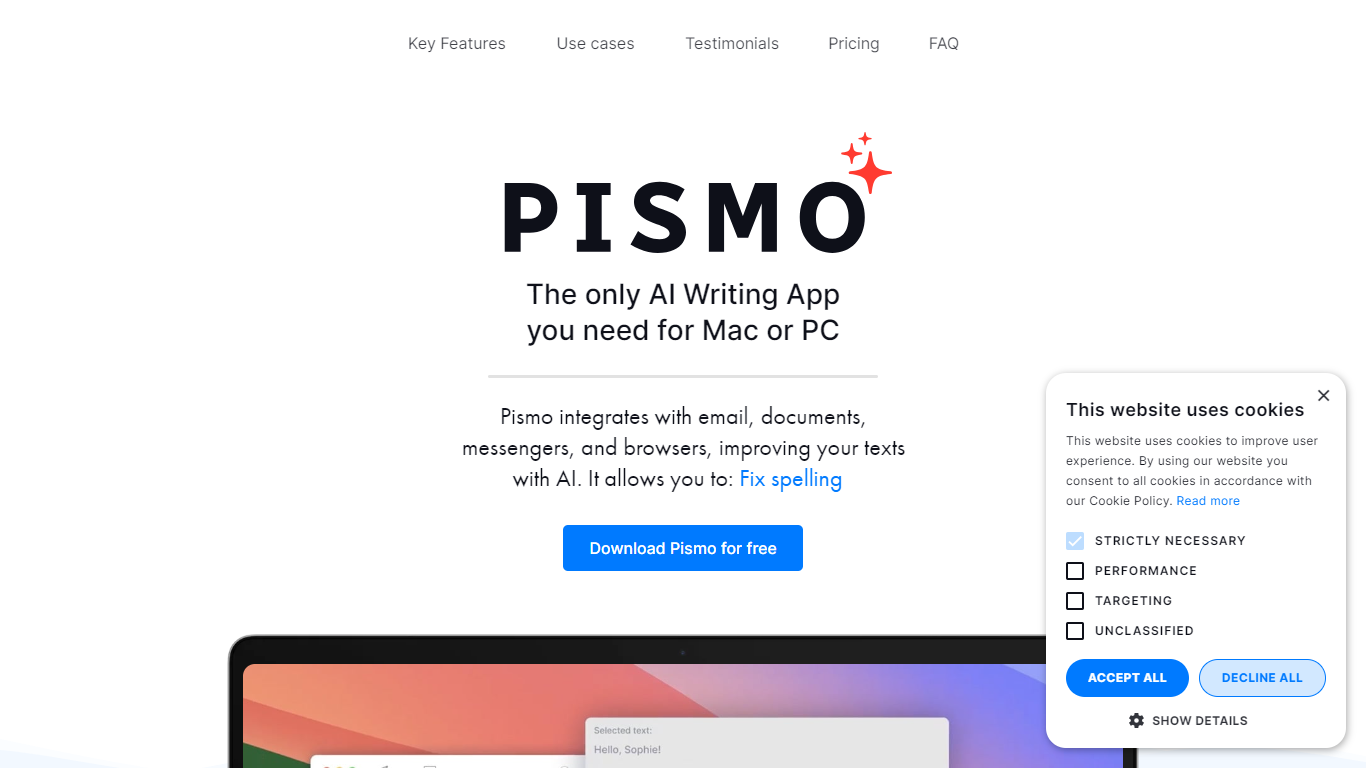
Pismo is a native desktop writing assistant for Mac and Windows that works on top of whatever app you already have open. Highlight text in Slack, Word, Gmail, Notion, or VS Code, hit a hotkey, and get grammar fixes, rewrites, translations, or summaries without opening another tab. It targets anyone who writes throughout the day and wants AI help without constant copy-paste into a chat window.
Most writing assistants are browser extensions or single-app plugins. Pismo runs as a system-wide desktop app with a floating widget, so the same shortcuts work in email clients, messengers, design tools, and code editors. You can also build custom prompts mapped to hotkeys, and connect your own models through OpenRouter if you prefer BYOK over Pismo's default backend.
Freelancers, support agents, and international teams use Pismo to polish emails, translate messages on the fly, and turn rough meeting notes into clean updates. Students and researchers lean on it for summarizing dense papers and clarifying awkward drafts. Paid plans list Windows, macOS, and iOS support, and new users can start with a one-week free trial.
System-wide hotkey access in Slack, Word, VS Code, Gmail, Notion, and other desktop apps
Monthly plan is ???8 with unlimited devices and unlimited AI requests on paid tiers
Interface available in 10 languages including German, Japanese, Hindi, and Simplified Chinese
Custom prompts with keyboard shortcuts for repeatable tasks like summarization or tone changes
Optional OpenRouter BYOK lets you connect your own API keys and choose specific models
Works across desktop apps without relying on a browser extension
Custom prompts with hotkeys for repeatable writing tasks
Does not store the texts you process according to Pismo's privacy claims
Paid plans include unlimited AI requests and unlimited devices
Optional OpenRouter BYOK for choosing your own AI models
Requires an internet connection with no offline mode
Desktop app install required rather than a browser-only workflow
Pricing on the site is listed in euros, which may differ from USD conversions
Advanced model control depends on setting up your own OpenRouter API keys
Is Pismo free to try?
Pismo offers a one-week free trial when you download the desktop app from pismo.ai. After the trial, paid plans start at ???8 per month or ???75 per year with unlimited AI requests and unlimited devices.
Does Pismo work on Mac and Windows?
Yes, Pismo is a native desktop app for macOS and Windows. It also lists iOS support on its pricing page and runs as a system-wide overlay in apps like Outlook, Slack, Notion, and VS Code.
Can Pismo translate text?
Pismo can translate selected text to and from multiple languages with a single hotkey. Its features page lists interface support in German, Spanish, Japanese, Italian, Hindi, Dutch, Polish, Simplified Chinese, Danish, and Vietnamese.
Does Pismo store the text I write?
Pismo says it does not store or process the texts you work with beyond what is needed for the AI request. Its privacy policy also notes GDPR compliance and EU-based servers in Belgium.
Does Pismo work offline?
No, Pismo requires an internet connection because it relies on cloud-based AI models for rewriting, translation, and summarization. There is no offline mode listed on the site.
How much does Pismo cost?
Pismo's monthly subscription is ???8 per month with a 30-day money-back guarantee. The annual plan is ???75 per year, which works out to ???6.25 per month and saves 22% versus monthly billing.
Can I create custom prompts in Pismo?
Yes, Pismo lets you create, save, and organize custom prompts for tasks like fixing code or replying to customers. You can assign each prompt its own keyboard shortcut for one-keystroke access from any app.