
Last updated 07-03-2026
Category:
Reviews:
Join thousands of AI enthusiasts in the World of AI!
Pokecut
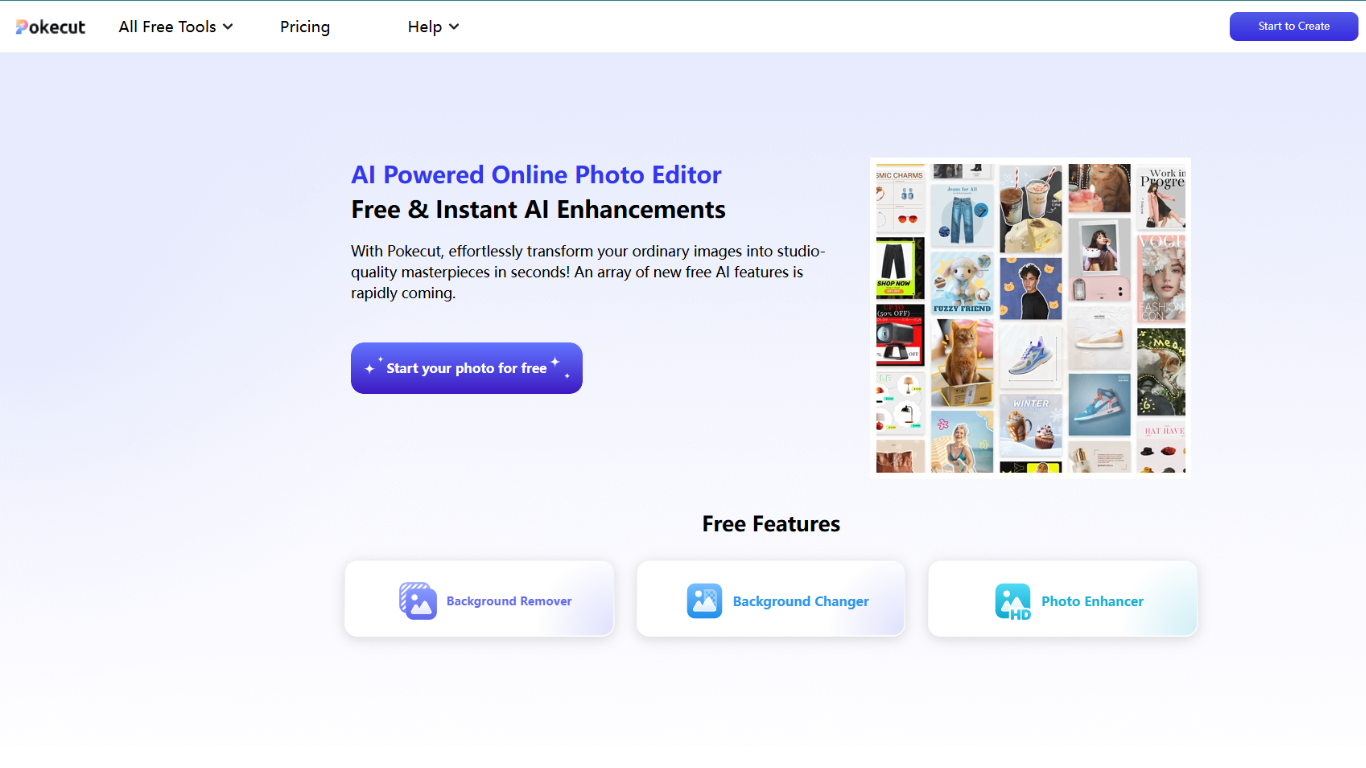
Pokecut is a free online photo editor and image generator for portraits, product shots, travel photos, and everyday creative edits. Upload an image or start from a text prompt, then remove backgrounds, retouch faces, swap scenes, or generate new visuals in the browser without signing up.
The platform bundles more than 50 editing tools into one workspace, from background removal and magic eraser to batch resizing, ID photo creation, and collage layouts. Pixl Concerto, which has worked in AI image and video editing for about a decade, owns the brand and runs Pokecut on web plus iOS and Android apps.
It fits e-commerce sellers who need clean product photos at scale, content creators polishing selfies and social posts, and casual editors who want Photoshop-level tasks handled in a few clicks. Batch editing supports up to 50 images at once for marketplace listings and catalog work.
Remove or replace backgrounds in one click, with batch support for up to 50 images
Generate studio-style portraits from text prompts across 100+ style presets
Retouch skin, fix lighting, and reshape faces without the over-edited plastic look
Build compliant passport, visa, and resume ID photos in dozens of standard sizes
Run 50+ tools in one tab: enhancer, magic eraser, watermark remover, collage maker, and more
Free daily credits let you test background removal, enhancement, and generation before paying.
More than 50 specialized tools live in one editor instead of juggling separate apps.
Batch mode handles up to 50 images for e-commerce listing prep and catalog cleanup.
No watermarks on paid plans, with HD downloads and unlimited cloud storage included.
Works in the browser without signup, with matching iOS and Android apps available.
Web subscriptions and credit packs do not sync with the mobile apps yet.
Unused Premium plan credits expire each billing cycle and do not roll over.
Advanced AI models and batch features still consume credits on lower tiers.
Refund requests are only accepted within one day of payment per Pokecut payment terms.
Is Pokecut free to use?
Yes. Pokecut gives every user free daily credits to try core tools like enhancement and background removal. Paid Premium plans and one-time credit packs unlock higher resolution, more monthly credits, and unlimited access to select standard tools.
Do I need an account to use Pokecut?
No. Pokecut works without signing up or logging in. Creating an account lets you track remaining credits, save projects, and manage subscriptions from the web dashboard.
Can I use Pokecut images for commercial projects?
Yes. Pokecut allows commercial use of images created with its editor and generator, subject to its Terms of Use. Assets you upload that are not provided by Pokecut remain your responsibility for licensing.
Does Pokecut work on mobile?
Yes. Pokecut offers iOS and Android apps in addition to the web editor. Premium plans and credits purchased on the website are not yet synced with the mobile apps.
How does Pokecut batch editing work?
Pokecut batch editing processes up to 50 images at once. You can batch-remove backgrounds, resize for marketplaces like Amazon or Shopee, enhance quality, or apply uniform backdrops across a product catalog.
What paid plans does Pokecut offer?
Pokecut sells yearly Premium tiers (SE, Pro, and Ultra) from about .33 to .50 per month when billed annually, each with monthly credit allotments. One-time credit packs from 300 to 5000 credits are also available on the pricing page.