
Last updated 08-31-2026
Category:
Reviews:
Join thousands of AI enthusiasts in the World of AI!
QuestionAI.io
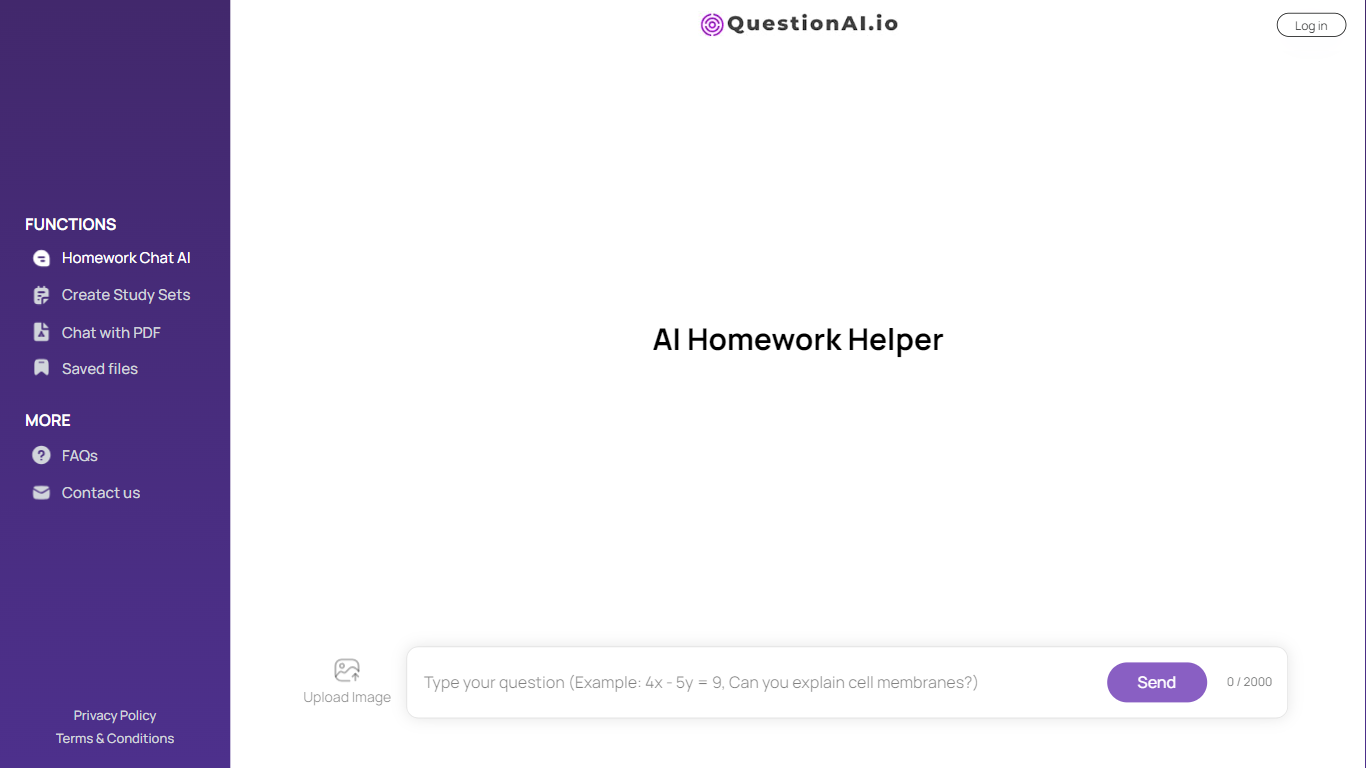
QuestionAI.io puts an AI homework chat at the center of a single student-facing workspace built on Bubble. Before you send a question, you pick Tutor Mode, Quick Answer, or Explain as the response style, and the homepage lets you upload an image with your prompt. The top navigation also lists Summarizer, AI Humanizer, and Paraphraser alongside a Blog and Student Resources section.
Most general AI chat tools leave you to engineer your own study prompts. QuestionAI.io narrows the interface around homework-first defaults: preset response modes, sample questions like solving 2x + 5 = 15, and text utilities grouped in the same header. Sub-pages such as /contact and /student-resources return 404, so nearly everything lives on the homepage rather than a sprawling docs site.
Students use it for quick math walkthroughs, science explanations, and drafting help via the summarizer and paraphraser links. Login and signup are visible in the header when you want to save access, though the site does not publish plan prices on a dedicated pricing page.
Pick Tutor Mode, Quick Answer, or Explain before you send a homework question on the homepage chat
Upload Image attaches a photo to your homework prompt without leaving the main chat box
Summarizer, AI Humanizer, and Paraphraser appear in the top navigation next to the homework helper
Homepage sample prompts include solving 2x + 5 = 15 and explaining photosynthesis
Student Resources section links study material from the same questionai.io domain
Press Ctrl+Enter on the homepage for quick sending without clicking Send
Three homework response styles are selectable before you ask
Image upload sits on the same homepage chat as the homework helper
Summarizer, humanizer, and paraphraser share one navigation bar with the chat
Sample prompts cover algebra, biology, and earth science questions
No pricing page lists plan costs or usage limits
Contact and student-resources URLs return 404 errors
Bubble-built homepage carries most features with few working sub-pages
Is QuestionAI.io free to use?
QuestionAI.io offers a free AI Homework Helper on its homepage with Login and Signup options in the header. The site does not publish plan prices on a dedicated pricing page.
What response styles does QuestionAI.io offer?
QuestionAI.io lets you choose Tutor Mode, Quick Answer, or Explain as the response style before asking a homework question on the homepage chat.
Can QuestionAI.io accept image uploads?
Yes. QuestionAI.io shows an Upload Image option on the AI Homework Helper homepage chat so you can attach a photo with your question.
What text tools are in the QuestionAI.io navigation?
QuestionAI.io lists Summarizer, AI Humanizer, and Paraphraser in the top navigation bar alongside Functions, Blog, and Student Resources.
Do I need an account for QuestionAI.io?
QuestionAI.io shows Login and Signup in the header. You can start from the homework helper interface, with account options available when you want saved access.
What example homework questions does QuestionAI.io suggest?
QuestionAI.io suggests example prompts such as solving 2x + 5 = 15, explaining photosynthesis, and answering what causes earthquakes on the homepage.