
Last updated 08-15-2026
Category:
Reviews:
Join thousands of AI enthusiasts in the World of AI!
Quills AI
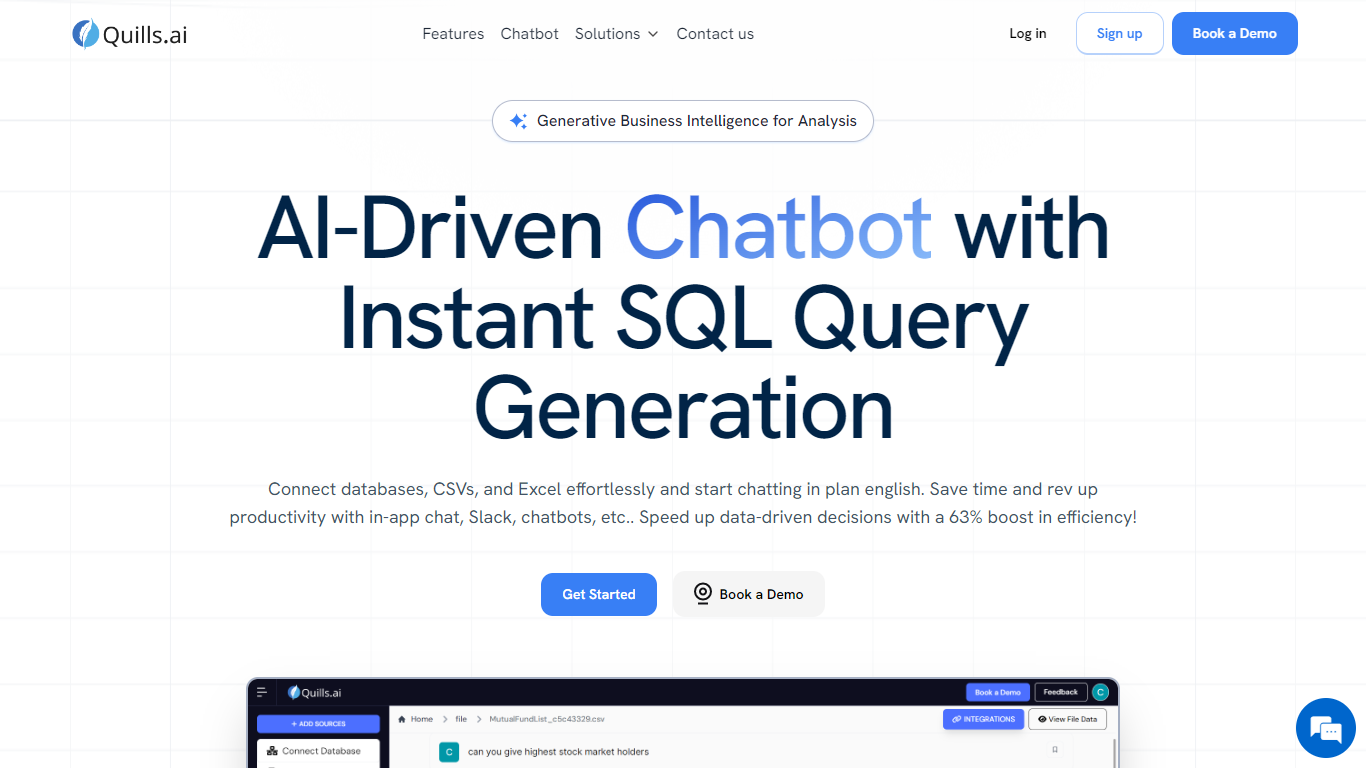
Quills AI lets you query databases, CSVs, Excel files, and PDFs through plain-language chat. Connect a data source, ask a question in everyday words, and the platform returns answers as tables, charts, or generated SQL you can inspect and edit. Analysts who already know SQL can also type queries directly in the chat window.
Dashboard BI tools make you build reports before you can ask new questions. Quills flips that: you start with a conversational prompt and get SQL plus visual output on the fly. The same workspace supports file uploads in CSV, Excel, PDF, DOCX, and DOC formats, exports results back to Excel or CSV, and embeds a customizable chatbot on your website or inside Slack.
Business leaders in life sciences, BFSI, retail, and manufacturing use Quills for prompt-based data extraction without waiting on analyst tickets. Data teams deploy branded chatbots with custom colors, logos, and messaging. Developers get both natural-language SQL generation and a direct SQL input mode in the same interface.
Generates SQL from plain-language questions with editable query output
Connects databases plus CSV, Excel, PDF, DOCX, and DOC uploads
Exports query results and charts to Excel, CSV, or image files
Embeddable chatbot with customizable colors, logos, and messaging
Slack integration brings data queries into team channels
Natural language and direct SQL modes suit both beginners and analysts
Supports databases and document uploads in one workspace
Customizable chatbot branding for client-facing data portals
Slack integration keeps queries inside existing team workflows
Charts and tables export to Excel, CSV, or image files
No public pricing page; requires demo or sales conversation
Generated SQL can contain errors, so results need manual verification
Pricing page URL returns a 404 on the site
What data sources does Quills AI support?
Quills AI connects to databases and accepts file uploads in CSV, Excel, PDF, DOCX, and DOC formats. You can also create collections to organize multiple sources in one workspace.
Can Quills AI generate SQL automatically?
Yes. Quills AI translates conversational requests into SQL queries that you can review and edit before running. SQL-savvy users can also type queries directly in the chat without using natural language.
Does Quills AI work with Slack?
Yes. Quills AI integrates with Slack so teams can query data and share results inside their channels. The platform also supports embedding a chatbot on your website.
What visualizations does Quills AI provide?
Quills AI returns results as tables, charts, or single-value summaries. You can switch between table and chart views and download graphs as images or export data previews to CSV.
Which industries does Quills AI target?
Quills AI publishes solutions for life sciences, BFSI, retail and e-commerce, manufacturing and logistics, healthcare, and hospitality. Each industry page describes prompt-based data extraction use cases.
How do I get started with Quills AI?
Quills AI offers a Get Started signup and a Book a Demo option on its homepage. You can connect databases or upload files after creating an account and start chatting with your data immediately.