
Last updated 08-09-2026
Category:
Reviews:
Join thousands of AI enthusiasts in the World of AI!
quso.ai
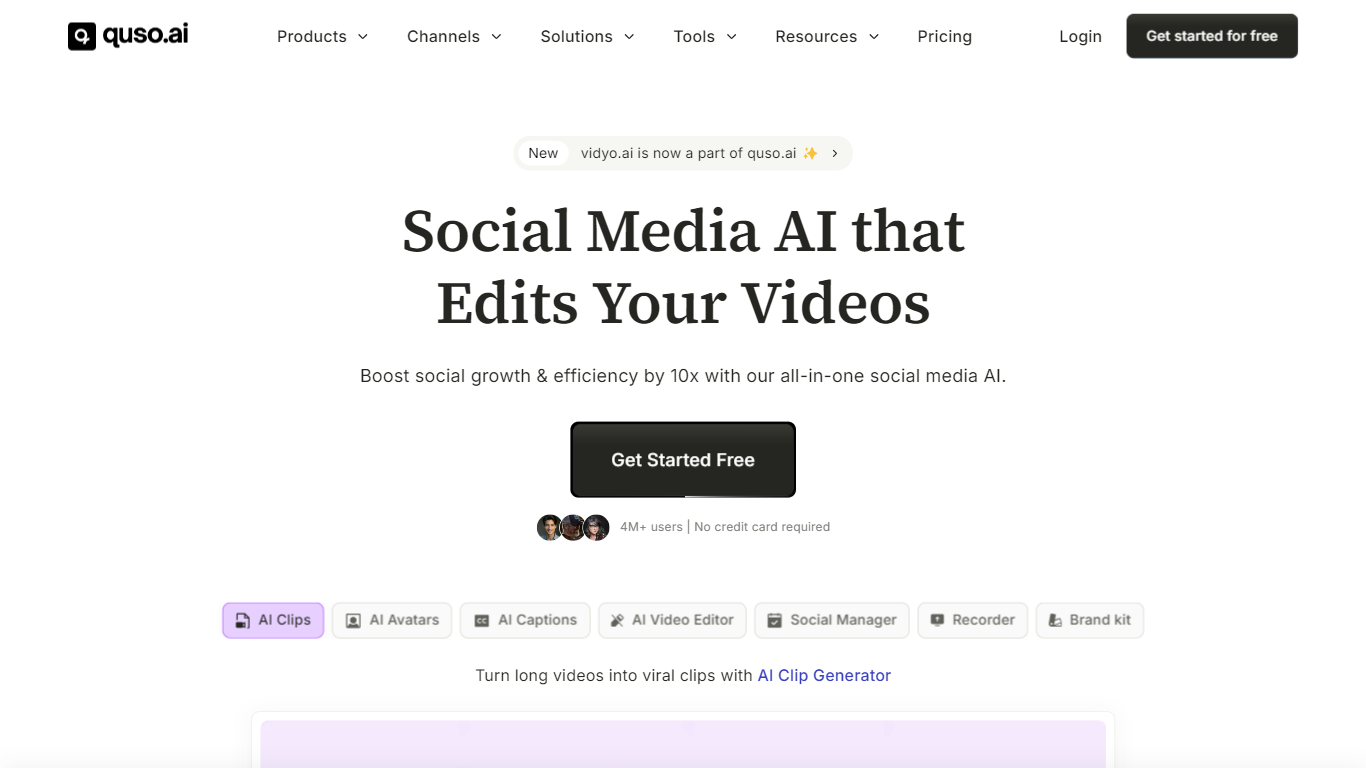
quso.ai turns long videos, podcasts, and streams into short captioned clips you can schedule to TikTok, Reels, Shorts, and LinkedIn from one workspace. Import from YouTube, Zoom, Google Drive, or a local file, and the clipper scores moments for virality, reframes them vertically, and adds animated subtitles in 100+ languages.
Dedicated clippers stop at exports. quso.ai stacks clipping with a text-based editor, filler-word removal, social scheduling, analytics, and a brand kit so creators replace a patchwork of Opus Clip, Descript, and Buffer subscriptions. The homepage positions that bundle from $29 per month versus roughly $300 across separate tools.
More than 4 million creators and businesses use quso.ai, including podcasters, agencies, and coaches cited in customer stories. Paid plans run $29, $39, and $49 per month, and every plan includes free credits with no credit card required at signup.
Import long videos from YouTube, Zoom, Twitch, Google Drive, Dropbox, or local upload
AI clip generator scores viral moments and outputs vertical Shorts with animated captions
Subtitles in 100+ languages with word-level animation and filler-word removal
Schedule posts to TikTok, Instagram, YouTube Shorts, LinkedIn, Facebook, and X
Text-based video editor with CutMagic scene detection and Intelliclips moment picking
Trusted by 4 million+ creators; paid plans start at $29 per month
Combines clipping, captions, editing, scheduling, and analytics in one subscription.
Imports from a wide list of platforms and cloud drives on the free tier.
Animated subtitles support 100+ languages with filler-word cleanup.
Homepage cites 4 million users and customer stories with measurable time savings.
Full workflow depth requires a paid plan starting at $29 per month.
Heavy users may still hit credit or export limits depending on plan tier.
Focused on short-form repurposing, not full long-form video production.
Is quso.ai free to use?
Yes. quso.ai lets you get started for free with no credit card required, including clip generation on every plan tier. Paid subscriptions start at $29 per month, with additional plans at $39 and $49 per month for higher usage and features.
What video sources can quso.ai import?
quso.ai imports from YouTube, Vimeo, X, Facebook, Twitch, Rumble, Loom, LinkedIn, Zoom, Google Drive, Dropbox, and direct file uploads. The homepage states every source works on the free plan across desktop and mobile.
Which platforms can quso.ai publish to?
quso.ai schedules and publishes to TikTok, Instagram Reels, YouTube Shorts, LinkedIn, Facebook, and X from one calendar. Its social media scheduler is built into the same subscription as clipping and captioning.
Does quso.ai add captions automatically?
Yes. quso.ai adds word-level animated captions and AI subtitles in 100+ languages, and it can remove filler words in one click. Captioning is included in the clipping workflow so you do not need a separate transcription tool.
Who is quso.ai designed for?
quso.ai targets video creators, podcasters, marketers, freelancers, churches, and social media managers who repurpose long recordings into short-form content. Customer stories on quso.ai cite podcast hosts, business coaches, and agencies saving hours each week.
What happened to vidyo.ai?
vidyo.ai rebranded to quso.ai. The site footer notes quso.ai is formerly vidyo.ai, and the product now bundles clipping, editing, captions, scheduling, and analytics in one subscription.