
Last updated 08-21-2026
Category:
Reviews:
Join thousands of AI enthusiasts in the World of AI!
Raccoon AI
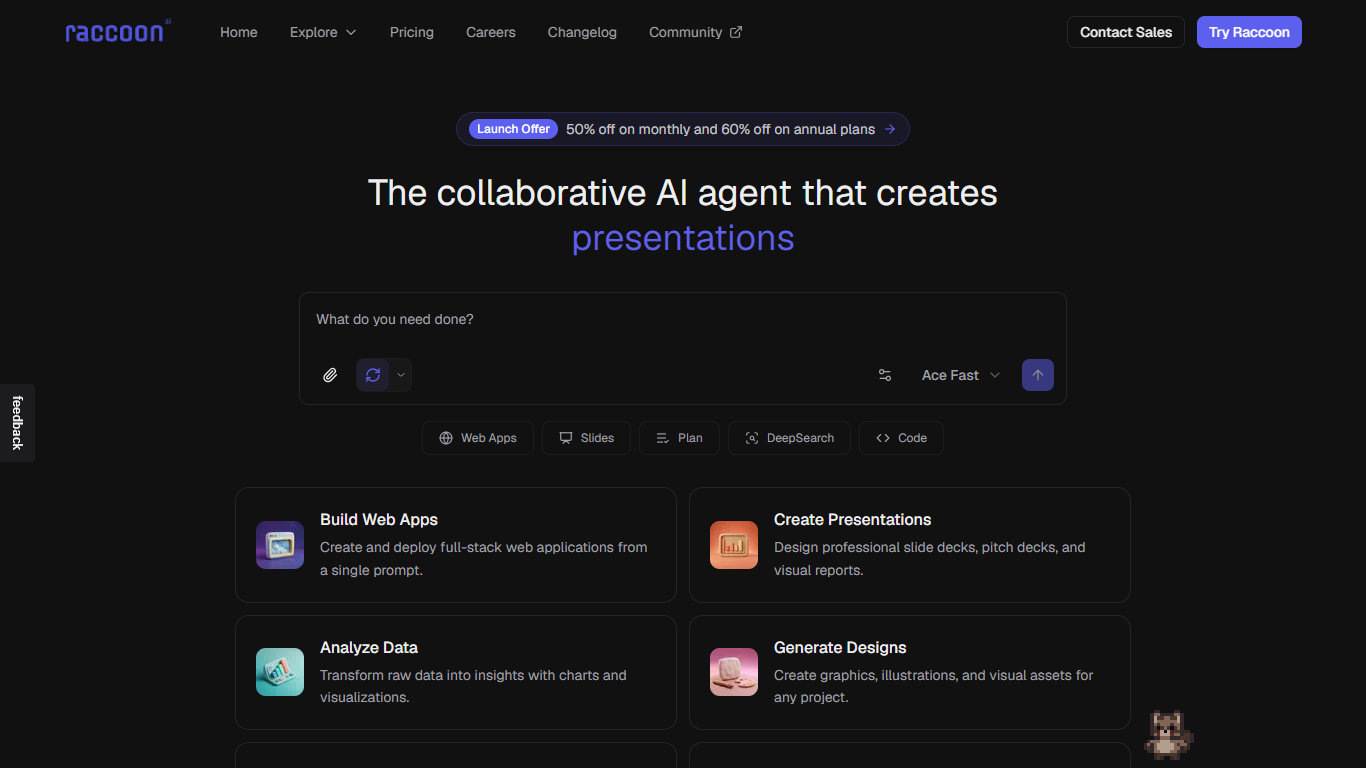
Raccoon AI is a collaborative agent workspace where you describe apps, slides, research briefs, or brand assets in plain language and watch the agent plan, build, and ship them in a persistent cloud computer. It connects Gmail, Drive, GitHub, and 50 plus other services, runs helper agents for research and coding, and keeps files, databases, and live previews in one place you can return to days later.
ChatGPT and Claude answer questions; Raccoon AI is built to finish deliverables. It opens a visible checklist, shows every search and action, lets you steer mid-run, and publishes to a live link or custom domain without exporting code to another host. Skills you teach and workspace memory carry over between sessions, which matters when you are iterating on client work rather than one-off prompts.
Freelancers, startup founders, and ops teams who need decks, landing pages, dashboards, and research docs from connected accounts are the target users. The pricing page lists a free tier with one concurrent task and paid Plus plans from $9.50 per month during the launch discount period.
Free tier includes production app deploys, ACE Fast access, and 1 concurrent task
Plus plan lists $9.50 per month during launch discount with 2x usage limits and all modes
Plus 5x at $19.50 per month adds 5 concurrent tasks and custom domains for deployed apps
50 plus workspace connectors including Gmail, Drive, Calendar, and GitHub
Persistent cloud computer keeps files, databases, and running servers between sessions
Visible planning checklist with rewind, fork, and mid-run steering controls
End-to-end flow from prompt to deployed app in one workspace
50 plus connectors reduce copy-pasting data between tools
Free tier still allows production deploys
Transparent planning UI with mid-run steering and rewind
Persistent cloud computer preserves project state over days
Launch discount pricing reverts to regular rates after three months
Free tier allows only one concurrent task
Heavy builds may hit usage limits on lower plans
Requires trust in a cloud agent accessing connected accounts
What can Raccoon AI build?
Raccoon AI builds web apps, slide decks, research briefs, dashboards, logos, newsletters, and more from plain-language prompts. It plans work in a visible checklist and ships to a live link or custom domain.
Is Raccoon AI free?
Yes. Raccoon AI offers a free forever tier with standard usage limits, one concurrent task, production deploys, and ACE Fast access. Paid Plus plans add higher limits and advanced modes.
How much does Raccoon AI Plus cost?
Raccoon AI lists Plus at $9.50 per month during its launch discount on the pricing page. Plus 5x is $19.50 per month and Plus 10x is $39.50 per month while the promotion runs.
Which tools connect to Raccoon AI?
Raccoon AI supports 50 plus workspace connectors such as Gmail, Google Drive, Calendar, GitHub, Notion, Airtable, Discord, and Zapier. Connectors let the agent read and act inside your existing accounts.
Can Raccoon AI deploy apps to production?
Yes. Raccoon AI deploys apps to production on the free tier and supports custom domains on Plus 5x and higher plans. Each project keeps its cloud workspace, files, and database between visits.
Does Raccoon AI show its reasoning steps?
Yes. Raccoon AI plans in the open with a live checklist and exposes searches, actions, and helper agents while it runs. You can steer, rewind to a step, or fork a new path without restarting.