
Last updated 07-30-2026
Category:
Reviews:
Join thousands of AI enthusiasts in the World of AI!
ReceiptsAI
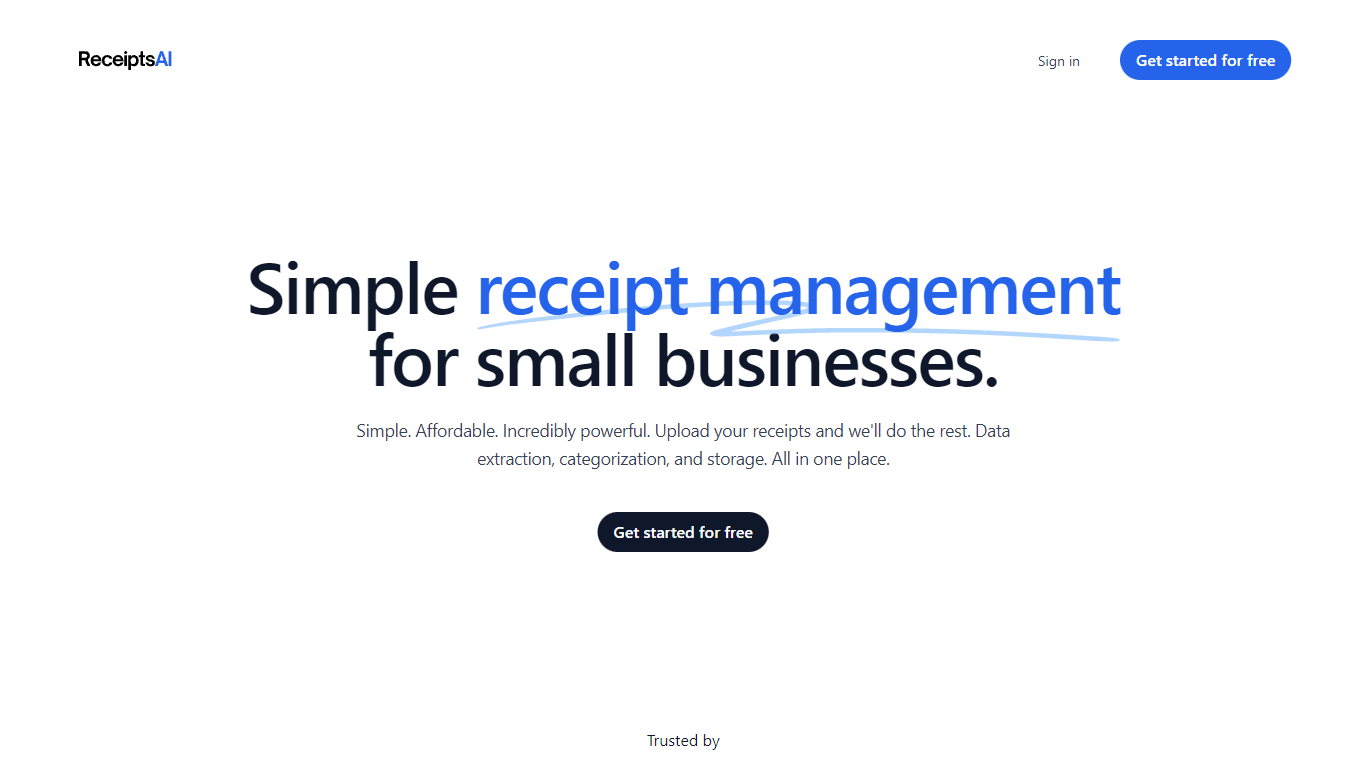
ReceiptsAI turns scattered receipts, invoices, and bank statements into categorized finance records small businesses can export for tax time. Upload files or connect Gmail or Outlook, and the service extracts merchant names, dates, amounts, taxes, and currencies into one searchable hub with CSV, Excel, and PDF exports.
Generic receipt scanners stop at OCR. ReceiptsAI adds email inbox capture, custom categorization rules, 30+ industry chart-of-accounts templates, and pivot-style monthly spending reports. Sensitive terms can be redacted before processing, and the company states it only scans expense-related emails rather than your whole inbox.
Freelancers, growing teams, and accountants use it to cut manual entry. The site claims 350+ small businesses served and more than 100,000 documents processed, with users reporting about five hours saved each week.
Extracts 50+ fields from receipts and statements with 99%+ accuracy cited on the FAQ
Starter plan includes 100 pages per month; Premium includes 500 pages per month
Connect Gmail or Outlook to capture receipt and invoice emails automatically
Choose from 30+ industry-specific category templates or build custom rules
Export organized records to CSV, Excel, or PDF for accountants
Redact sensitive words before AI processing and encrypt files with AES-256
Free tier with 30 credits lets you test extraction before subscribing.
Email inbox capture plus manual upload covers scattered receipt workflows.
Custom rules and 30+ industry templates keep categories consistent across reports.
Paid plans cap monthly page volume at 100 or 500 pages.
Annual billing is required to hit the advertised $12 and $29 monthly prices.
No native accounting software integrations are highlighted on the homepage.
What does ReceiptsAI extract from receipts?
ReceiptsAI extracts more than 50 data fields from receipts and statements, including merchant info, amounts, dates, taxes, line items, payment methods, and bank transactions. The FAQ cites 99%+ accuracy for that extraction workflow.
How much does ReceiptsAI cost?
ReceiptsAI offers a free plan with 30 credits and paid Starter and Premium tiers at $12 and $29 per month when billed annually. Starter covers 100 pages per month; Premium covers 500 pages per month with bulk processing.
Can ReceiptsAI read receipt emails automatically?
Yes. ReceiptsAI connects to Gmail, Outlook, and other mail providers to capture receipts and invoices from your inbox. You can also forward documents manually or upload files from any device.
What file formats does ReceiptsAI support?
ReceiptsAI accepts JPG, JPEG, and PNG images for receipts and invoices, plus PDF files for bank statements. Bulk upload lets you drop dozens of files at once for parallel processing.
Is ReceiptsAI secure for financial data?
ReceiptsAI states it uses AES-256 encryption and only processes bookkeeping documents rather than personal emails. Users can define sensitive terms to redact before AI processing and disconnect inbox access at any time.
Who is ReceiptsAI built for?
ReceiptsAI targets small businesses, freelancers, and accountants who need organized expense records without weekly manual entry. The homepage lists workflows for tax-time exports, client expense tracking, and audit-ready categorization.