
Last updated 07-28-2026
Category:
Reviews:
Join thousands of AI enthusiasts in the World of AI!
Renderfire
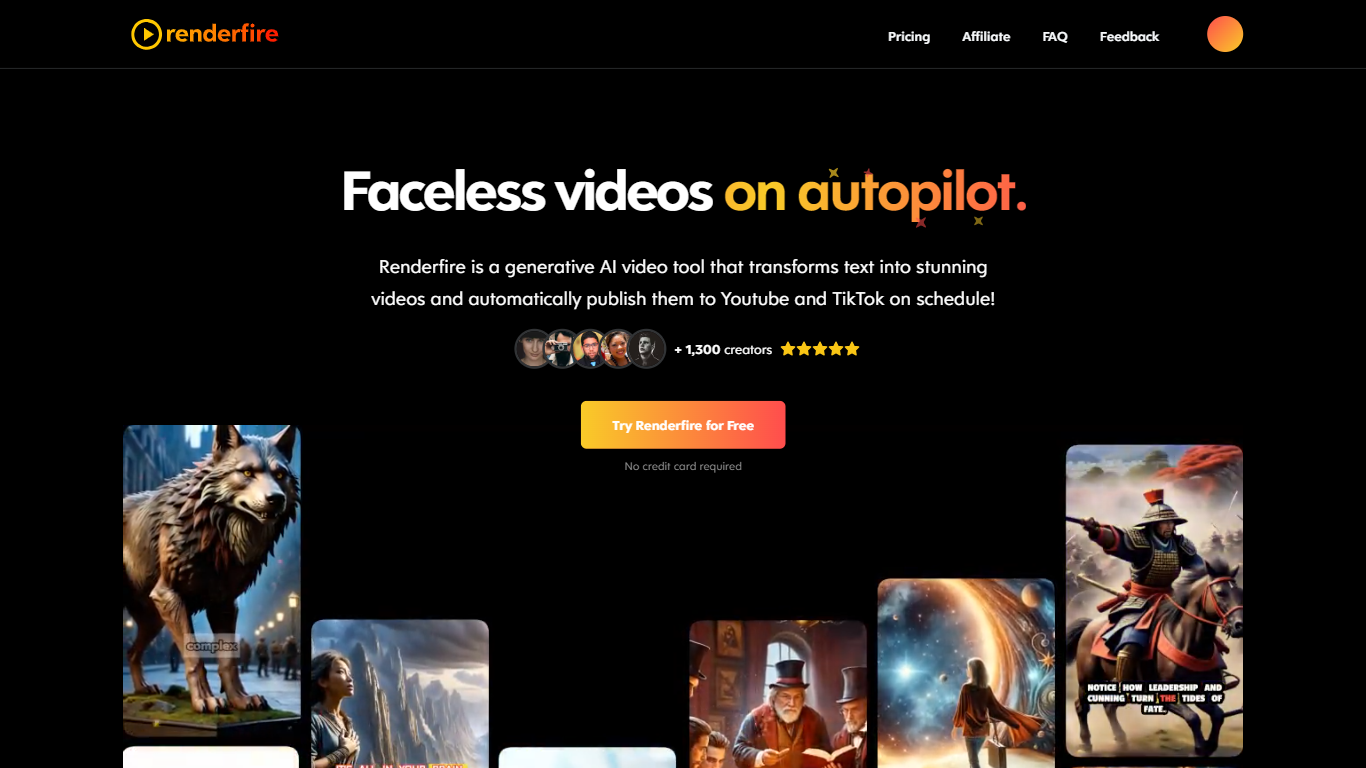
Renderfire automates the creation and posting of faceless videos and image slideshows for TikTok, YouTube, and other social platforms. It offers a full social growth stack with tools like AI Studio for photorealistic avatars and videos, slideshow editors, UGC video creators, and fashion virtual try-ons. Users can generate professional content without filming, using AI to write scripts, create images, and produce videos in various styles.
The platform supports multi-account management and scheduled auto-posting across TikTok, Instagram, YouTube, Facebook, Pinterest, Threads, and LinkedIn. Renderfire also provides a large content library, product import features, and templates to streamline content creation. It caters to fashion brands, e-commerce, marketing agencies, and DTC brands, enabling consistent social media growth with minimal manual effort.
🎥 AI Studio creates photorealistic avatars and talking-head videos without filming
📊 Automations enable scheduled posting across TikTok, Instagram, YouTube, and more
🖼️ Slideshows editor auto-generates TikTok-ready carousels with AI-written text and images
👗 Fashion Factory offers realistic AI virtual try-ons with customizable clothing and backgrounds
🛒 Product import pulls data from major e-commerce sites for quick content creation
Automates video and slideshow creation with AI, saving time and effort
Supports multi-platform scheduling and auto-posting for consistent presence
Offers diverse content types including faceless videos, UGC, memes, and virtual try-ons
Includes a large content library and product import for streamlined workflows
Enables multi-account and client management for agencies
Some advanced features require higher-tier paid plans
Learning curve for new users to fully utilize all tools
Limited customization options in free plan
What is a series?
Renderfire a series consists of multiple videos or slideshows based on a chosen topic or theme.
What social media platforms do you support posting to?
Renderfire supports posting to TikTok, Instagram, YouTube, Facebook, Pinterest, Threads, and LinkedIn.
Can I edit the videos before posting?
Renderfire yes, you can preview and edit your videos and slideshows before they are scheduled to post.
Are the videos unique?
Renderfire yes, each video is generated uniquely to match the provided topic and customization.
How do I manage my video series?
Renderfire you can manage all your video series from one dashboard, including deleting and previewing them.
Can I import TikTok slideshow URLs to recreate content?
Renderfire yes, you can paste viral TikTok slideshow URLs and recreate the format with your own content instantly.
How many social media accounts can I connect?
Renderfire you can connect and manage multiple accounts across supported platforms from a single dashboard.