
Last updated 08-21-2026
Category:
Reviews:
Join thousands of AI enthusiasts in the World of AI!
Reve
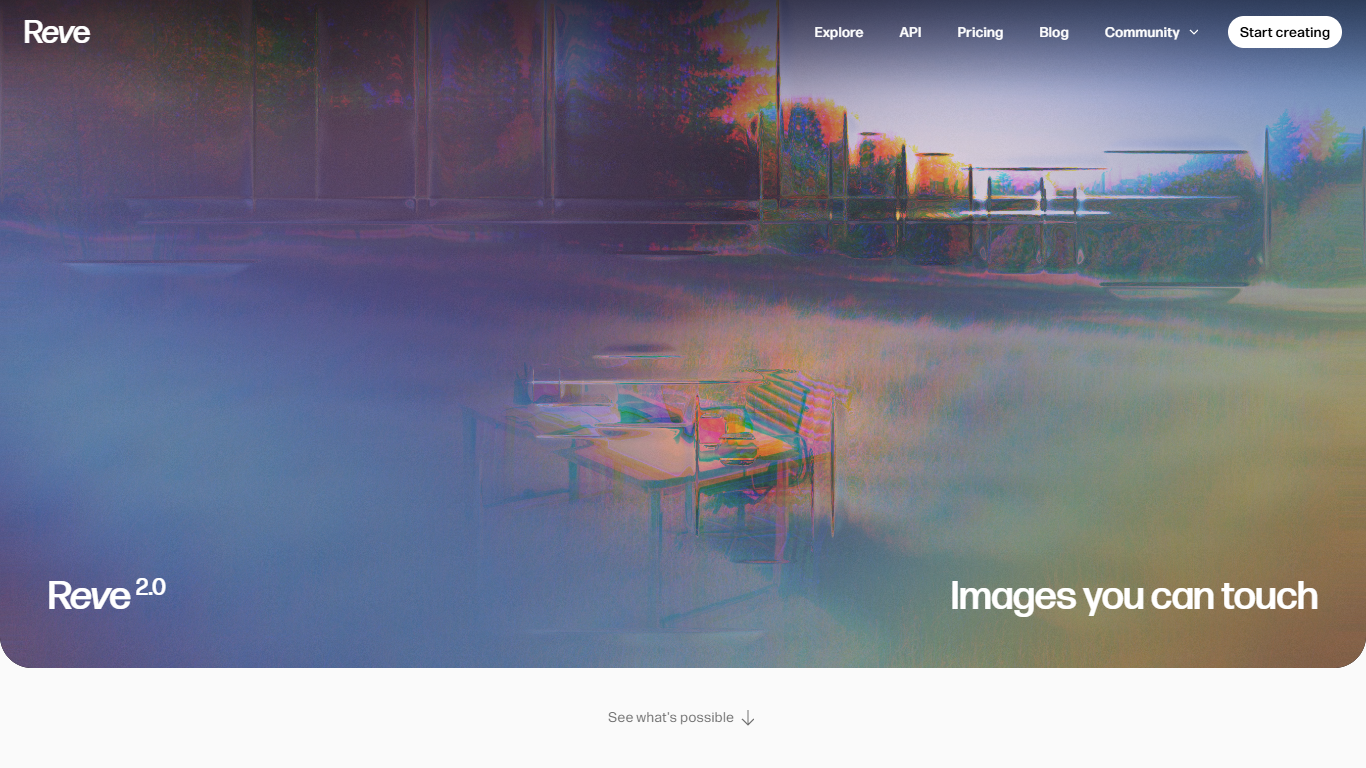
Reve is an image generation and editing platform built around a native 4K model you run in the browser at app.reve.com. You create scenes from text, then refine them with drag-and-drop edits, sketch overlays, style references, templates, live text layers, and reframe tools. It fits graphic designers, art directors, and marketers who need more than a single prompt-to-image step.
Where most image tools stop at generation, Reve keeps you inside one canvas. You can move, resize, or recolor objects directly, draw rough layouts and have the model fill them in, attach reference sets for people, places, or styles, and apply custom visual effects or shaders. That workflow targets production work like posters, product shots, and concept boards rather than one-off novelty images.
Reve also ships a REST API at api.reve.com for create, edit, and remix flows, plus team workspaces and community programs for students and creative partners. Free, Lite, and Pro plans cover browser editing with paid tiers adding higher generation limits, video output, and extra storage.
Native 4K image model for create, edit, and design workflows in the browser
Direct object editing lets you move, resize, or recolor elements on the canvas
Sketch-to-image drawing turns rough outlines into finished scenes
Reference sets store style, person, and place attachments you can reuse with @ mentions
Pro plan adds video generation and 100x more images than the Free tier
Reframe tool changes aspect ratio and extends scenes without rebuilding the prompt
REST API at api.reve.com supports create, edit, and remix in custom apps
In-browser editor covers generation, object edits, sketches, and reframing in one place.
Reference sets and templates speed up repeatable brand and layout work.
A free tier covers core generation, edits, and chat brainstorming without upfront payment.
REST API supports embedding create, edit, and remix flows in custom products.
Lite plan pricing is not published on the public pricing page.
Pro video generation and expanded limits require a paid subscription.
No dedicated mobile apps listed; the editor runs in the browser.
Does Reve have a free plan?
Yes. Reve offers a Free plan with image generation, natural-language edits, chat brainstorming, and basic storage. Paid Lite and Pro tiers add higher generation limits, more storage, and additional features.
How much does Reve Pro cost?
Reve Pro is billed at $20 plus tax per month on a recurring subscription. Pro adds video generation, 100x more images and storage than Free, and support for uploading PDFs and audio as context.
What resolution does Reve generate?
Reve generates images at native 4K resolution. The homepage positions the model for graphic design, product photography, portraits, and other high-detail visual work without a separate upscaling step.
Does Reve offer an API?
Yes. Reve provides a REST API through api.reve.com for create, edit, and remix operations. Developers can integrate the same models that power the Reve Image web app into custom applications.
How is Reve different from standard text-to-image tools?
Reve combines generation with an in-browser editor. You can directly edit objects, draw sketches, attach reference sets, use templates, add live text layers, and reframe scenes, which keeps iterative work inside one canvas instead of chaining separate tools.
Where is Reve based?
Reve is developed by Reve AI Inc. The company describes its team as researchers, creatives, and engineers based in Palo Alto, California.