
Last updated 09-01-2026
Category:
Reviews:
Join thousands of AI enthusiasts in the World of AI!
Rolly
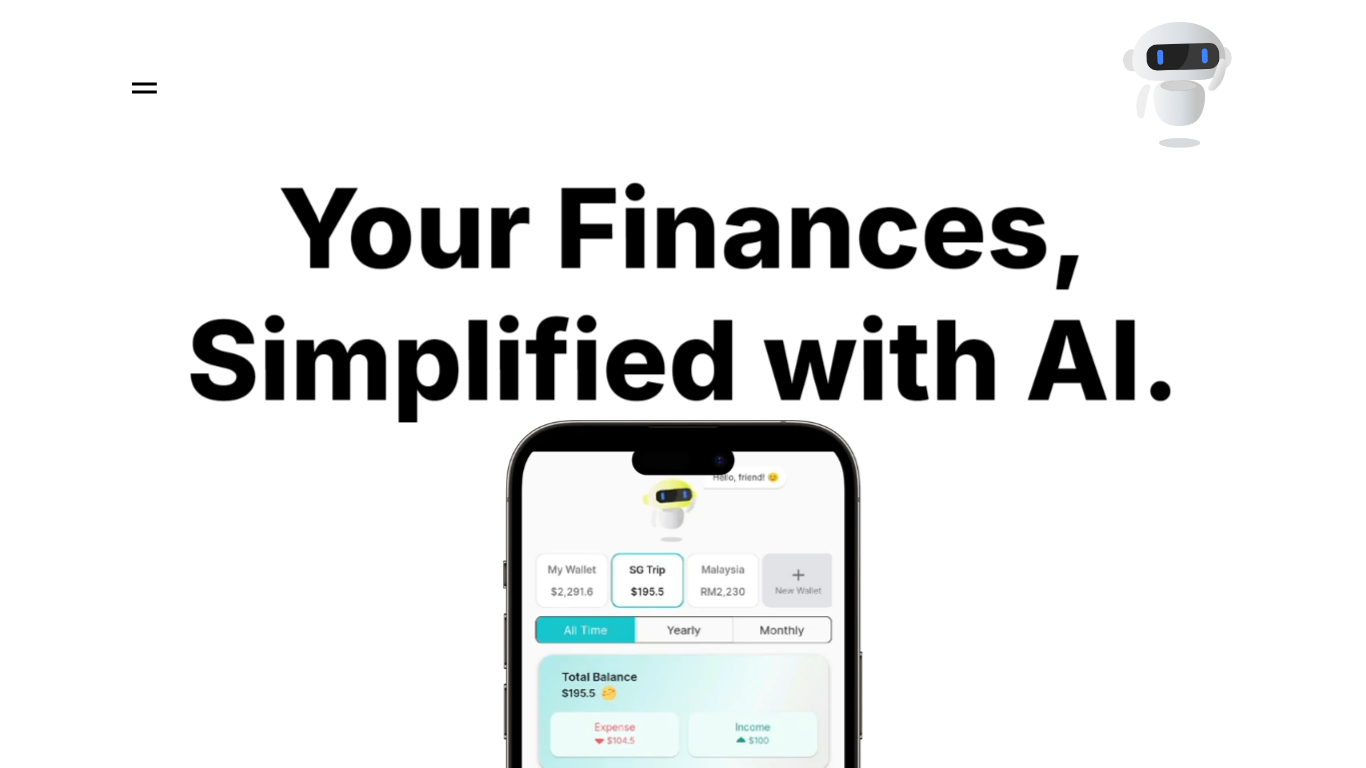
Rolly is a personal finance and budgeting app that logs spending through text, voice, or receipt photos instead of manual form fields. You tell it what you spent in plain language, and it records the transaction, sorts it into categories, and updates your wallet balances.
Where spreadsheet-style budget apps expect you to tap through category menus, Rolly treats expense logging like a chat thread with instant categorization and quick confirmations. Shared wallets, multi-currency support, and a calendar view sit on top of that conversational core, so couples and travelers can budget together without switching tools.
The product targets individuals, couples, and families who want faster daily tracking than traditional finance apps offer. Spending charts, pattern detection, and savings suggestions help you spot where money goes each week.
Rolly runs on iOS, Android, web, and macOS with sync across devices. Core tracking is free, and Premium adds voice input, receipt scanning, advanced analytics, and recurring transaction automation with a 7-day free trial.
Log expenses by typing, speaking, or photographing a receipt
98% categorization accuracy on auto-sorted Food, Shopping, and Transportation transactions
Shared wallets sync budgets for couples, families, or roommates in real time
Multiple currency wallets for travelers and expats
Receipt vision extracts merchants, line items, taxes, and tips from photos (Premium)
10,000+ users with a 4.8/5 App Store rating
7-day free Premium trial unlocks voice input and receipt scanning
Logs expenses through text, voice, or receipt photos instead of manual forms.
Shared wallets let couples and families budget together in real time.
Core tracking is free with no account barrier to getting started.
Supports multiple currencies and wallets for international users.
Voice input and receipt scanning require a Premium upgrade.
Premium pricing is not listed on the public website; check the app stores for current rates.
No desktop-native Windows app; macOS, iOS, Android, and web only.
Is Rolly free to use?
Yes. Rolly offers core expense tracking for free, including text logging, automatic categorization, multiple wallets, shared wallets, and spending charts. Premium adds voice input, receipt scanning, and advanced analytics through an in-app upgrade.
Does Rolly have a free trial for Premium?
Yes. Rolly Premium includes a 7-day free trial with access to voice input, receipt scanning, advanced AI insights, and recurring transaction automation.
What devices does Rolly work on?
Rolly is available on iOS, Android, web, and macOS. Data syncs automatically across all your devices.
Can I upload receipts to Rolly?
Yes. Rolly reads merchants, line items, taxes, and tips from receipt photos and auto-categorizes the transaction. Receipt scanning is a Premium feature.
Can I share wallets with others on Rolly?
Yes. Rolly lets you create shared wallets and invite partners, family, or roommates so everyone sees the same transactions and budget in real time.
How secure is my financial data in Rolly?
Rolly states it uses reasonable security measures and does not sell personal information. The privacy policy outlines access, correction, and deletion rights for account data at [email protected].
How do I contact Rolly support?
You can reach the Rolly team at [email protected] through the contact form or email. Premium subscribers receive priority support.