
Last updated 07-25-2026
Category:
Reviews:
Join thousands of AI enthusiasts in the World of AI!
Sketch To
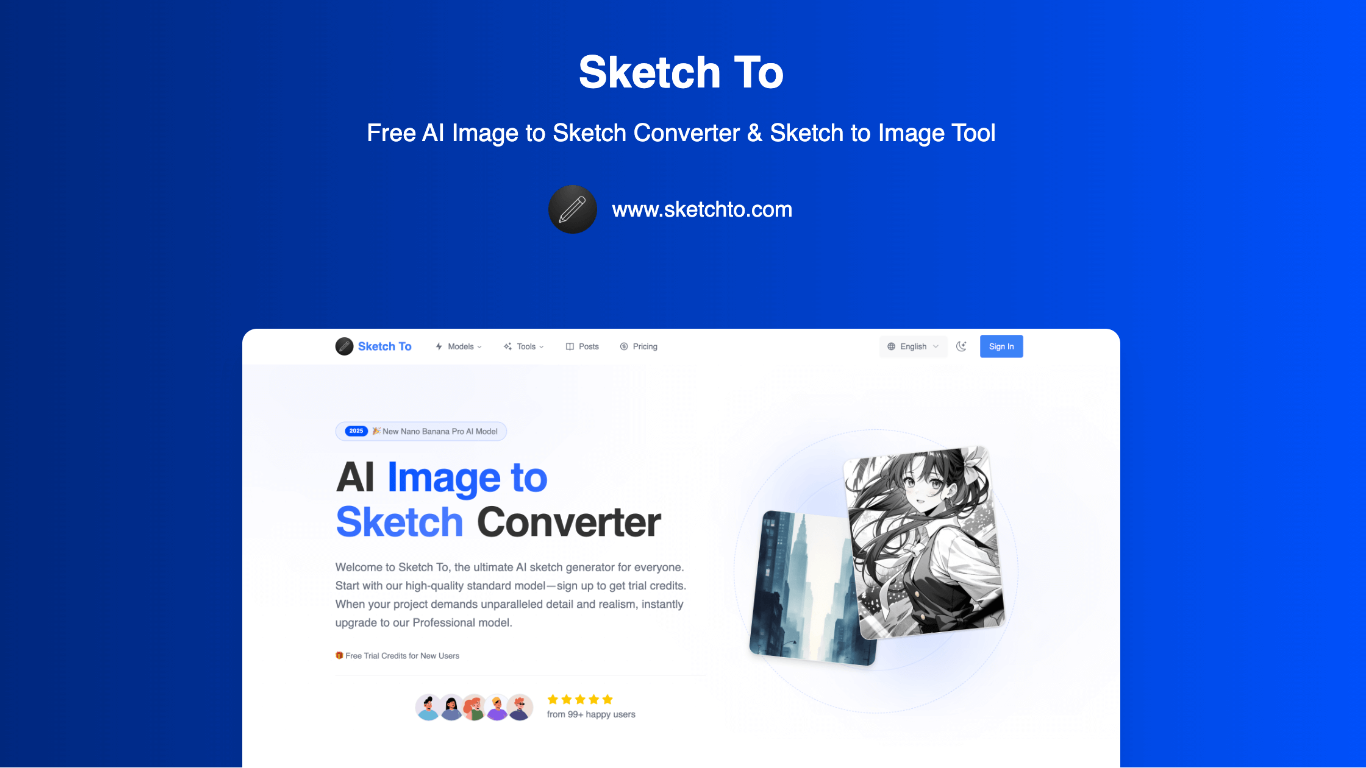
Sketch To is a 100+ AI image tools studio centered on bidirectional sketch and image conversion. Upload a photo and get pencil, charcoal, ink, watercolor, or comic-style sketches. Upload a sketch and get realistic photos, anime art, oil paintings, or digital renders.
The platform goes well beyond the core converter. You get portrait styling, photo editing, background removal, upscaling, and uncrop tools, plus access to image models like Nano Banana Pro, Seedream, Flux Kontext, and GPT Image 2. Video models including Kling v2.6 and VEO 3.1 are available too.
New users receive trial credits on signup with no credit card required. Standard model runs cost one credit each, while professional models cost more for higher detail and realism. Credit packs are available if you want to pay once without subscribing.
Convert photos to sketches and sketches back to photos from the same upload workflow
Choose from nine sketch styles including pencil, charcoal, ink, colored pencil, and watercolor
Browse 100+ tools for portrait styling, background removal, upscaling, and uncrop
Run generations on standard or professional models like Nano Banana Pro, Seedream, and Flux Kontext
Buy credit packs with no subscription, or pick monthly and annual Basic and Pro plans
Start with free trial credits on signup, no credit card needed
Bidirectional sketch conversion plus 100+ image tools in one studio.
Credit packs let you top up without committing to a subscription.
Professional models like Nano Banana Pro and Flux Kontext available for higher detail output.
Commercial license requires the Pro plan; Basic is personal use only.
Unused subscription credits reset each billing cycle and do not roll over.
Is Sketch To free to try?
Yes. New users receive trial credits when they sign up, with no credit card required. The standard model uses one credit per conversion. Professional models cost more credits per run.
What is the difference between Basic and Pro plans?
Basic is for personal use and includes standard generation, image history, and standard quality downloads. Pro adds a commercial license, priority support, and four times more credits per billing cycle.
What are credit packs?
Credit packs are one-time purchases that add credits instantly without a subscription. They do not auto-renew. Purchased credits stay valid for one year from the purchase date.
Can I use generated images commercially?
Commercial use is included with the Pro plan. Images generated on the Basic plan are licensed for personal use only.
How many credits does each generation use?
The standard model uses one credit per conversion on the homepage editor. Pricing FAQ notes that most image generations use two credits, and advanced features or higher resolutions may cost more. Credit cost is shown before you generate.