
Last updated 08-21-2026
Category:
Reviews:
Join thousands of AI enthusiasts in the World of AI!
Skygen AI
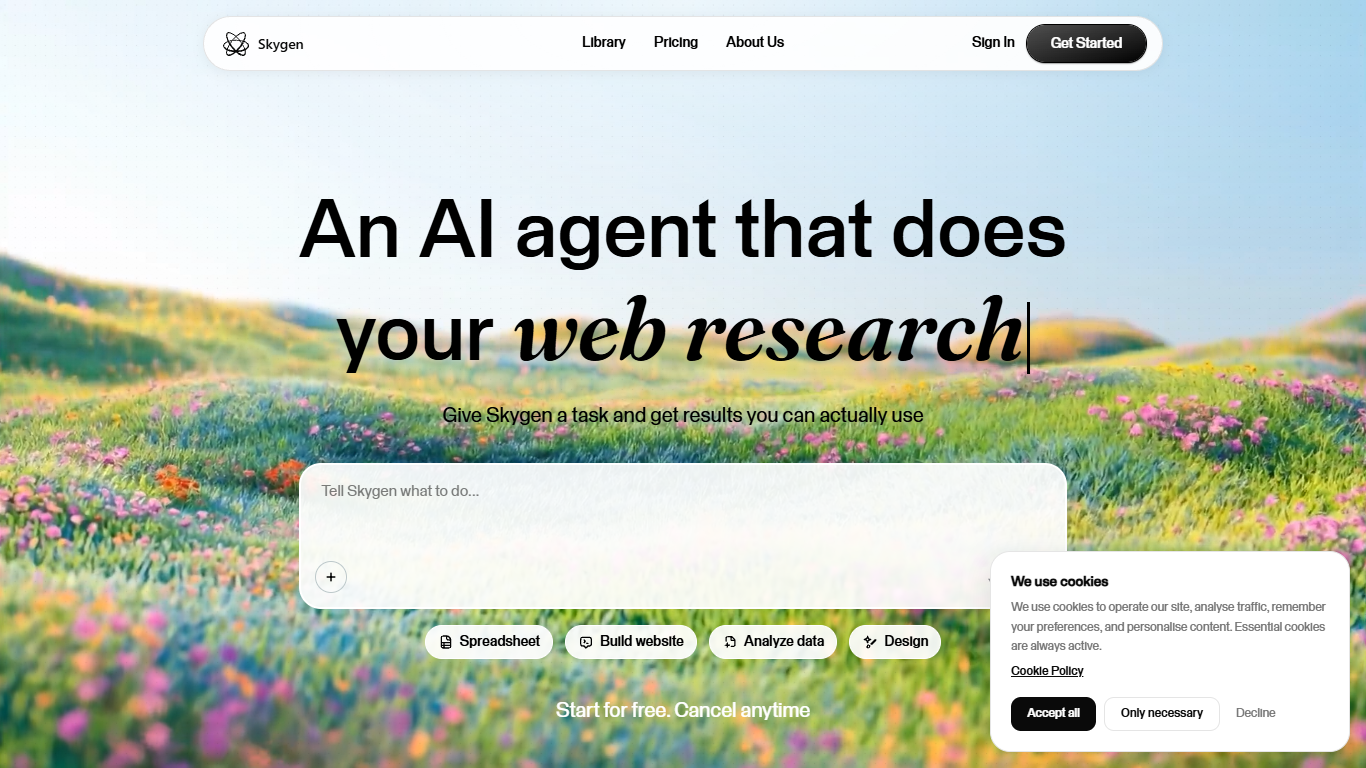
Skygen AI is a desktop agent that takes natural-language tasks and runs them to completion on isolated cloud computers. You describe what you need, whether that is auditing subscriptions, planning a trip, researching a company, comparing prices, or building a landing page, and the agent executes the workflow while you watch in real time. Desktop apps are available for macOS and Windows, with iOS and Android listed as coming soon.
Most AI assistants stop at suggestions or partial steps. Skygen runs multiple agents in parallel on separate cloud machines, connects to 1,000+ apps like Slack, Gmail, Notion, and Salesforce without setup, and returns finished deliverables such as itineraries, decks, or cleaned inboxes. Each agent operates in an isolated environment so local files stay untouched unless you grant access through the desktop app.
The platform targets individuals and teams who want to offload repetitive desktop workflows without writing automation scripts. Standard at $9 per month includes 1,800 credits and one cloud computer. Pro at $25 per month scales to 7,200 credits with two parallel cloud computers, and Max at $150 per month provides 50,000 credits across seven cloud computers.
Standard plan includes 1,800 credits per month for up to 120 deep research or 15 computer-use tasks
Pro plan runs 7,200 credits across 2 parallel Skygen cloud computers at $25 per month
Connects to 1,000+ apps including Slack, Gmail, Notion, and Salesforce without manual setup
Desktop apps for macOS and Windows let agents access local files in isolated cloud environments
Real-time task visibility shows every agent action so you can intervene mid-workflow
Max plan provides 50,000 credits and 7 cloud computers for 3,300 deep research tasks monthly
Runs multiple agents in parallel on separate cloud computers for concurrent task execution
Real-time visibility lets you watch and redirect agents instead of waiting for blind results
1,000+ app integrations require no manual connector setup
Delivers finished outputs like itineraries, decks, and cleaned inboxes rather than suggestions
Free start option with no credit card required on signup
Mobile apps for iOS and Android are listed as coming soon, not yet available
Standard plan limits computer-use tasks to 15 per month on 1,800 credits
Requires desktop app install on macOS or Windows to access local files
What tasks can Skygen AI automate?
Skygen AI automates subscription audits, trip planning, job applications, price comparisons, inbox cleanup, financial investigations, landing page builds, and presentation creation from natural-language instructions.
How much does Skygen AI Pro plan cost?
Skygen AI Pro plan is $25 per month and includes 7,200 credits, up to 460 deep research or 60 computer-use tasks, and 2 Skygen cloud computers for parallel execution.
Can I watch Skygen AI agents work in real time?
Skygen AI provides real-time visibility of every action each agent takes during task execution. You can monitor progress and intervene if the agent needs redirection.
Which platforms does Skygen AI support?
Skygen AI offers desktop apps for macOS and Windows. The site lists iOS and Android versions as coming soon.
How does Skygen AI keep my data secure?
Skygen AI runs each agent on an isolated cloud computer with enterprise-grade encryption. Local files remain on your machine unless you grant access through the desktop app.
How many apps does Skygen AI integrate with?
Skygen AI connects to over 1,000 popular apps including Slack, Gmail, Notion, and Salesforce without requiring manual integration setup.