
Last updated 07-24-2026
Category:
Reviews:
Join thousands of AI enthusiasts in the World of AI!
Slacksift
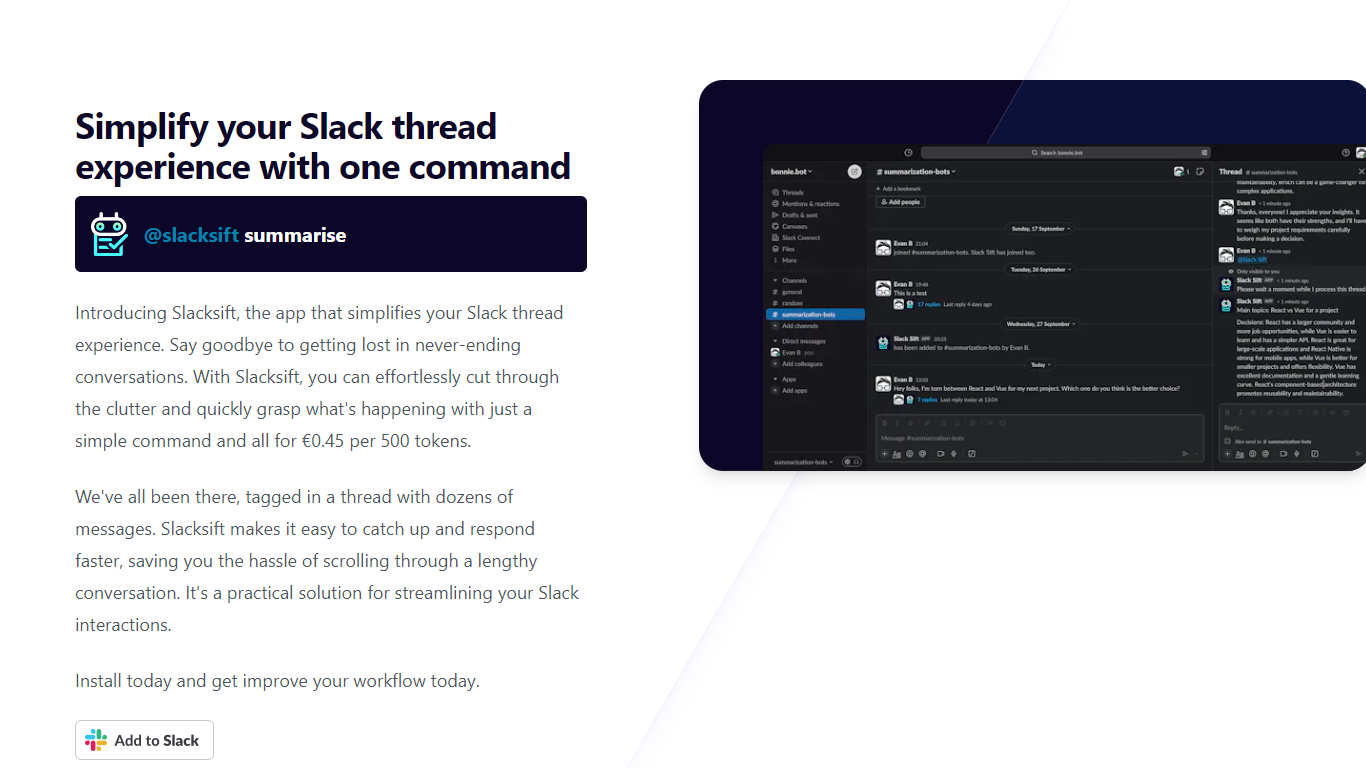
Slacksift is a Slack app that summarizes long threads so you can catch up without scrolling through dozens of messages. When you get tagged in a busy conversation, you run one command and get a concise recap of what happened.
The workflow is built around Slack mentions. After installing the app to your workspace, you run @slacksift setup once to connect billing, then use @slacksift summarise inside any thread you need summarized.
It fits teams that live in Slack and regularly get pulled into threads they did not follow from the start. Project leads, managers, and anyone who needs quick context before replying will get the most out of it.
Run @slacksift summarise in any thread to get a recap without reading every message
Install the Slack app, run @slacksift setup once, and start summarizing in minutes
Pay only for tokens used at ???0.45 per 500 tokens with no subscription required
Includes 48-hour support response time on all usage
Offers a 14-day money-back guarantee if the service does not work for you
Summarizes long Slack threads with a single @slacksift summarise command.
Usage-based billing with no subscription lock-in.
Quick three-step setup through the standard Slack app install flow.
Works only inside Slack with no support for other chat platforms.
Pricing on the site is listed in euros only.
No free tier; all summarization usage is paid per token.
How much does Slacksift cost?
Slacksift charges ???0.45 per 500 tokens on a pay-as-you-go basis. There are no subscription fees or hidden costs listed on the site.
Does Slacksift require a subscription?
No. Slacksift uses usage-only billing, so you pay for the tokens you consume. The site states there are no subscriptions and no hidden fees.
How do I set up Slacksift in Slack?
Install the Slacksift app to your Slack workspace, then type @slacksift setup in any channel, thread, or workspace. That step generates payment links for the available billing options.
What command summarizes a Slack thread?
Inside the thread you want summarized, type @slacksift summarise. Slacksift returns a summary of the conversation so you can catch up quickly.
Does Slacksift offer a money-back guarantee?
Yes. Slacksift offers a 14-day money-back guarantee. If you are not satisfied, you can contact the team listed on the site to request a refund.
Where can I use Slacksift in Slack?
Slacksift works in any Slack channel, thread, or workspace after installation. Setup and summarization commands run through @slacksift mentions.