
Last updated 07-26-2026
Category:
Reviews:
Join thousands of AI enthusiasts in the World of AI!
Smry
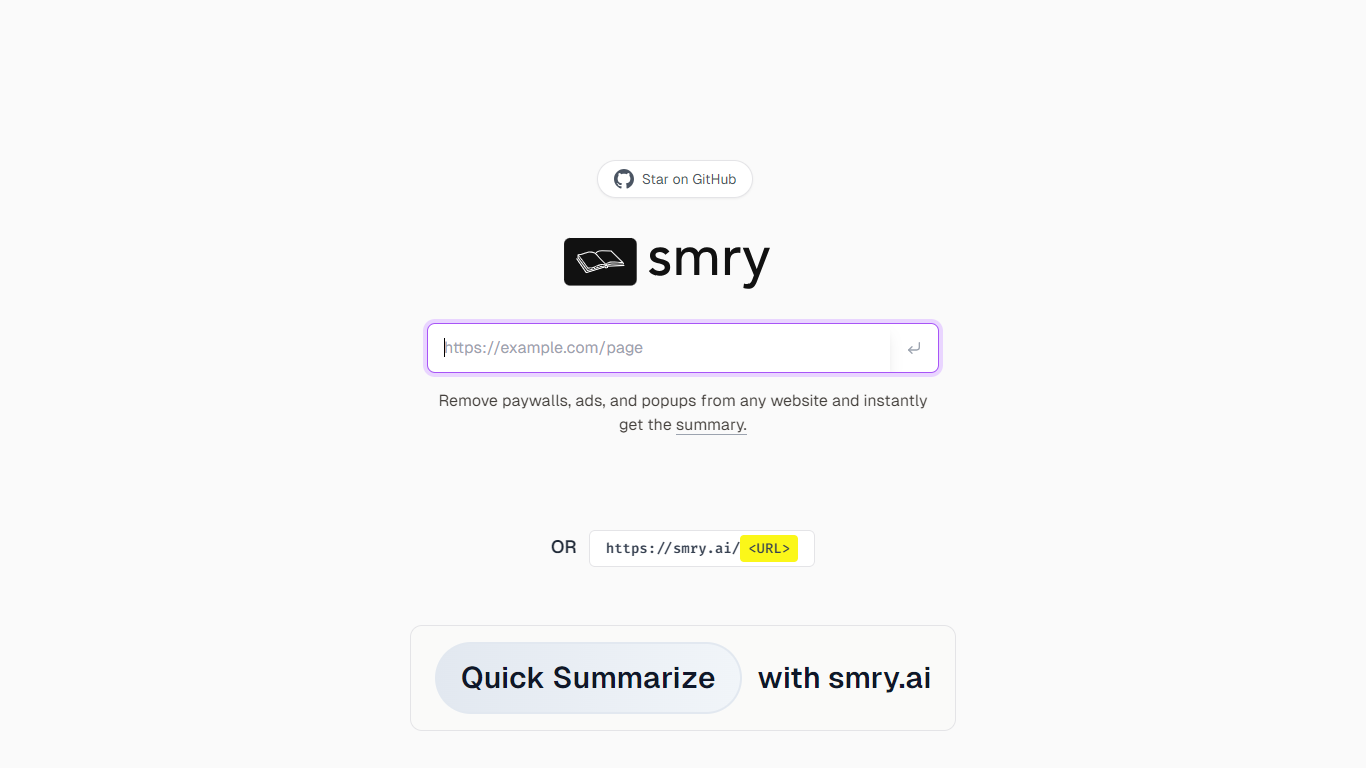
Smry is an AI-powered reading tool that transforms how you consume online articles and videos. It offers a clean, distraction-free reading experience with customizable fonts, themes, and layouts optimized for long-form content. Beyond simple reading, Smry generates AI summaries in seconds, helping you grasp key points quickly without scrolling through entire articles.
The platform supports YouTube video transcripts, allowing you to read, summarize, chat with, or listen to video content. Smry’s text-to-speech feature converts articles into natural-sounding audio with multiple voice options, ideal for multitasking or on-the-go listening.
Users can highlight and annotate text in five colors, add notes, and export their highlights to popular tools like Notion, Obsidian, or Markdown formats. The chat feature lets you ask questions about any article, providing deeper insights and explanations based on your highlights.
Smry works with over 1,000 major publications and blogs, including paywalled content behind soft paywalls, by fetching and extracting readable content. It operates entirely in the browser with no signup required for basic use, making it accessible and easy to adopt.
The Pro subscription unlocks unlimited AI summaries and chat, premium AI models, authorship detection, expanded audio voices, unlimited history, export and sync capabilities, and an ad-free experience. Smry is built on modern web technologies and integrates third-party AI and parsing services to deliver fast, reliable results.
Overall, Smry is designed for readers who want to save time, understand content better, and manage their reading efficiently with AI-powered tools all in one place.
AI Summaries in seconds 📄 – Quickly get key points from any article to save reading time.
Chat with articles 💬 – Ask questions and get explanations based on the content you read.
Natural audio playback 🎧 – Listen to articles with multiple AI voices for hands-free consumption.
Highlight and annotate 🖍️ – Mark important passages in five colors and add notes for better retention.
Export and sync 🔄 – Save your highlights and notes to Notion, Obsidian, or Markdown and access them across devices.
Provides fast, AI-generated summaries to save reading time
Supports reading and summarizing YouTube video transcripts
Offers natural text-to-speech with multiple voice options
Includes annotation and highlight tools with export capabilities
Accessible without signup and works in any modern browser
Cannot bypass hard paywalls requiring authentication
Free tier limits daily summaries and listens
Some sites with strict anti-bot measures may show partial content
How does Smry generate article summaries?
Smry uses AI models to analyze article content and produce concise summaries within seconds, helping you understand key points quickly.
Can I listen to articles using Smry?
Yes, Smry converts articles into natural-sounding audio with multiple AI voice options, allowing you to listen while multitasking.
Does Smry work with paywalled articles?
Smry supports most soft paywalls by fetching readable content, but it cannot bypass hard paywalls that require authentication.
What export options does Smry offer for highlights and notes?
You can export your highlights and annotations to Notion, Obsidian, Markdown, or JSON formats for easy integration with your workflows.
Is there a limit to how many summaries I can generate for free?
Free users can generate up to 20 AI summaries and chats per day, with rate limits to ensure fair usage.
Can I use Smry without creating an account?
Yes, basic reading and summarization features are available without signup, making it quick and easy to use.
What additional features does the Pro plan unlock?
Pro users get unlimited summaries and chats, premium AI models, authorship detection, more AI voices, unlimited history, export and sync, and an ad-free experience.