
Last updated 08-12-2026
Category:
Reviews:
Join thousands of AI enthusiasts in the World of AI!
SpeakAide
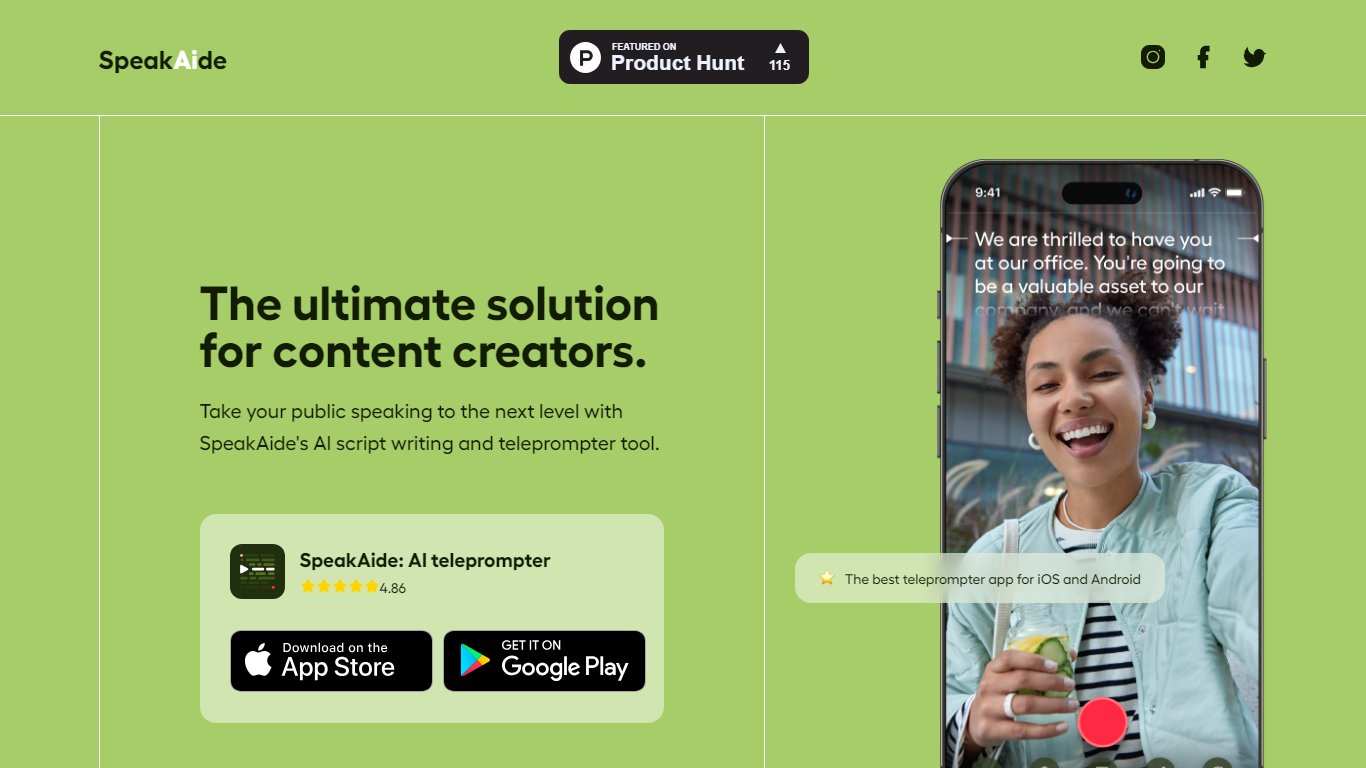
SpeakAide turns a few prompts into a scroll-ready script and records on-camera video on iOS and Android, all inside one mobile app. You tap once to generate the draft, load it into the teleprompter, and read while the text scrolls at a pace you set.
Most teleprompter apps expect you to paste a finished script. SpeakAide combines generation and prompting in one workflow, which cuts the back-and-forth between writing in Notes and importing into a separate recorder. The trade-off is that it is mobile-only; there is no browser editor or desktop studio on speakaide.com.
The free tier covers basic video recording and saving. Premium unlocks advanced editing tools and the full feature set. The homepage lists a 4.86 App Store rating and links to iOS and Android downloads, with direct sharing to social platforms after recording.
Generate a full script from prompts with one tap on the homepage
Teleprompter scrolls text at an adjustable pace while you record on camera
Record and save videos inside the app, then share straight to social media
Two tiers on speakaide.com: free for basic recording, premium for advanced editing
Native iOS app (App Store id1672292087) and Android app (io.apme.teleprompter)
Homepage displays a 4.86 star rating across five review stars
Combines script drafting and teleprompter recording in one mobile app.
One-tap script generation from prompts saves a separate writing step.
Adjustable scroll speed lets you match delivery pace to the script length.
Free tier includes recording and saving without paying upfront.
Mobile-only; no web or desktop teleprompter on speakaide.com.
Premium plan prices are only visible inside the app stores, not on the website.
Legal pages on speakaide.com still reference an older Nutry product name.
What is SpeakAide?
SpeakAide is a mobile teleprompter and script-writing app for iOS and Android. It generates scripts from prompts and scrolls them on screen while you record video, so you can read lines without memorizing them.
Is SpeakAide free to use?
SpeakAide offers a free version with basic video recording and saving. A premium version adds advanced editing tools and the rest of the feature set. Pricing is handled through in-app purchases on iOS and Android.
How does the SpeakAide teleprompter work?
SpeakAide displays your script on screen and scrolls the text upward at a pace you control. You read while looking at the camera, which helps maintain eye contact during recordings.
Can SpeakAide generate scripts for me?
Yes. SpeakAide's script tool takes a few prompts and produces a draft script in one tap. You can then load that script into the teleprompter and record without switching to another app.
Which platforms does SpeakAide support?
SpeakAide runs as native apps on iOS and Android. The speakaide.com site links to the Apple App Store and Google Play listings; there is no web-based teleprompter on the marketing site.
Can I share videos recorded in SpeakAide?
Yes. SpeakAide lets you record and save videos in the app and share them directly to social media. The homepage FAQ confirms recording, saving, and social sharing in one workflow.