
Last updated 08-21-2026
Category:
Reviews:
Join thousands of AI enthusiasts in the World of AI!
StickyPrompts
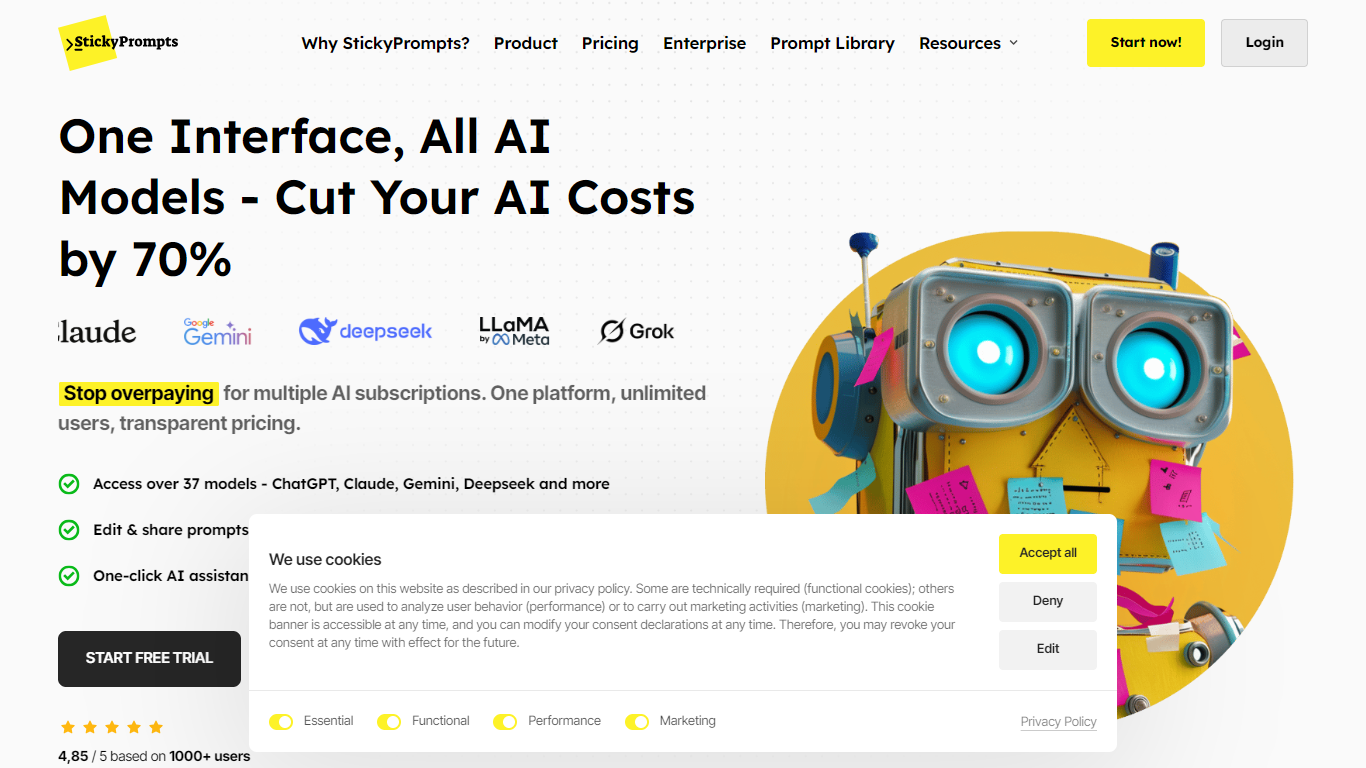
StickyPrompts gives teams one chat workspace for ChatGPT, Claude, Gemini, and more than 100 other models instead of juggling separate subscriptions. Everyone shares a monthly credit pool with no per-seat license fees, so adding users does not multiply the base bill the way individual Plus plans would.
Where most multi-model hubs stop at a model picker, StickyPrompts adds prompt templates with variables, a curated public library, side-by-side multi-model runs, and a Chrome extension that runs templates on selected text in Gmail, Docs, Notion, or any web app. Credit multipliers make model costs transparent: a 10x model spends 10 credits where a 1x model spends one.
Product and ops teams use it to standardize prompts, compare model output quality, and cut overlapping AI spend. Enterprise options add private cloud, bring-your-own-key setups, and self-hosted deployments for organizations that need data control.
Access 100 plus curated models including GPT, Claude, Gemini, DeepSeek, and Llama in one chat UI
Team Starter includes 20,000 monthly credits for teams of 1 to 10 without per-seat fees
Template editor with variables, validation guards, and multi-model comparison runs
Chrome extension runs prompts on selected text inside Gmail, Docs, Notion, and other web apps
Every new account starts with 1,000 free credits and no credit card required
Credit multipliers label model cost, for example 10 credits on a 10x model versus 1 on a 1x model
One subscription replaces multiple ChatGPT, Claude, and Gemini seats with a shared credit pool.
Prompt templates, libraries, and team sharing cut copy-paste workflows across apps.
Chrome extension brings saved prompts into Gmail, Docs, Notion, Slack, and other web tools.
Enterprise paths cover BYOK, private cloud, and self-hosted deployments for data control.
Heavy model use burns through monthly credits quickly on higher multiplier models.
Only two public team tiers are listed, so mid-size teams may need sales for fit.
Bring-your-own-key and on-premises options require enterprise sales, not self-serve checkout.
Is StickyPrompts free to start?
Yes. StickyPrompts gives every new account 1,000 free credits with no credit card required. Paid Team Starter and Team Blackbelt plans add larger monthly credit pools once you outgrow the trial balance.
Does StickyPrompts charge per user?
No. StickyPrompts bills one team platform fee with a shared credit pool rather than per-seat licenses. Team Starter covers teams of 1 to 10, while Team Blackbelt targets organizations with 50 or more members.
Which AI models does StickyPrompts include?
StickyPrompts supports major commercial and open models, including OpenAI ChatGPT, Anthropic Claude, Google Gemini, DeepSeek, Meta Llama, and dozens of others through the same interface.
How do StickyPrompts credits work?
StickyPrompts charges each AI interaction against your team credit pool. Models carry multipliers, so a 10x model uses 10 credits where a 1x model uses 1. Monthly plan credits refresh each billing cycle, and you can buy top-ups.
Can StickyPrompts use our existing API keys?
Yes on enterprise plans. StickyPrompts offers private cloud plus bring-your-own-key deployments so organizations keep direct vendor relationships while using the platform UI and collaboration tools.
Does StickyPrompts work outside the web app?
Yes. StickyPrompts ships a Chrome extension that selects text on any site, runs saved templates, and inserts results back into forms or documents without switching tabs.